
Model setup recipes
Last updated
Create a 3D asset from one photo with TRELLIS.2
Start by checking Linux and an NVIDIA GPU with at least 24 GB.
TRELLIS.2 is a 4B-parameter model for generating textured 3D assets from one input image. Its official example reads a photo and saves sample.glb plus a sample.mp4 preview. The repository lists a 24 GB minimum NVIDIA GPU1 memory requirement and uses a Linux environment.
Prepare the photo and check the hardware
TRELLIS.2 generates 3D shape and materials from one image. Use a photo where the object is clear and separated from the background. The repository requires Linux and at least 24 GB of NVIDIA GPU memory, recommends CUDA2 Toolkit 12.4, and says it was tested on A100/H100. This setup therefore targets a Linux GPU meeting those conditions. Official TRELLIS.2 repository
Set up the repository and environment
Clone the repository with submodules and run setup.sh to install dependencies. The README recommends Python 3.8+ and CUDA Toolkit 12.4; building CUDA extensions can take time. Run the script from a Linux shell; downloading the checkpoint3 also requires Hugging Face access.
git clone -b main https://github.com/microsoft/TRELLIS.2.git --recursive
cd TRELLIS.2
. ./setup.sh --new-env --basic --flash-attn --nvdiffrast --nvdiffrec --cumesh --o-voxel --flexgemm
Convert the example image to GLB
After installation, run the official example.py. In the file, replace the default path in Image.open('assets/example_image/T.png') with your photo’s path and save it. The microsoft/TRELLIS.2-4B weights generate the shape and save sample.glb and the turntable preview sample.mp4 in the run directory.
# Edit example.py: replace Image.open('assets/example_image/T.png') with your photo path
python example.py
# Outputs: sample.glb and sample.mp4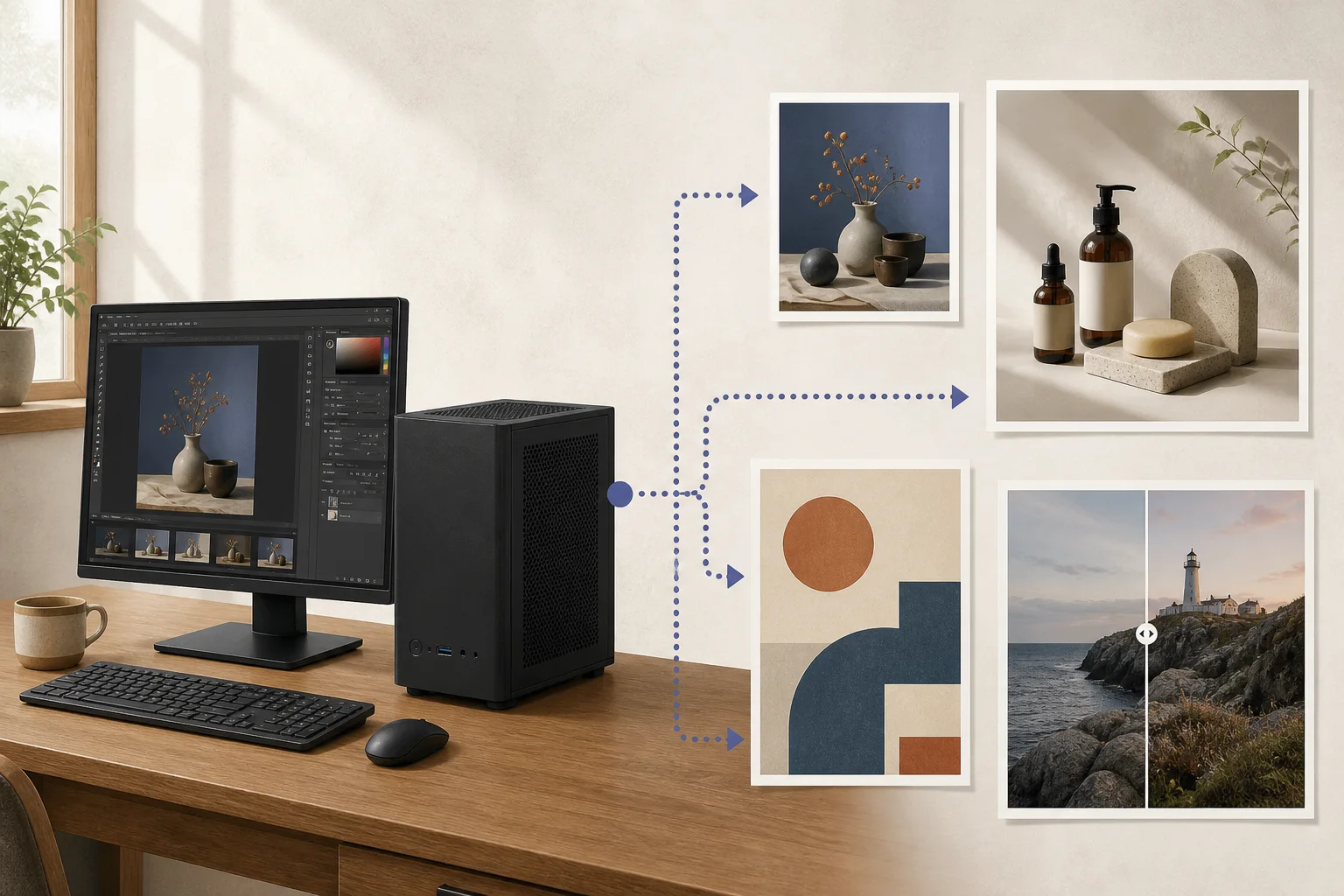
Inspect the GLB geometry and surfaces
When the command finishes, open sample.glb in a 3D viewer and rotate it. Inspect the back, thin parts, and areas around holes; finish by checking the GLB you will deliver, not just the sample.mp4 preview.
For product drawings or measurement models that need exact dimensions, do not use a single-photo GLB as-is. Blocking out a shape quickly and producing a model for manufacturing need different preparation.
Terminology notes
GPU — A processor designed to handle many calculations in parallel. It performs model computations during AI inference.
Back to the textCUDA — A software platform for general-purpose computing on NVIDIA GPUs.
Back to the textCheckpoint — A file containing saved model weights and related state. Versions or tasks in one model family may use different checkpoints.
Back to the text
Frequently asked questions
- What should you check first in this article?
- TRELLIS.2 is a 4B-parameter model for generating textured 3D assets from one input image. Its official example reads a photo and saves `sample.glb` plus a `sample.mp4` preview. The repository lists a 24 GB minimum NVIDIA GPU memory requirement and uses a Linux environment.
- How much memory does it need?
- TRELLIS.2 generates 3D shape and materials from one image. Use a photo where the object is clear and separated from the background. The repository requires Linux and at least 24 GB of NVIDIA GPU memory, recommends CUDA Toolkit 12.4, and says it was tested on A100/H100. This setup therefore targets a Linux GPU meeting those conditions. [Official TRELLIS.2 repository](https://github.com/microsoft/TRELLIS.2)