Executable programs and extensions
vLLM Metal 0.30: turn one Mac into a multi-user local AI server
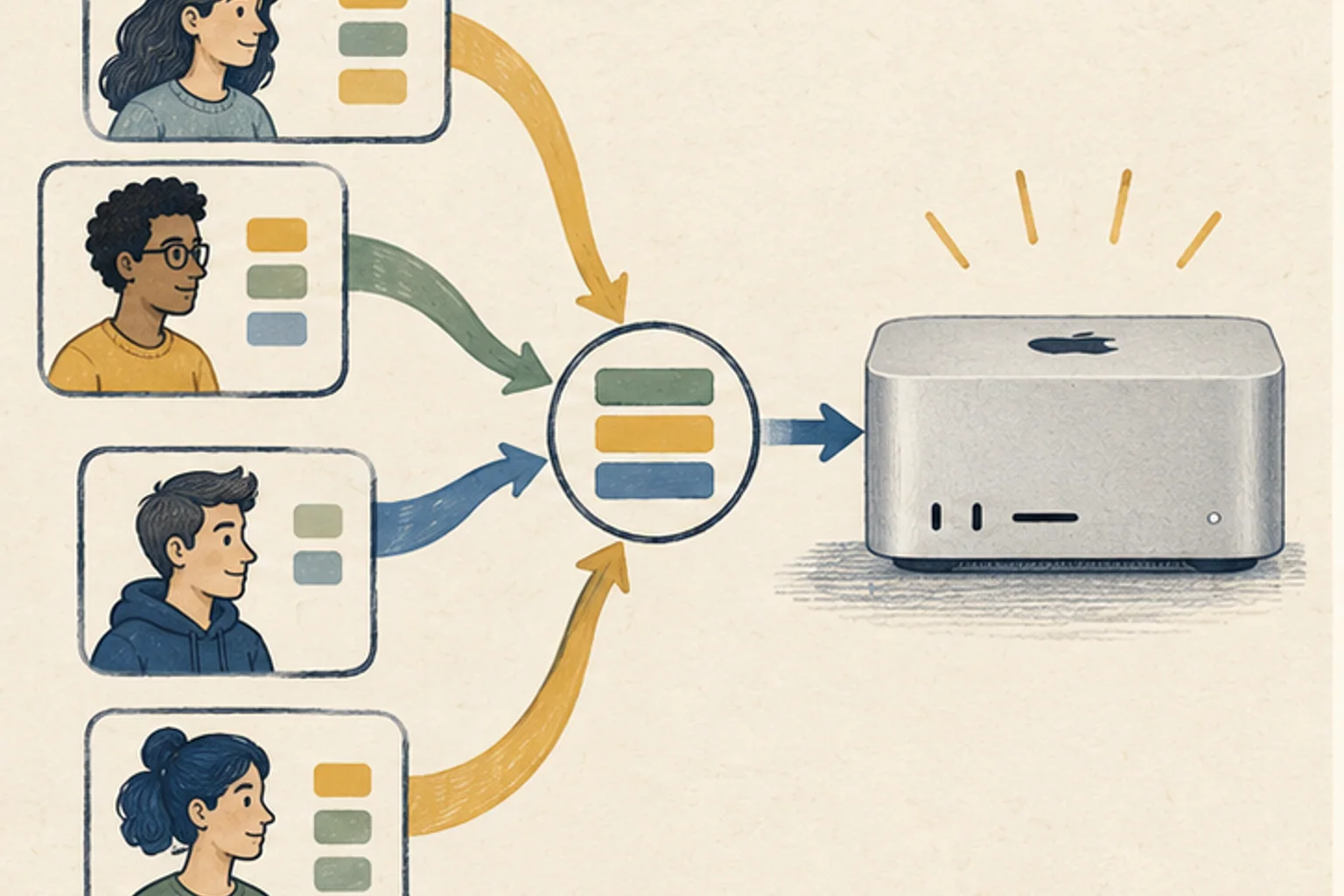
The strength of vLLM Metal lies not in the maximum speed of a single response, but in processing overlapping requests with less waste.
When inquiries from a coding agent, a document search tool, and a family member arrive at the same time in the Mac Studio that I used alone, the server status cannot be explained with just one request tok/s. vLLM Metal1 0.30 connects the vLLM scheduler with Metal execution to manage the KV cache2 on a page-by-page basis and bundle multiple requests. You won't get faster concurrent users right out of the box, you'll need to balance your memory budget and queue latency.
The speed of one request is different from that of multiple requests.
When generating a single sentence alone, memory bandwidth3 and kernel efficiency determine speed. When multiple requests overlap, it becomes important how well the scheduler fills empty compute sections and wastes less KV cache space. vLLM Metal is a server engine that attempts to address the latter issue on Mac.
In public measurements held by the site, the vLLM Metal output throughput4 under M5 Pro 64GB and Qwen3-0.6B BF165 conditions was 136.3·445.7·497.2 tok/s at concurrency of 1·8·16, respectively. These numbers are server throughput for the smaller model and do not translate to private decode6 speeds for other models. The key is to look at the total throughput curve separately when concurrent requests arise.
First adjust the memory rules changed in 0.30
vLLM Metal 0.30 manages KV storage integratedly with vLLM scheduler, and on the Metal side, the same memory is viewed with MLX7 view. Hybrid models also allow different cache pools to share the entire budget rather than duplicating memory. PagedAttention is always on, so setting it off in the past with an environment variable is no longer the norm.
The previous VLLM_METAL_MEMORY_FRACTION environment variable has been removed and the budget is set with --gpu8-memory-utilization. If you set it too high, the operating system and other apps will experience memory pressure, and if it is too low, there will not be enough KV blocks and concurrent requests will wait. Start conservatively, like 0.70, and increase based on actual concurrency to see swap and memory pressure.

Installation checks for stable version and native arm64
Official requirements are Apple Silicon, macOS 15 or higher, and native arm64 Python 3.12. Even if x86 Python running with Rosetta is mixed, the Metal path may be different than expected even if installed. Check your architecture and Python version in the terminal, then choose either the official installation script or Homebrew.
In 0.30 we do not receive the fp89·int8·nvfp410 KV cache dtype and must use the auto or TurboQuant route. If you copy options from another vLLM server, it may be rejected at startup. Look at the removal/change entries in the release notes first and shorten the current command.
curl -fsSL https://raw.githubusercontent.com/vllm-project/vllm-metal/main/install.sh | bash -s -- --stablebrew tap vllm-project/vllm-metal https://github.com/vllm-project/vllm-metal
brew install vllm-project/vllm-metal/vllm-metalConcurrency testing looks at both individual delays and total throughput
After checking the normal response and memory usage with a single request, the concurrency is raised in the order of 2, 4, and 8. At each step, we record the first token11 time per request and the delay between tokens, as well as the total tok/s. If individual requests are delayed excessively even if the total throughput increases, the batch limit or maximum number of sequences should be lowered.
The coding agent sends several short calls, and the document summary sends one long input. You should create tests that mix both tasks in equal proportions so you can see real queue and prefill12 competition. Team server capacity does not use the highest throughput achieved with just one type of short prompt.
Multiple Macs are first divided into independent clones
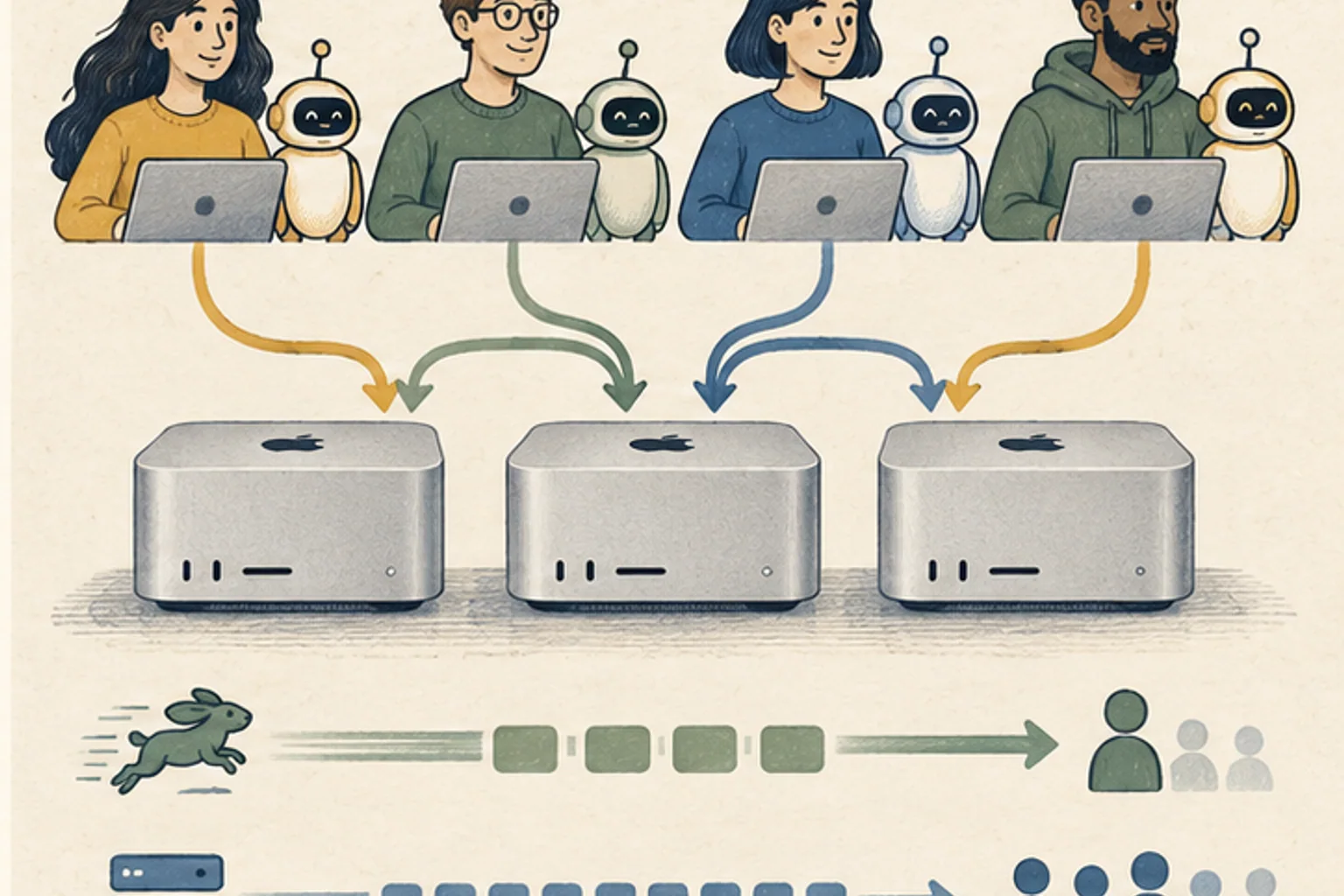
vLLM Metal has evolved to support Ray executors, pipeline13-parallel, and Mac-specific data-parallel replication. However, if you split a model across multiple Macs, network synchronization may intervene for each token. If the model runs on one Mac, running the same server on each Mac and splitting requests makes it easier to find and repair problems.
Even if one server stops, the remaining servers can receive requests and model updates can be verified one by one. Conversely, we only look at pipeline splits when models do not fit together. Purchasing decisions are made not based on single request peaks, but rather based on first token duration and failover method at target concurrent users.
Terminology notes
Metal — Apple’s low-level technology for graphics and parallel GPU computation. It is not itself a model-selection or chat app.
Back to the textKV cache — Memory that stores attention keys and values from earlier tokens for reuse during later token generation. Its size depends on context length and batch size.
Back to the textMemory bandwidth — The amount of data that can be transferred between memory and a processor per unit time. Actual throughput also depends on access patterns and other bottlenecks.
Back to the textThroughput — The amount of work processed or generated over time. Comparisons need the unit, such as tokens per second or requests per second.
Back to the textBF16 — A 16-bit floating-point format for storing and computing model values. Support depends on the hardware and runtime.
Back to the textDecode — For an LLM, this is the stage that generates output tokens after input processing. For a VAE or audio codec, decoding can mean reconstructing the original form from a compressed representation or encoded data.
Back to the textMLX — A machine-learning framework developed by Apple. On Apple silicon it uses unified memory and Metal; separate Linux backends are also available. Model and feature support depends on the MLX-based tool.
Back to the textGPU — A processor designed to handle many calculations in parallel. It performs model computations during AI inference.
Back to the textFP8 — A family of 8-bit floating-point formats. Specific formats and support vary by hardware and software.
Back to the textNVFP4 — A 4-bit floating-point data format defined by NVIDIA. Support depends on GPU generation, model, and software implementation.
Back to the textToken — A unit into which a model divides input or output for processing. One token does not equal one character or a fixed duration.
Back to the textPrefill — The stage where an LLM reads the input prompt and computes representations for its tokens. Longer prompts contain more tokens to process.
Back to the textPipeline — A sequence of processing stages from input to output. Different models or tools may be used at each stage.
Back to the text