
Agents and automation
Last updated
Can you run Cloudflare Clef locally? Choose 27B or 9B and send a SystemOne request
Clef returns probabilities for predefined questions and choices, supporting classification and routing workflows.
Cloudflare's Clef 27B and Clef-Flash 9B answer predefined questions about text, JSON, images, or video in one pass and return probabilities for each choice. On Apple Silicon, you can run MLX1 quantizations with oMLX 0.7.1.dev1. Download a checkpoint2 in Model Downloader, read its API3 model ID from /v1/models, then send state and questions to /v1/systemone with an API key. An SGLang/H200 path for server use is also included.
Send the inquiry as state and define what to decide
Suppose a customer reports a payment problem. Put the message or a JSON order record in state, then use questions to ask whether it is urgent and which team should handle it. Clef returns the selected choices and their probabilities, which your application can use to route a ticket or send it for human review.
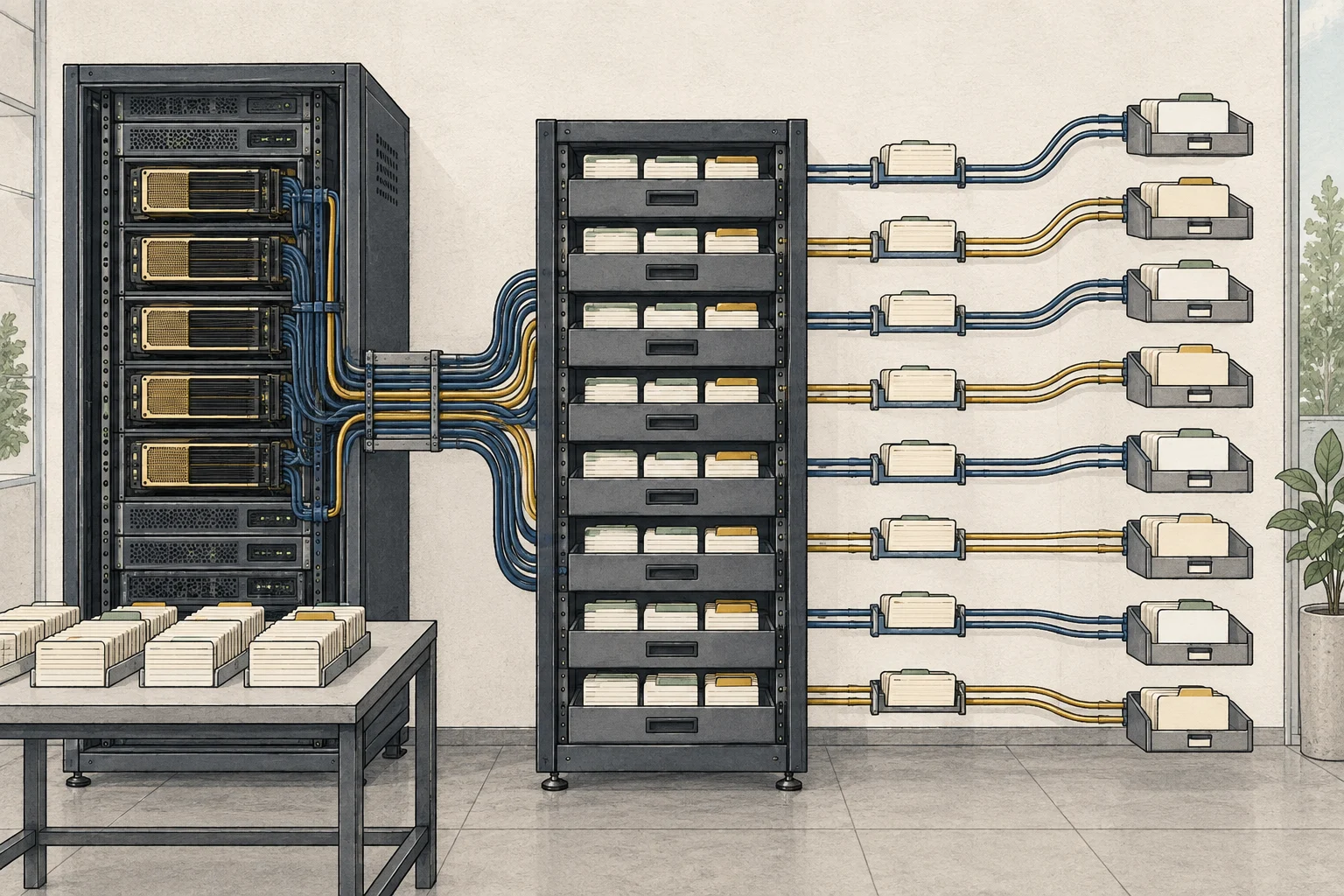
Cloudflare's Clef and Clef-Flash are decision models for typed questions, not chatbots that keep generating open-ended text. noul returns the probability of a proposition being true, choice selects among named options, and score assigns a level on an ordered scale. The calling application decides what to do next.
Both models accept text, JSON, images, and video as state and are compatible with the Jev/SystemOne API. For long-form writing or support replies, pair Clef with a generative LLM4 and use Clef for the routing decision.
- Cloudflare's Clef announcement
- 27B Clef model card
- 9B Clef-Flash model card
- GGUF vs MLX: which model format should you download?
- Can you run a Jev-like decision model on your PC? A guide to d1-3B and d1-omni
- Let an AI answer your phone on a Mac: installing ai-phone and choosing 4B or 9B
- What Is a Local AI Agent? When It Makes Sense to Run One
Choose between the 27B and 9B model
Clef is the 27B model based on Qwen3.8-27B, while Clef-Flash is a 9B model based on Qwen3.5-9B. Cloudflare suggests Clef for decisions where precision matters and Clef-Flash when lower latency is important. Both accept image and video input.
On a personal Apple Silicon Mac, start with MLX checkpoints in oMLX. Jundot/clef-oQ4e is the 27B model with files around 17 GB; Jundot/clef-flash-oQ4e is the 9B model at about 6.28 GB. Leave memory for image inputs and working buffers when choosing a model. Both checkpoints use the Apache-2.0 license.
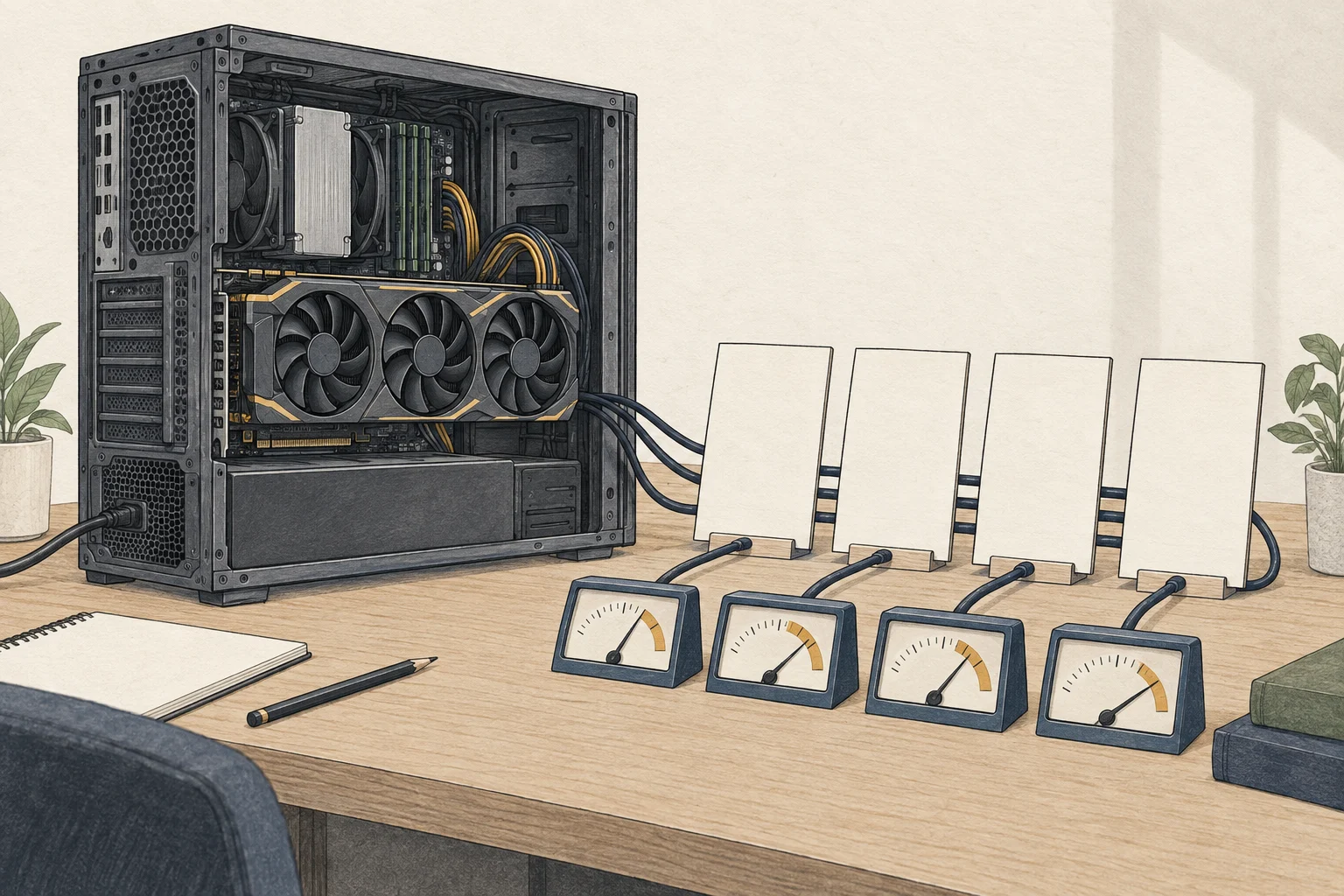
Cloudflare's original model cards provide an SGLang example tested with torch 2.11 and transformers 5.10.2 on a single H200. That is the server path; the Mac path uses oMLX 0.7.1.dev1, which automatically detects decision models.
Install oMLX and download Clef on an Apple Silicon Mac
oMLX 0.7.1.dev1 supports Apple Silicon and macOS 15 or later. Download the DMG for your macOS version from the official release, install it in Applications, and open the app. Set the model directory and start the server from the welcome screen.
In the dashboard's Model Downloader, search for Jundot/clef-flash-oQ4e or Jundot/clef-oQ4e and download it. Clef-Flash is about 6.28GB; Clef is about 17GB. oMLX scans models in its configured directory and automatically detects the decision type. If you copied an existing checkpoint into the model folder yourself, restart the server to discover it.
The default server address is http://127.0.0.1:8000. Open /admin in a browser and save an API key in the server settings. Use the same key in the curl request below to authenticate with the local server.
When the server is running, open http://127.0.0.1:8000/admin in a browser and confirm that the model appears. The oMLX app can start the server and show its status from the menu bar.
If you want to start a separate server from Terminal, use the CLI5 shim installed by the DMG app. Stop the app-managed server first, then pass the same model directory you selected on the Welcome screen to --model-dir. No separate CLI installation is needed.
~/.omlx/bin/omlx serve --model-dir "/PATH/TO/SELECTED_MODEL_DIRECTORY" --api-key "YOUR_OMLX_API_KEY" --host 127.0.0.1 --port 8000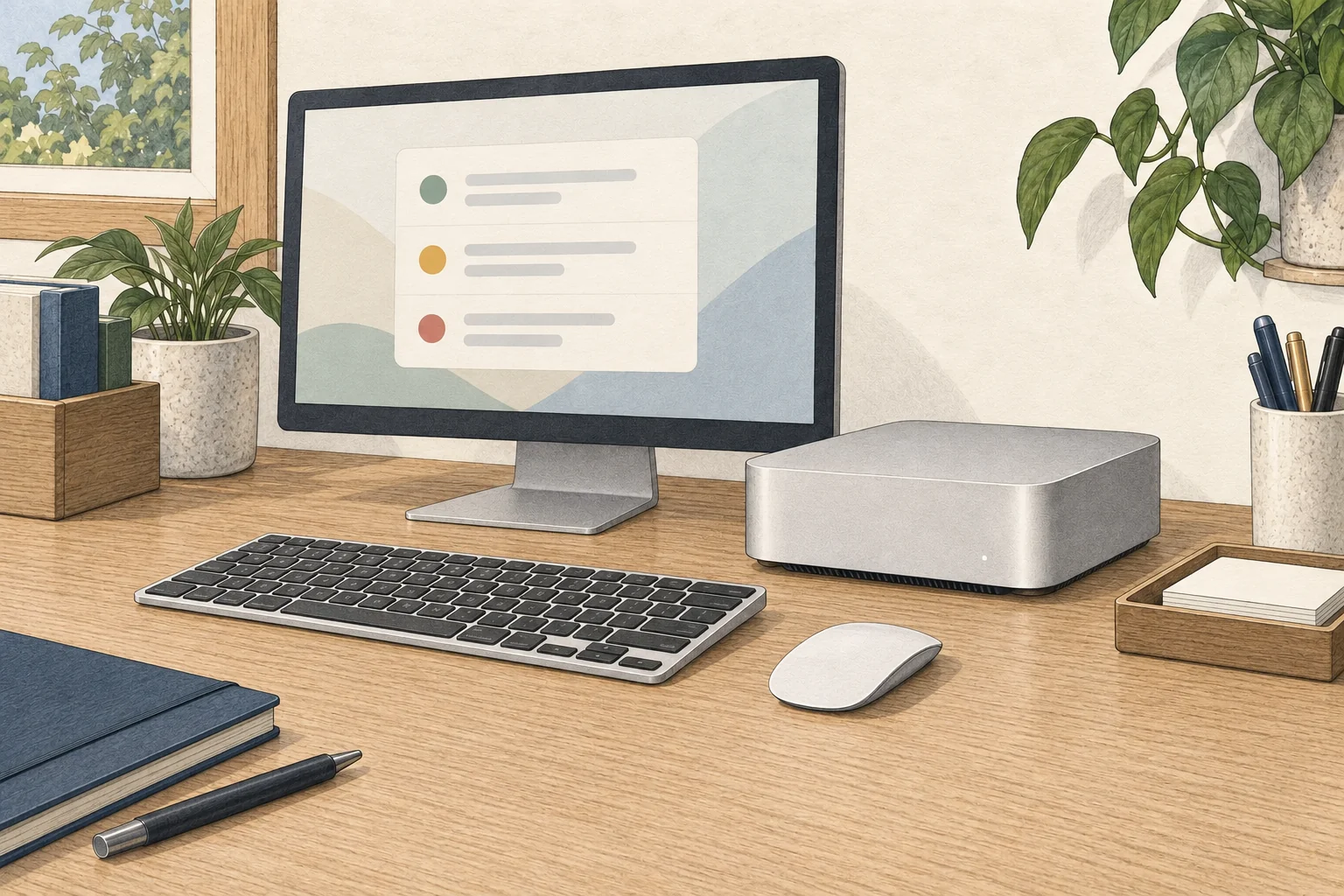
Send a SystemOne request and inspect its probabilities
First, query /v1/models with your API key and copy the value of data[].id from the response. The ID format can vary with the model directory or alias configuration.
curl http://127.0.0.1:8000/v1/models -H 'Authorization: Bearer YOUR_OMLX_API_KEY'Insert the copied value in YOUR_DECISION_MODEL_ID and send a SystemOne request. Replace the API-key placeholder with the value you set earlier.
curl http://127.0.0.1:8000/v1/systemone -H 'Authorization: Bearer YOUR_OMLX_API_KEY' -H 'Content-Type: application/json' -d '{
  "model": "YOUR_DECISION_MODEL_ID",
  "state": "Payments have failed for an hour, blocking every customer's order.",
  "questions": {
    "urgent": {"type": "noul", "instructions": "Is this request urgent?"},
    "team": {"type": "choice", "instructions": "Which team should handle this?", "criteria": {"billing": "Payments and refunds", "technical": "Outages and errors", "sales": "Plans and upgrades"}}
  }
}'
On success, answers.urgent shows the urgency probability, and answers.team shows the selected team and per-choice probabilities. To use the 27B model, copy its actual data[].id from the /v1/models response into YOUR_DECISION_MODEL_ID. Set the ticket-routing rule and the probability threshold for human review in the connected application.
For an H200 server, use Cloudflare's SGLang path
To serve an original checkpoint on a data-center H200, use the SGLang example from Cloudflare's model card. Run it on Linux with Docker configured for NVIDIA GPU6 access; the model files download from Hugging Face on the first run.
docker run --gpus all --shm-size 32g -p 127.0.0.1:30000:30000 -v ~/.cache/huggingface:/root/.cache/huggingface --ipc=host lmsysorg/sglang:dev-clef sglang serve --model-path Cloudflare/clef --host 0.0.0.0 --port 30000For Clef-Flash, change --model-path Cloudflare/clef to --model-path Cloudflare/clef-flash. The model card's test environment uses one H200. The host port is bound to localhost; for a personal Mac, use the oMLX path above.
If the server does not start, check the model ID and hardware requirements
If oMLX does not list the model, search for its repository ID again in Model Downloader. For a manually copied checkpoint, confirm that the files are inside the configured model directory, then restart the server.
For a 401 response, make sure the API key saved in /admin for the app, or passed to --api-key for CLI startup matches the Authorization: Bearer value. If the model file cannot be found, compare the Hugging Face repository ID with the local model directory. The Clef checkpoint also needs joint_head.safetensors and joint_head_config.json alongside its weights.
If the server is running but requests fail, check that the endpoint is /v1/systemone, model matches an ID from /v1/models, and questions contains a typed question. Add image or video input only after a text request succeeds.
Terminology notes
MLX — Apple’s machine-learning framework, which runs models using memory shared by the CPU and GPU on Apple Silicon.
Back to the textCheckpoint — A file containing saved model weights and related state. Versions or tasks in one model family may use different checkpoints.
Back to the textAPI — A defined interface that lets other code call a program’s functions.
Back to the textLarge language model — A model trained on large text datasets to learn language patterns and process or generate text in context.
Back to the textCLI — Short for Command-Line Interface: operating a program by entering commands in a terminal.
Back to the textGPU — A processor designed to handle many calculations in parallel. It performs model computations during AI inference.
Back to the text
Frequently asked questions
- What should you check first in this article?
- Cloudflare's Clef 27B and Clef-Flash 9B answer predefined questions about text, JSON, images, or video in one pass and return probabilities for each choice. On Apple Silicon, you can run MLX quantizations with oMLX 0.7.1.dev1. Download a checkpoint in Model Downloader, read its API model ID from `/v1/models`, then send state and questions to `/v1/systemone` with an API key. An SGLang/H200 path for server use is also included.
- How much memory does it need?
- On a personal Apple Silicon Mac, start with MLX checkpoints in oMLX. Jundot/clef-oQ4e is the 27B model with files around 17 GB; Jundot/clef-flash-oQ4e is the 9B model at about 6.28 GB. Leave memory for image inputs and working buffers when choosing a model. Both checkpoints use the Apache-2.0 license.