
memory and model
Last updated
What should you check before buying a CMP 170HX?
Check the card details, Linux support path and cooling before trusting the listing title.
The CMP 170HX is a GA100-family accelerator sold for mining, so evaluating one means checking both the card and the Linux system where it will be installed. Get the memory-rank details and board photos from the seller, then compare them with the driver version, PCIe link and airflow you can provide to choose a suitable model and setup.
Start with memory capacity, but do not overlook fans and power cables. Work through the information to request from the seller and the checks to make on your PC to reduce surprises after purchase.
Ask for the actual board details, not just the listing title
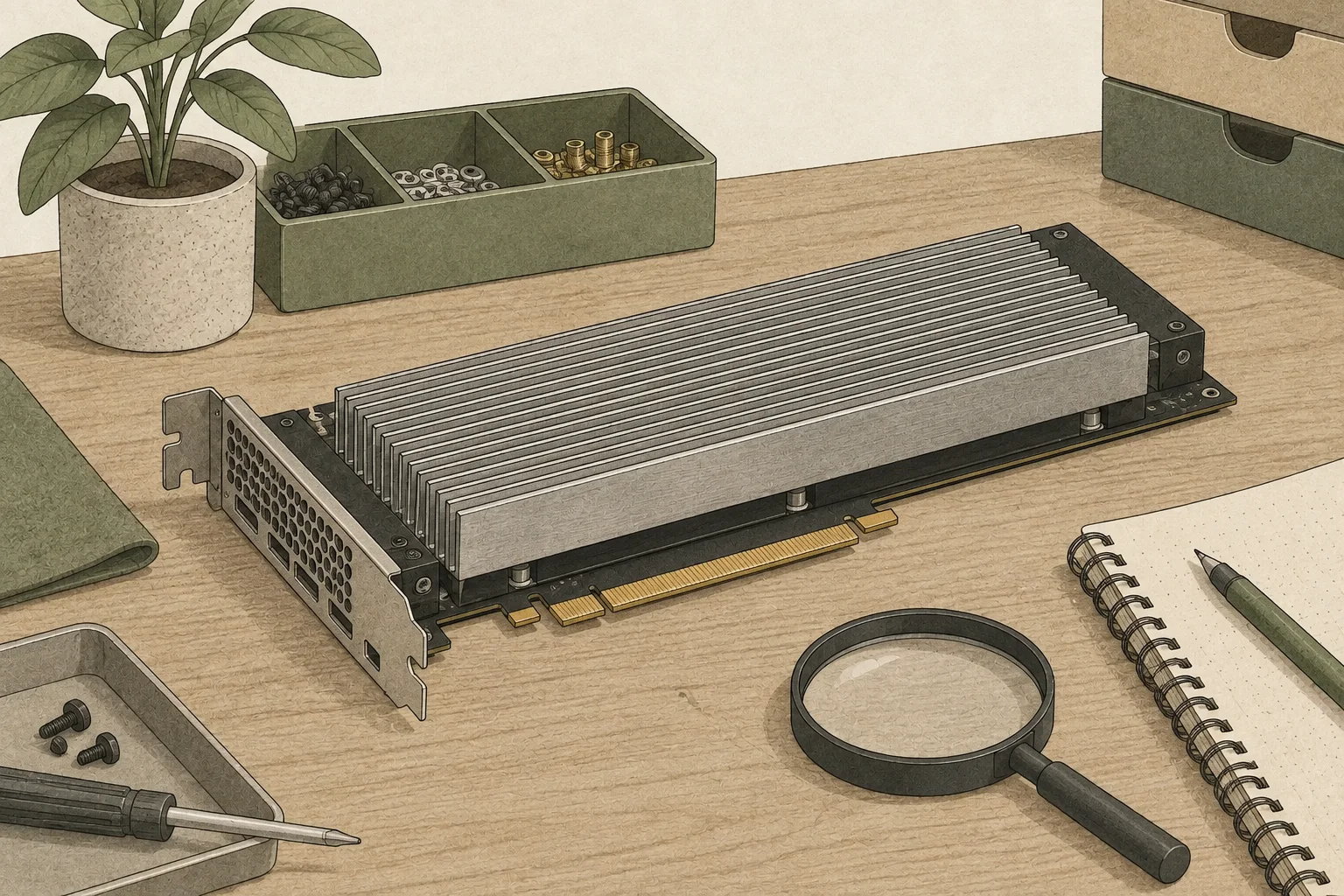
Start by requesting photos of both sides of the card, its power connector, and the area around the memory packages. A board identifier alone does not establish the HBM clock or VBIOS on an individual card. If possible, ask the seller for nvidia-smi -q output, GPU1 UUID, driver version and total memory to confirm its working state.
Check whether the bracket, auxiliary power cable, and fan are included, and note the return period and how long you have to inspect the card after delivery. Once it arrives, compare the seller's nvidia-smi -q output with your own. Then load a model, send consecutive requests, and watch temperature and clock speed.
Use rank and profile to estimate usable memory
Before buying, confirm the card's shipped memory and rank layout, then compare them with the cmpunlocker profile you expect to use. The maintainer's README describes automatic detection plus an 8GB profile for 8GB cards and automatic detection plus a 10GB profile for 10GB cards. Some single-rank 8GB cards may configure to 32GB rather than 64GB, so ask what capacity the seller can substantiate.
If you plan to buy two cards, check multi-GPU support in your chosen engine. It needs to split the model across cards, and inter-card transfers use the PCIe path. Plan the slot layout, power supply, and cooling space together.
| Card to identify | Profile outcome | Evidence to request |
|---|---|---|
| Some 8GB cards | Up to 64GB; some single-rank cards expose 32GB | Memory rank and card identifiers |
| 10GB cards | 40GB | Shipped memory and applied profile |
Check the PCIe slot and board layout
Check the PCIe link width and generation supported by the board, then use the motherboard manual to inspect the wiring of the slot you plan to use. PixelML tested PCIe Gen2 operation on the CMP 170HX; Gen3 was fuse-blocked on all four cards in its sample. Board configurations can also differ between x4 and x16, so check CPU-lane sharing and slot changes when other cards are installed.
The card has no NVLink bridge circuitry, and each GPU keeps separate memory. Sharding a model across two cards requires runtime2 support for PCIe multi-GPU execution and that model's partitioning method, so check model and engine support before buying.
Verify driver and operating-system support
Current cmpunlocker requirements include Linux x86-64, root access, a supported driver branch of 610.xx.xx or later with NVIDIA open GPU kernel3 modules, matching libraries and firmware, and headers for the running kernel. The first build needs network access, and Secure Boot must be disabled because the patched modules are unsigned. Also check that your distribution provides the driver branch and that you can install matching headers after kernel updates.
After a kernel or driver update, you may need to rebuild the patched module and check GPU recognition after boot. This fits a PC where you already maintain Linux; a standard GPU may be easier if you prefer not to modify drivers. See the Linux unlock guide for installation and removal.
Fit cooling, power and clearance to your case
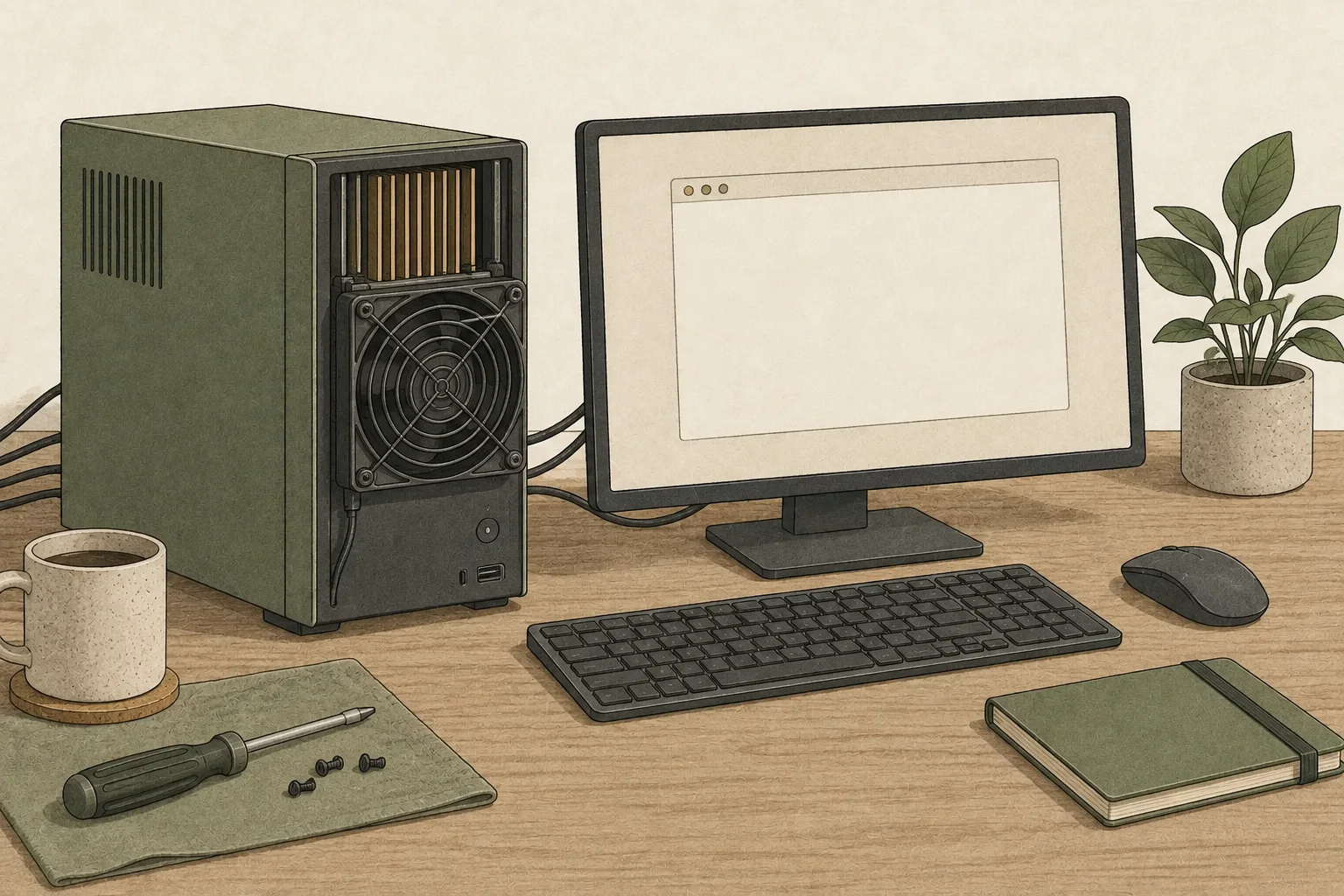
The CMP 170HX's passive heatsink needs airflow directed across the card. Measure card spacing, power-cable reach and room for a fan or duct, then confirm that air can move from intake to exhaust with the case closed. If considering a server chassis or open frame4, include dust control, noise and heat released into nearby equipment in the system cost.
Check PSU capacity against the GPU, CPU5, and other components together. Auxiliary power connectors and cables must match the card. After delivery, start with a light workload, monitor memory temperature and clocks, and maintain strong airflow. The power and cooling guide explains how to tune the power limit.
Compare costs beyond the card itself
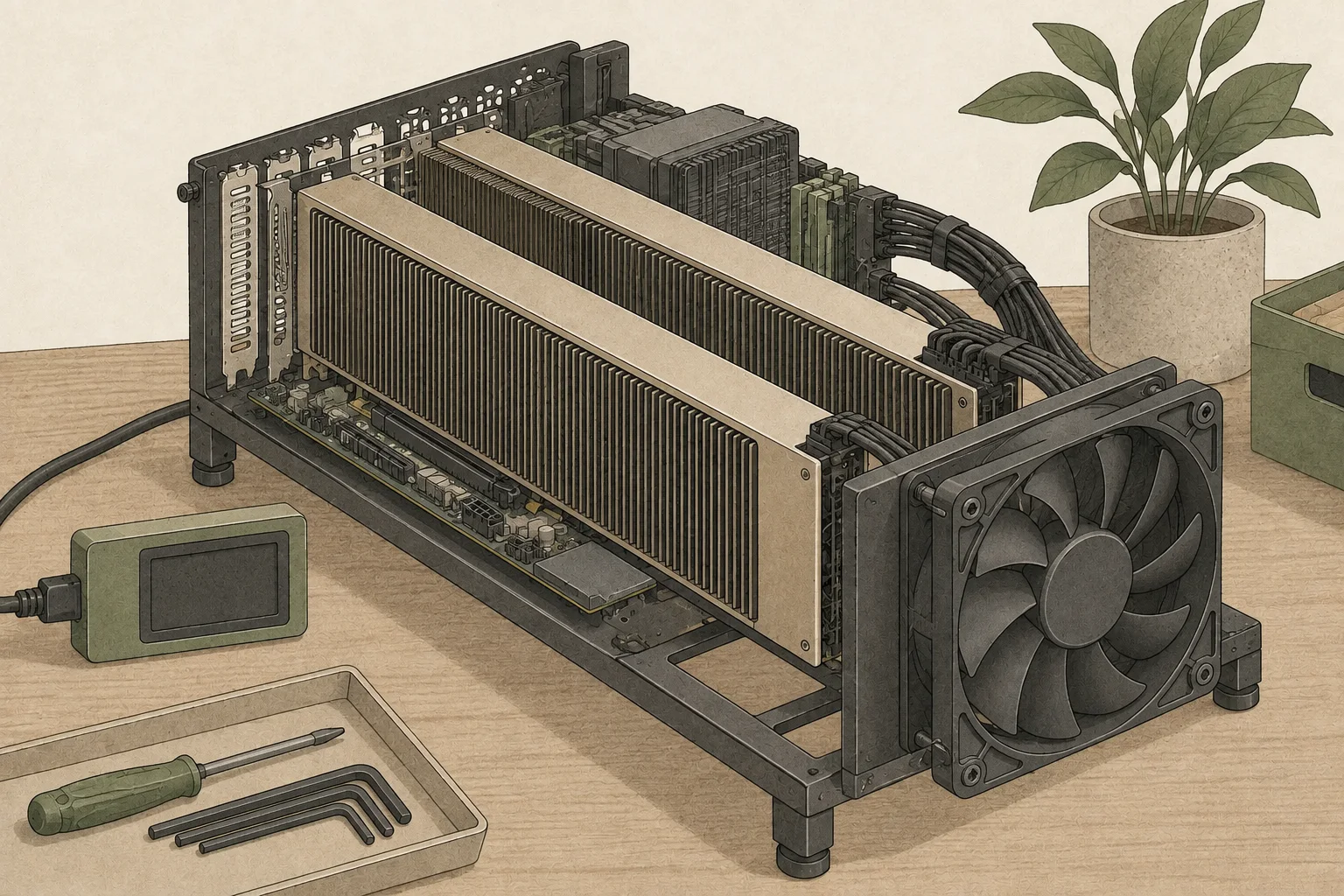
A CMP 170HX setup includes the Linux host, supported driver path, kernel-header maintenance, forced-airflow fans, a suitable slot and case clearance. If you already have those parts and skills, the additional setup may be small; if you must build them, the total budget can compare differently with another GPU. Compare current listings plus the required supporting hardware on the same basis rather than relying on a past used-card price.
Once the supporting setup is in place, finish the decision by checking the expected memory profile, model requirements, runtime support and responses to your actual inputs. If speed is the goal, use the comparison tool with a fixed model and context as an initial estimate, then compare your setup with published measurements where hardware conditions are documented, such as the Qwen3.8-27B result.
Terminology notes
GPU — A processor designed to handle many calculations in parallel. It performs model computations during AI inference.
Back to the textRuntime — The software environment that provides facilities needed while a program runs. In local AI, it can also refer to a model execution engine.
Back to the textGPU kernel — Code executed in parallel on a GPU to perform operations such as matrix multiplication or normalization.
Back to the textFrame — A single image that makes up part of a video.
Back to the textCPU — The central processor that runs the operating system and general-purpose instructions; in AI workloads it also handles tasks such as preprocessing and data movement.
Back to the text
Frequently asked questions
- What should you check first in this article?
- The CMP 170HX is a GA100-family accelerator sold for mining, so evaluating one means checking both the card and the Linux system where it will be installed. Get the memory-rank details and board photos from the seller, then compare them with the driver version, PCIe link and airflow you can provide to choose a suitable model and setup.
- How much memory does it need?
- Before buying, confirm the card's shipped memory and rank layout, then compare them with the cmpunlocker profile you expect to use. The maintainer's README describes automatic detection plus an 8GB profile for 8GB cards and automatic detection plus a 10GB profile for 10GB cards. Some single-rank 8GB cards may configure to 32GB rather than 64GB, so ask what capacity the seller can substantiate.