
Executable programs and extensions
Last updated
Can a CMP 170HX mining card run a 64GB local LLM?
Prepare Linux drivers and cooling to make use of the 64GB memory configuration.
The CMP 170HX is a mining-oriented accelerator with an NVIDIA GA100-105F GPU1 and HBM2e. On Linux, a local runtime2 loads a model into GPU memory, processes the prompt3 and generates an answer. With a supported cmpunlocker memory profile and a runtime path suited to GA100, it can be used for local LLM4 inference5.
It is worth examining when comparing options for models that need more memory. Start with the card's rank, Linux environment, and cooling setup, then review the Qwen3.8 run records.
Match compute formats with runtime memory
After the model weights are loaded, the runtime still uses memory for workspaces and the KV cache6. A longer context grows the KV cache, so check the actual context length7 and runtime buffers alongside the quantized file size.
GA100-105F supports BF168, FP169, and TF32. It does not have native FP810 or FP4 Tensor execution paths, so check whether the model's quantization11 format and runtime kernels support GA100.
CMP 170HX cards can have different memory configurations
The unlocked memory capacity of a CMP 170HX depends on its memory rank. An 8GB dual-rank card can be configured as 64GB, some 8GB single-rank cards as 32GB, and 10GB cards as 40GB. Rank refers to how memory chips are grouped. Check the shipped capacity and rank before buying.
The installer detects a profile from the card information. Before overriding it, compare the card's memory rank with the maintainer's guidance, then use the capacity reported after reboot when choosing a model.
| Card as shipped | After profile | What to verify |
|---|---|---|
| Some 8GB cards | Up to a 64GB configuration | Some single-rank cards may expose 32GB |
| 10GB cards | 40GB configuration | Compare the README with the card identification |
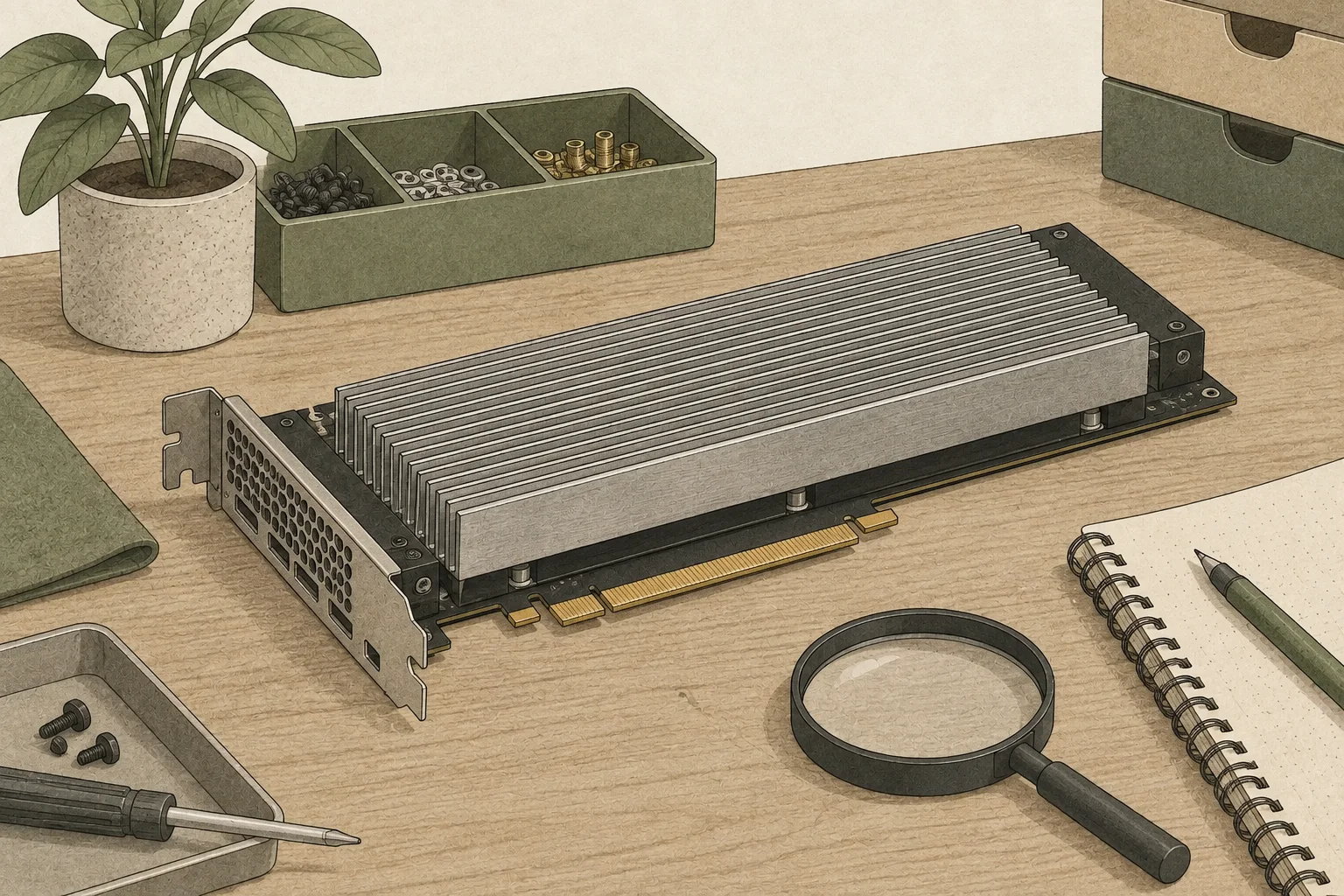
Match the operating system and driver before installing
cmpunlocker is not a regular desktop app. It patches NVIDIA open GPU kernel12 modules on Linux to change the reported memory geometry. The maintainer lists Linux x86-64, root access, an NVIDIA CMP 170HX, a supported nvidia-open 610.xx.xx-or-later branch with matching libraries and firmware, and headers matching the running kernel. The first build needs network access, and Secure Boot must be disabled so unsigned modules can load.
Choose a driver version by comparing the README's supported versions with packages available for your distribution; the maintainer also lists 615.78.08. A driver update may require rebuilding the patched module for the new version. The Linux unlock guide covers installation, profile checks and removal on the host that will use the card.
What can you run with 64GB of memory?
Each memory configuration is a budget shared by model weights, runtime workspace and KV cache. When choosing a model, account for runtime memory requirements and input context together. A 32GB or 40GB card may call for a lower quantization level or shorter context.
Inference speed depends on the model, quantization, HBM clock, PCIe link, engine and decode13 settings. Cards sold under the same board number can still use different VBIOS and HBM clocks. PixelML recorded a one-card Qwen3.8-27B setup at 64GiB, 74 SMs, 1728MHz HBM, PCIe Gen2 x16, 180W and forced airflow. The measurement guide lists the vLLM and open-jet results and input-length conditions.
| Detected capacity | Room for a model | First check |
|---|---|---|
| 32GB | Least room for weights, workspace and context | Quantized file size and context length |
| 40GB | More room for a mid-sized model, still needs workspace | 10GB-card profile and runtime formats |
| 64GB | More room for weights and longer context together | Rank layout and applied profile on an 8GB card |
Check both the reported memory and actual use
After unlocking and rebooting, use nvidia-smi to check the GPU name, total memory and driver version, then nvidia-smi -q -d PCI to inspect link generation and width. If an 8GB card expected to use the 64GB profile reports 32GB, first verify whether its rank layout is supported and which profile the installer detected. When testing a model, check in order that memory allocation completes, a first token14 appears after the prompt, and a longer-context request finishes.
If the link remains at Gen1, check the card, slot, riser, BIOS settings and board limits. PixelML recorded successful Gen2 operation, while Gen3 was fuse-blocked on all four cards it tested. Depending on the board, the link may also be x4 or x16, so a Gen2 unlock does not guarantee the same transfer path on every system.
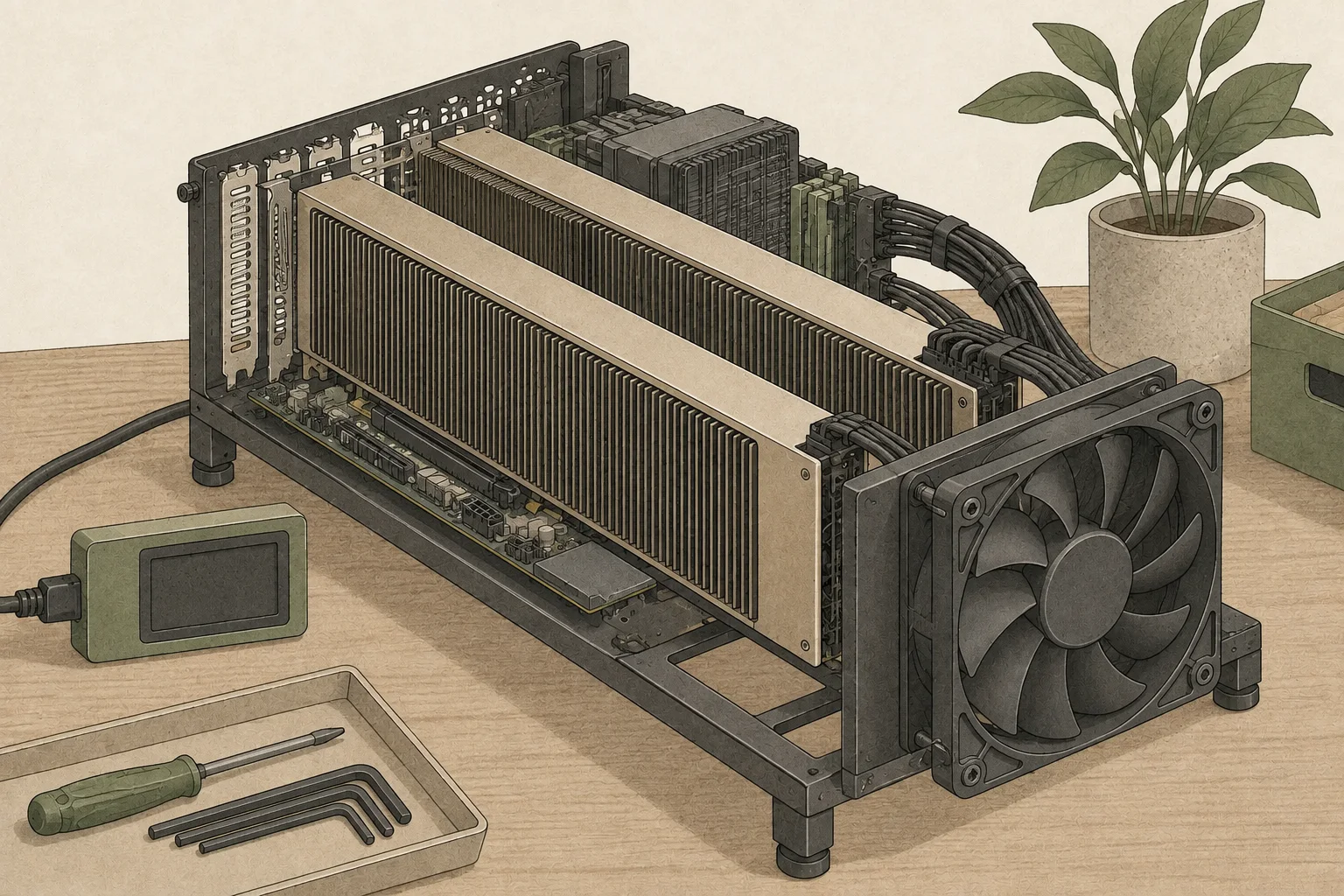
A passive-heatsink card needs forced airflow
The CMP 170HX uses a passive heatsink without an onboard fan. Position a blower or ducted fan so air passes through its fins. Load a model and send repeated requests while monitoring GPU core and memory temperatures and clock speed to check the cooling setup.
A lower power limit can help reduce heat. Establish adequate airflow first, then adjust the cap while comparing speed and temperature with the same workload. The power and cooling guide covers the published 180 W single-card Qwen run and the four-card GLM power sweep.
Start with one card and judge it under your workload
When choosing a model, first check its quantized file, detected memory, context length and whether the runtime supports GA100. Then send a document similar to your real input and record time to first token15, output speed and whether the request completes. Even when the card reports 64GB, a longer input adds KV cache, and some engines require kernels suited to the model architecture.
Choose a setup based on the memory shown by nvidia-smi, a runtime that supports GA100, and the quantization and context length you plan to use. If you can manage Linux drivers and kernel modules and provide strong airflow, you can experiment with local LLMs on one CMP 170HX. Since those requirements are part of the setup, compare other GPUs and their setup effort if you want a simple desktop installation.
Terminology notes
GPU — A processor designed to handle many calculations in parallel. It performs model computations during AI inference.
Back to the textRuntime — The software environment that provides facilities needed while a program runs. In local AI, it can also refer to a model execution engine.
Back to the textPrompt — The input text sent to a model. For generative models it describes the desired result and strongly shapes the output.
Back to the textLarge language model — A model trained on large text datasets to learn language patterns and process or generate text in context.
Back to the textInference — The process of using a trained model to compute an output for an input. Here, local inference means running the model on the user’s device.
Back to the textKV cache — Memory that stores attention keys and values from earlier tokens for reuse during later token generation. Its size depends on context length and batch size.
Back to the textContext window — The token span of input and generated content a model can handle in one request. The supported limit and memory use depend on the model and runtime settings.
Back to the textBF16 — A 16-bit floating-point format for model values. Its exponent has the same width as FP32, giving it a similarly wide value range.
Back to the textFP16 — A 16-bit floating-point format. It uses the same bit width as BF16 but allocates bits differently between exponent and significand.
Back to the textFP8 — A floating-point format that represents each value with 8 bits.
Back to the textQuantization — A way to represent model weights or values with fewer bits, reducing storage and memory use. The coarser representation can also affect accuracy.
Back to the textGPU kernel — Code executed in parallel on a GPU to perform operations such as matrix multiplication or normalization.
Back to the textToken decoding — The stage that generates successive output tokens using the input and the response produced so far.
Back to the textToken — A unit into which a model divides input or output for processing.
Back to the textTime to First Token — The time from sending a request until its first output token arrives.
Back to the text
Frequently asked questions
- What should you check first in this article?
- The CMP 170HX is a mining-oriented accelerator with an NVIDIA GA100-105F GPU and HBM2e. On Linux, a local runtime loads a model into GPU memory, processes the prompt and generates an answer. With a supported cmpunlocker memory profile and a runtime path suited to GA100, it can be used for local LLM inference.
- How much memory does it need?
- After the model weights are loaded, the runtime still uses memory for workspaces and the KV cache. A longer context grows the KV cache, so check the actual context length and runtime buffers alongside the quantized file size.