
Response speed and acceleration
Last updated
Will Two CMP 170HX Cards Double the Speed?
Two cards can split a model, but their connection path changes performance.
Multi-GPU model parallelism splits a model’s weights and computation across GPUs, then passes intermediate results between cards while processing a request. The split GPUs work together to compute the next tokens1 and return an answer.
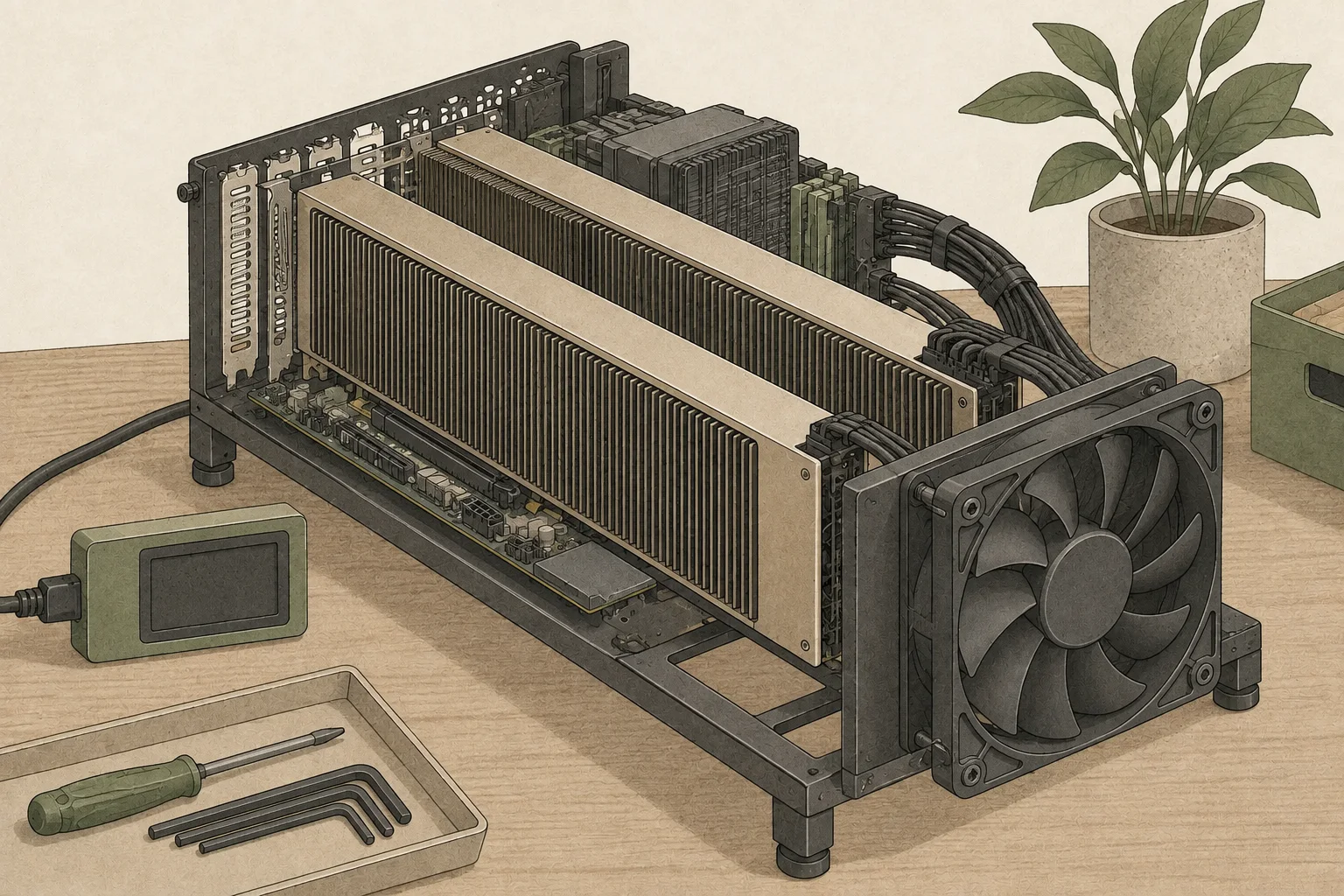
Splitting across two cards may let you run a model that does not fit on one card, and it can sometimes speed up a single request. Communication between cards means speed does not automatically double. First inspect how the cards are connected, then measure solo response speed separately from aggregate throughput2 across multiple requests.
Splitting a model across GPUs also requires communication
Tensor Parallel3 (TP) divides computation within a layer across GPUs and exchanges intermediate results. Pipeline Parallel4 (PP) assigns ranges of model layers to GPUs and passes outputs from one card to the next. Even if the combined memory can hold the model, the runtime5 must support the split and communication between GPUs must work well.
Memory unlocking increases the memory available on a card. It does not turn on GPU6 peer-to-peer (P2P). If P2P is unavailable, communication may pass through host memory, and the CMP 170HX has no usable NVLink bridge circuitry.
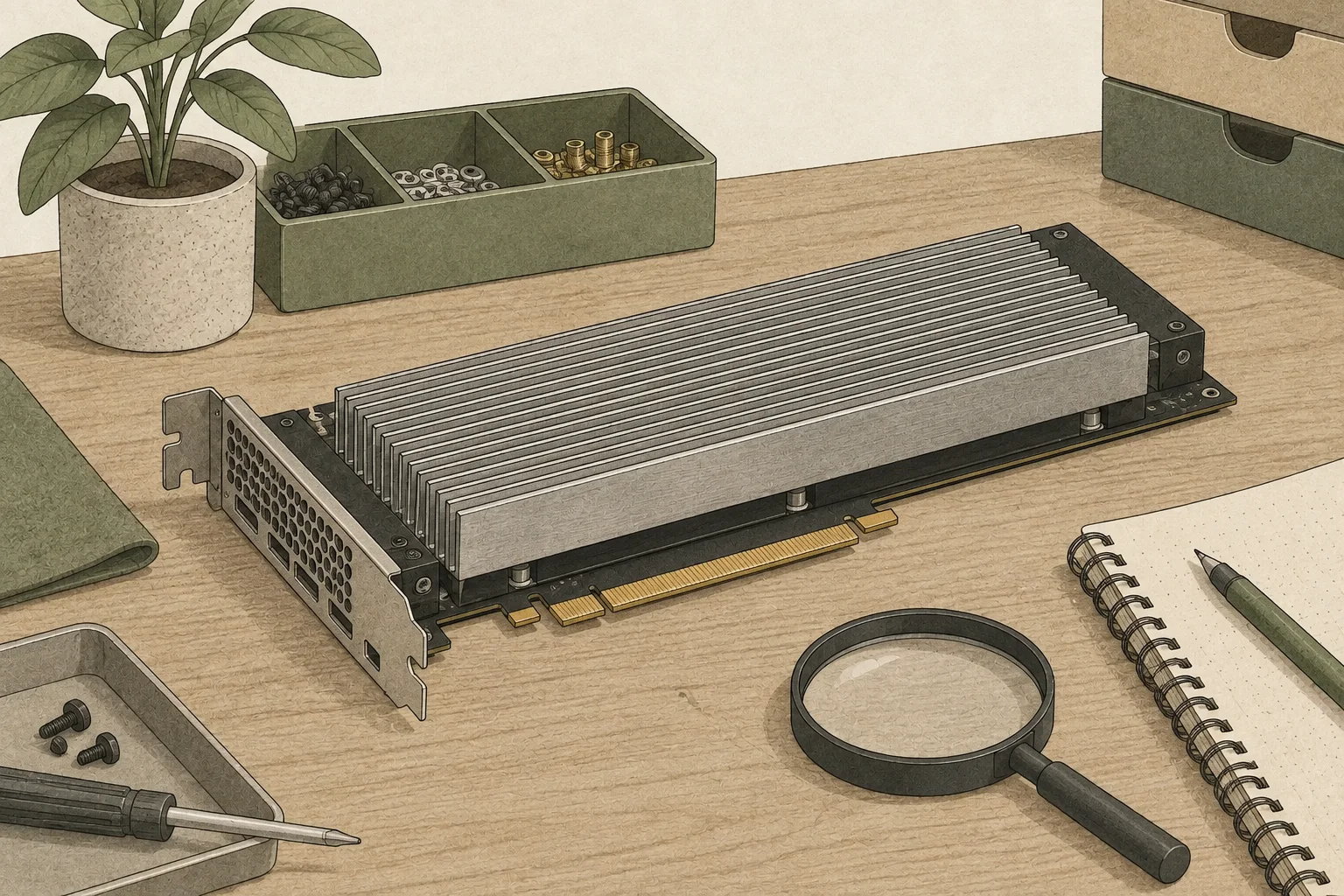
Check the route between GPUs in the PCIe topology
On Linux, nvidia-smi topo -m shows GPU and CPU7 connections in a matrix. Check the GPU indices and PCIe path between cards, then use nvidia-smi -q -d PCI to read each card’s current link state. Two cards in one server can still use different data routes depending on CPU and PCIe-switch placement.
CMP 170HX was tested at PCIe Gen2; Gen3 was fuse-blocked on all four cards examined. An x16 connector does not guarantee the negotiated link width or speed, which depend on the card, riser, slot, and host configuration. Save the output, and if it differs from your expected route, check slot placement and BIOS settings before the runtime.
nvidia-smi topo -mnvidia-smi -q -d PCI
The Qwen TP2 speed increase is one specific comparison
The table compares one-card TP1 and two-card TP2 output speed and concurrent throughput. Single-request decode8 shows how quickly one answer continues; aggregate throughput shows how much work multiple requests complete in the same period.
| Setup | Single-request decode | Aggregate at 16 concurrent streams |
|---|---|---|
| TP1 · 1 GPU | 53.97 tok/s | 545.78 tok/s |
| TP2 · 2 GPU | 71.96 / 71.88 tok/s | 529.70 / 534.74 tok/s |
In its 2026-10-01 test, PixelML compared TP1 and TP2 using a Qwen3.8-27B W4A16 checkpoint9, vLLM, two 64 GB CMP 170HX cards, PCIe Gen2 x16, a 180 W limit per card, and P2P disabled.
The single request was a short greedy 256-token decode; the concurrent load used 16 streams. The two TP2 figures are ordered same PLX switch / separate PLX switches. Original notebook and run receipts
Single-request speed and concurrent throughput answer different questions. If your goal is to finish one response quickly, record first-token wait and output tok/s. For a server serving multiple users, measure concurrent requests and aggregate tok/s. This test found little difference between placing the cards on the same or different PLX switches, but inspect your own topology and compare under the same conditions.
P2P is an advanced configuration beyond the basic install
For a 256MiB transfer without P2P, host-memory staging measured 6.21–6.30GB/s. A separate advanced experiment configured P2P with four BAR1 static-mapping patches, a manual placement layout, and a kexec reboot path. All 12 pairs passed byte-level validation, with a transfer rate of 5.79GB/s.
With Qwen TP2, P2P made decode 11% faster, or 14% faster with MTP10 k=3. In contrast, on the Broadwell PLX path with GLM TP4, single-user decode was 20–26% slower and aggregate throughput for eight users was 38–48% slower.
In Morrowmake's measurement on an EPYC root-port configuration, P2P was 11% faster. Results vary by CPU, switch, and P2P path, so they should not be generalized as one figure.
This configuration statically places the BAR1 address space and restarts through kexec so the kernel adopts that layout. It requires closer matching of the driver, board, and PCIe placement than the basic install. First verify ordinary TP2 and inspect the topology; for a specialized experiment, follow the layout and data-integrity validation across all 12 GPU pairs in PixelML’s BAR1 P2P notebook.
Consider a second card when capacity or throughput is the constraint
If a model does not fit on one card, TP or PP may distribute its memory needs. If aggregate throughput is the goal, compare splitting one model with replicating it across GPUs and distributing requests, using the approach your runtime supports. First-token and completion times may matter most for the split model, while concurrent throughput may matter more for replicas.
If one card runs the model at the response speed you need, there may be little reason to add a second. Establish a baseline with the same workload, then vary topology, model-splitting options, and request count one at a time. When memory capacity or concurrent throughput is demonstrably insufficient, compare two-card configurations including the board’s PCIe paths to see what the extra card solves.
Terminology notes
Token — A unit into which a model divides input or output for processing.
Back to the textThroughput — The amount of work processed or generated over time. Comparisons need the unit, such as tokens per second or requests per second.
Back to the textTensor parallelism — A method that splits matrices and computations within a model layer across devices for joint execution. Devices communicate to combine partial results.
Back to the textPipeline parallelism — A parallelization method that assigns groups of model layers to device stages and passes each stage’s output activations to the next device.
Back to the textRuntime — The software environment that provides facilities needed while a program runs. In local AI, it can also refer to a model execution engine.
Back to the textGPU — A processor designed to handle many calculations in parallel. It performs model computations during AI inference.
Back to the textCPU — The central processor that runs the operating system and general-purpose instructions; in AI workloads it also handles tasks such as preprocessing and data movement.
Back to the textToken decoding — The stage that generates successive output tokens using the input and the response produced so far.
Back to the textCheckpoint — A file containing saved model weights and related state. Versions or tasks in one model family may use different checkpoints.
Back to the textMTP — A training objective or model component for predicting multiple future tokens at once. In speculative decoding, those predictions can be proposed as candidate tokens.
Back to the text
Frequently asked questions
- What should you check first in this article?
- Multi-GPU model parallelism splits a model’s weights and computation across GPUs, then passes intermediate results between cards while processing a request. The split GPUs work together to compute the next tokens and return an answer.
- How much memory does it need?
- Memory unlocking increases the memory available on a card. It does not turn on GPU peer-to-peer (P2P). If P2P is unavailable, communication may pass through host memory, and the CMP 170HX has no usable NVLink bridge circuitry.