
Model setup recipes
Last updated
Find PDF pages without OCR: a ColPali and ColQwen guide
Search visual page representations; use a separate tool to extract text.
ColPali takes PDF page images, creates a multi-vector representation for each page, and retrieves pages that match a query. Visual details such as table layout can also serve as search signals.
Treat each page as the search target
ColPali takes PDF page images, creates a multi-vector representation for each page, and retrieves pages that match a query. It can use visible structure such as table layout, making page retrieval more layout-aware than searching only text extracted by OCR1.
For a document set, define a question such as ‘the warranty period in the third table’ and record the source PDF page containing the answer. Retrieval narrows page candidates; it does not generate the final answer.

Evaluate retrieval and extraction separately
Measure page retrieval as the share of queries whose gold page appears in the top k. Evaluate OCR separately with character error or field accuracy: finding a page does not prove that cell boundaries, reading order, or small text were extracted correctly.
Compare ColPali and ColQwen on the same PDFs and save page IDs, ranks, and search time. Verify the relevant table or passage in the original, then use OCR or a document parser when text is needed for citation.
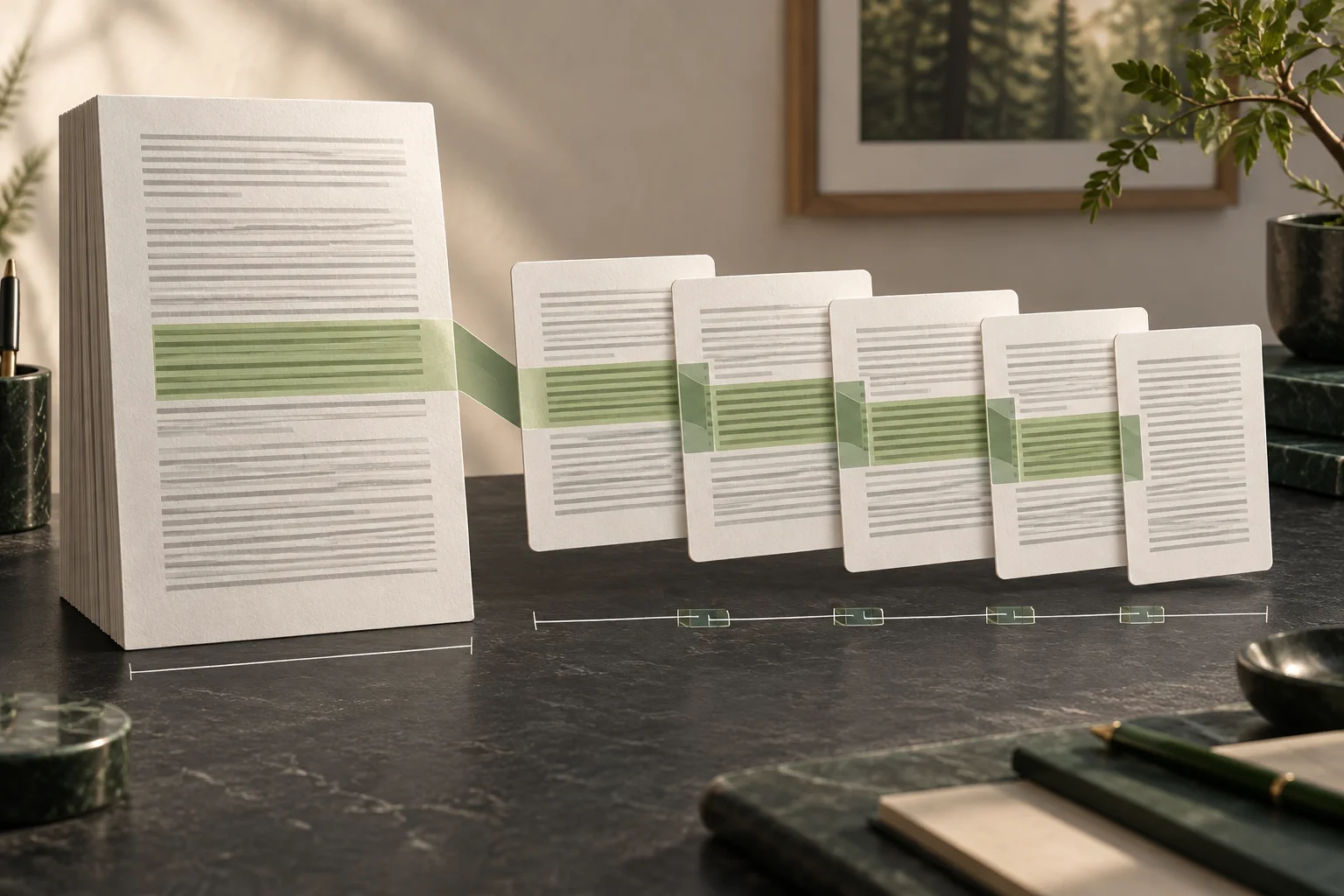
Check index size and page-rendering cost
This code retrieves candidate pages using layout and tables. To compare ColPali with ColQwen, run both models with the same PDF, query, gold page, and rendering settings and collect their results.
The search example returns page numbers and scores as JSON. Check OCR character accuracy or field extraction quality in a separate parser experiment.
If your task is mostly pulling a single number from a table, you do not need a page-retrieval model first. When the document is only a few pages or already has clean OCR text, start with keyword search and a document parser.
python -m venv .venv
source .venv/bin/activate
python -m pip install -U 'sentence-transformers[image]>=6.0.0' pymupdf pillowimport fitz
doc = fitz.open()
page = doc.new_page(width=595, height=842)
page.insert_text((72, 90), "Product comparison", fontsize=20)
page.insert_text((72, 150), "Model | Warranty", fontsize=13)
page.insert_text((72, 185), "Atlas | 2 years", fontsize=12)
page.insert_text((72, 220), "Nova | 1 year", fontsize=12)
page2 = doc.new_page(width=595, height=842)
page2.insert_text((72, 90), "Support contacts", fontsize=20)
page2.insert_text((72, 150), "Email: help@example.test", fontsize=12)
doc.save("report.pdf")
print("saved report.pdf")import fitz, json, time
from PIL import Image
from sentence_transformers import MultiVectorEncoder
pdf_path = "report.pdf"
query = "Which page shows the warranty period in the comparison table?"
model = MultiVectorEncoder("vidore/colqwen2.5-v0.2")
page_images = []
start = time.perf_counter()
with fitz.open(pdf_path) as pdf:
for page_number in range(1, min(len(pdf), 20) + 1):
page = pdf[page_number - 1]
pix = page.get_pixmap(matrix=fitz.Matrix(1.5, 1.5), alpha=False)
image = Image.frombytes("RGB", [pix.width, pix.height], pix.samples)
page_images.append((page_number, image))
query_vectors = model.encode_query([query])
page_vectors = model.encode_document([image for _, image in page_images])
scores = model.similarity(query_vectors, page_vectors)[0]
ranked = scores.argsort(descending=True).tolist()[:5]
print(json.dumps({"query": query, "pages_rendered": len(page_images), "elapsed_s": round(time.perf_counter() - start, 3), "top_pages": [{"page": page_images[i][0], "score": float(scores[i])} for i in ranked]}, indent=2))python make_report.py
python colpali_search.py
Terminology notes
OCR — The process of recognizing characters in images or scanned documents and turning them into text. Table layout and reading order still need the original image to verify.
Back to the text
Frequently asked questions
- What should you check first in this article?
- ColPali takes PDF page images, creates a multi-vector representation for each page, and retrieves pages that match a query. Visual details such as table layout can also serve as search signals.