
Executable programs and extensions
Last updated
Extract scanned PDFs and tables locally with LightOnOCR-3
Grounding mode preserves labels and coordinates for page regions along with text. Check rows, columns, and units against the original before adding a table to RAG or a search index.
LightOnOCR-3 offers plain and grounding modes. Plain mode transcribes the page to Markdown; grounding adds block labels and normalized 0–1000 coordinates. The CLI1 saves PDFs as page-level files under out/<name>/page-NNN.md and also creates structured .json in grounding mode. Review the OCR2 output against the source table before connecting it to search.
Use this workflow when extracting body text and tables from scanned PDFs for document search or review. Input a PDF and optional page range; output is page-level Markdown and, optionally, grounding blocks with locations.
Start with one page containing a table and another with mostly prose. Check numeric cells, column headings, and units against the source before indexing; that helps prevent layout or small-text errors from carrying into search results.
Choose between plain and grounding output
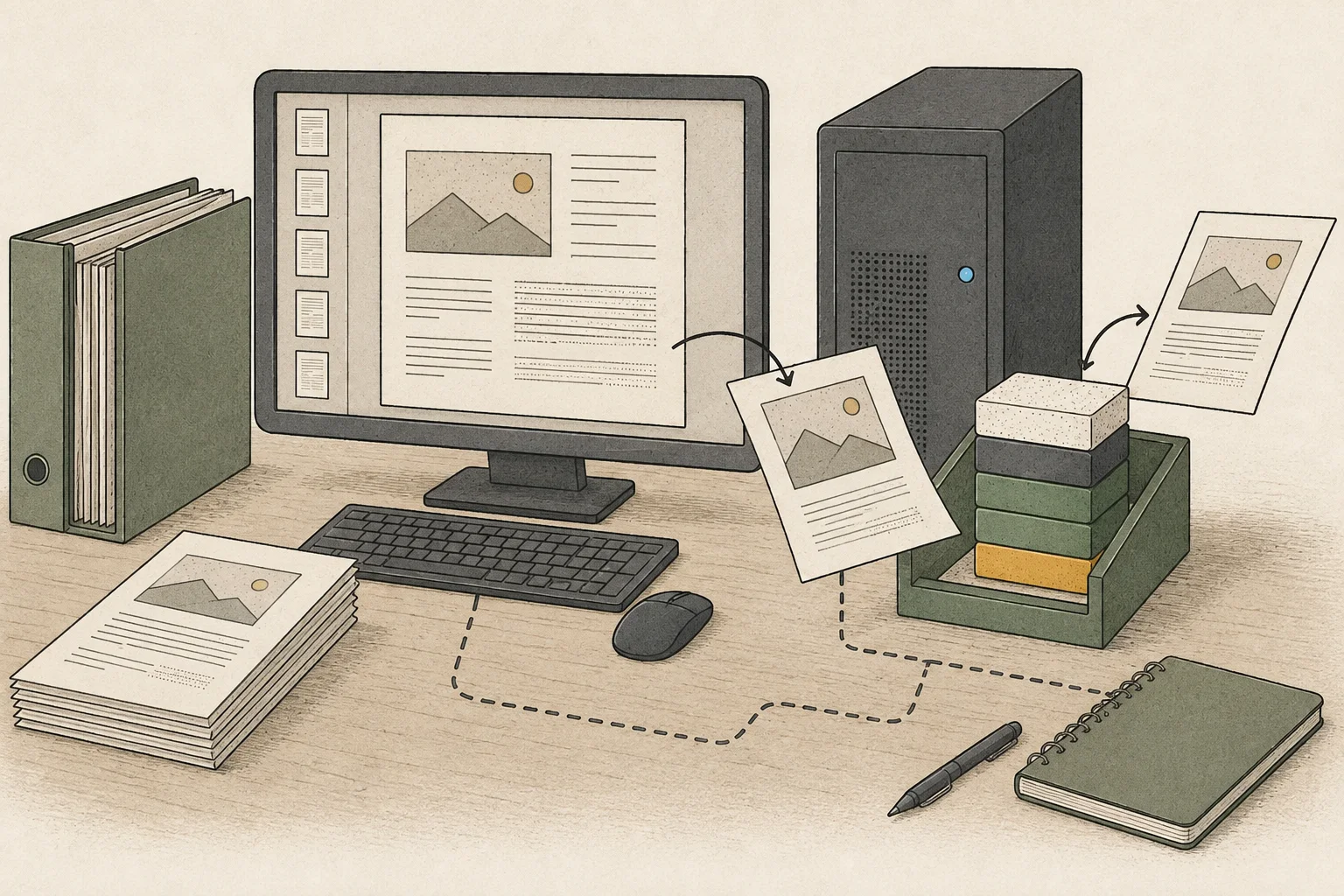
Plain mode extracts page text to Markdown, including readable tables and equations. Passing grounding adds a labeled bounding-box marker before each region; coordinates are normalized to 0–1000 regardless of page size. Use the .json blocks for programmatic post-processing and .md for quick review and storage.
For table-heavy documents, grounding is a useful starting point because it lets you review a table's location and text together. Chart data may be represented as an HTML table. Pages can differ, so check for empty cells, truncated columns, and headers or footers mixed into the body.
Connect vLLM to the LightOnOCR CLI
Prepare Linux, an NVIDIA GPU3 with CUDA4 support, and Python 3.10 or later. Check uv --version; if uv is missing, follow the Linux method in the official uv installation guide. Reopen the terminal and confirm a version appears before installing the repository below.
uv --version
# If missing, the official Linux installer is:
# curl -LsSf https://astral.sh/uv/install.sh | sh
# Reopen the terminal and confirm uv --version before continuing.
The official quick start installs the CLI and serving dependencies with uv sync --extra vllm. Its LightOnOCR-3-1B example uses port 8010, one image per prompt5, a 16,384 maximum model length, and a disabled image cache. The repository pins vLLM 0.30.0 and Transformers 5.16.1 and warns about issues with Transformers 5.17 and vLLM 0.27.1.
mkdir -p "$HOME/projects"
cd "$HOME/projects"
git clone https://github.com/lightonai/LightOnOCR.git
cd LightOnOCR
uv sync --extra vllm
source .venv/bin/activate
vllm serve lightonai/LightOnOCR-3-1B --limit-mm-per-prompt '{"image": 1}' --max-model-len 16384 --mm-processor-cache-gb 0 --no-enable-prefix-caching --port 8010 --host 127.0.0.1
Place the PDF to process at $HOME/projects/LightOnOCR/report.pdf and run the CLI from the repository root. Keep the server in the foreground in a separate terminal; --host 127.0.0.1 binds it to the local interface. The CLI connects to http://127.0.0.1:8010/v1 by default, so keep the repository's default model name for the first run.
cd "$HOME/projects/LightOnOCR"
source .venv/bin/activate
lightonocr report.pdf --mode grounding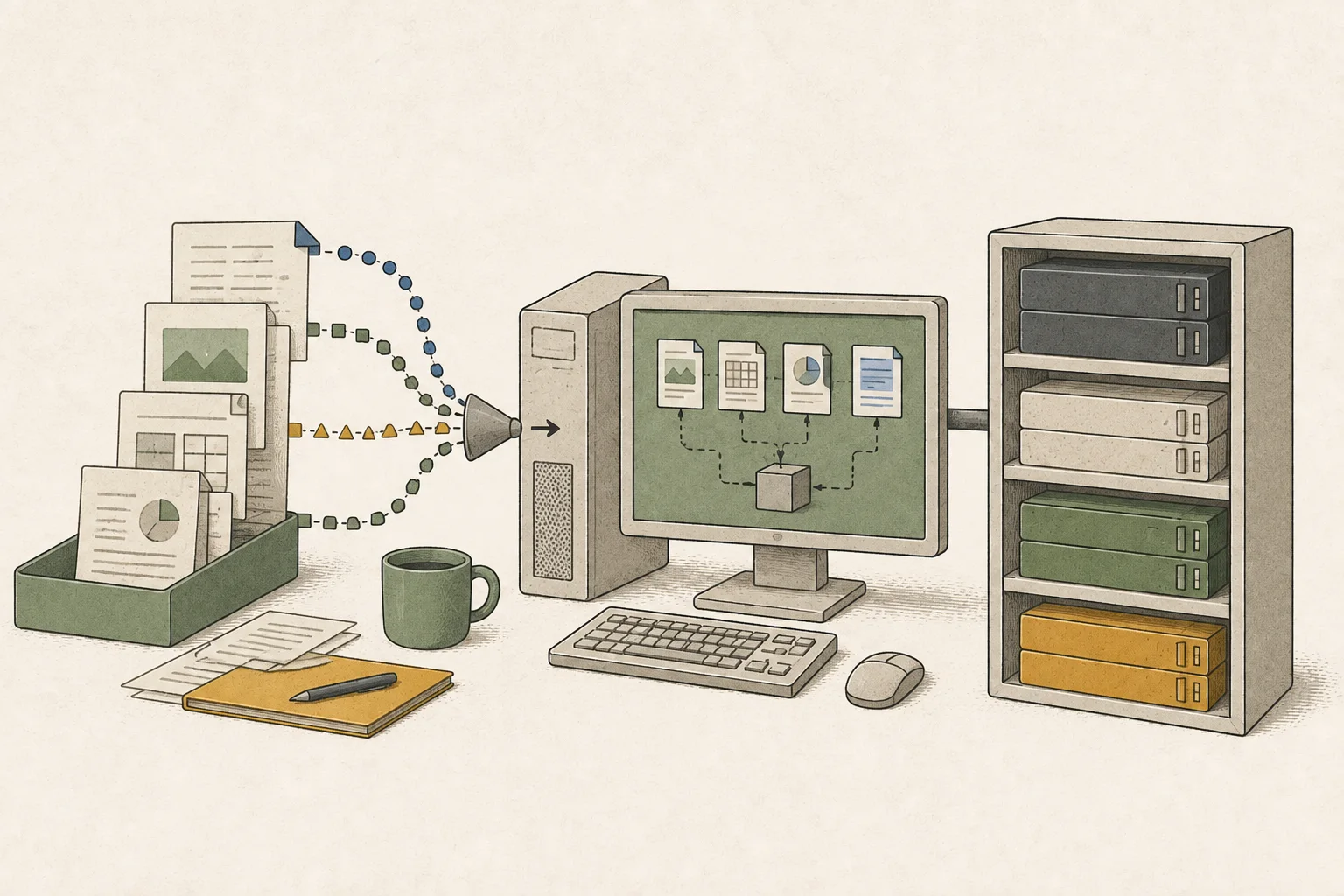
Review and save tables from page-level output
On success, the CLI saves page-level .md files and the sent page images under out/report/ by default. Grounding mode also creates a .json block file for each page. First check that files were created, page numbers match the PDF, and Markdown tables retain their rows and columns.
out/report/
├── page-001.png
├── page-001.md
├── page-001.json  # grounding mode
└── ...
Before passing the output into a workflow, sample-check numeric cells, currencies and units, merged headings, and footnotes against the source PDF. Confirm grounding coordinates are in the 0–1000 range, but still verify the rows, columns, and numbers even if the box surrounds the table. Store only reviewed pages in the downstream document system.
Troubleshoot incorrect tables or empty pages
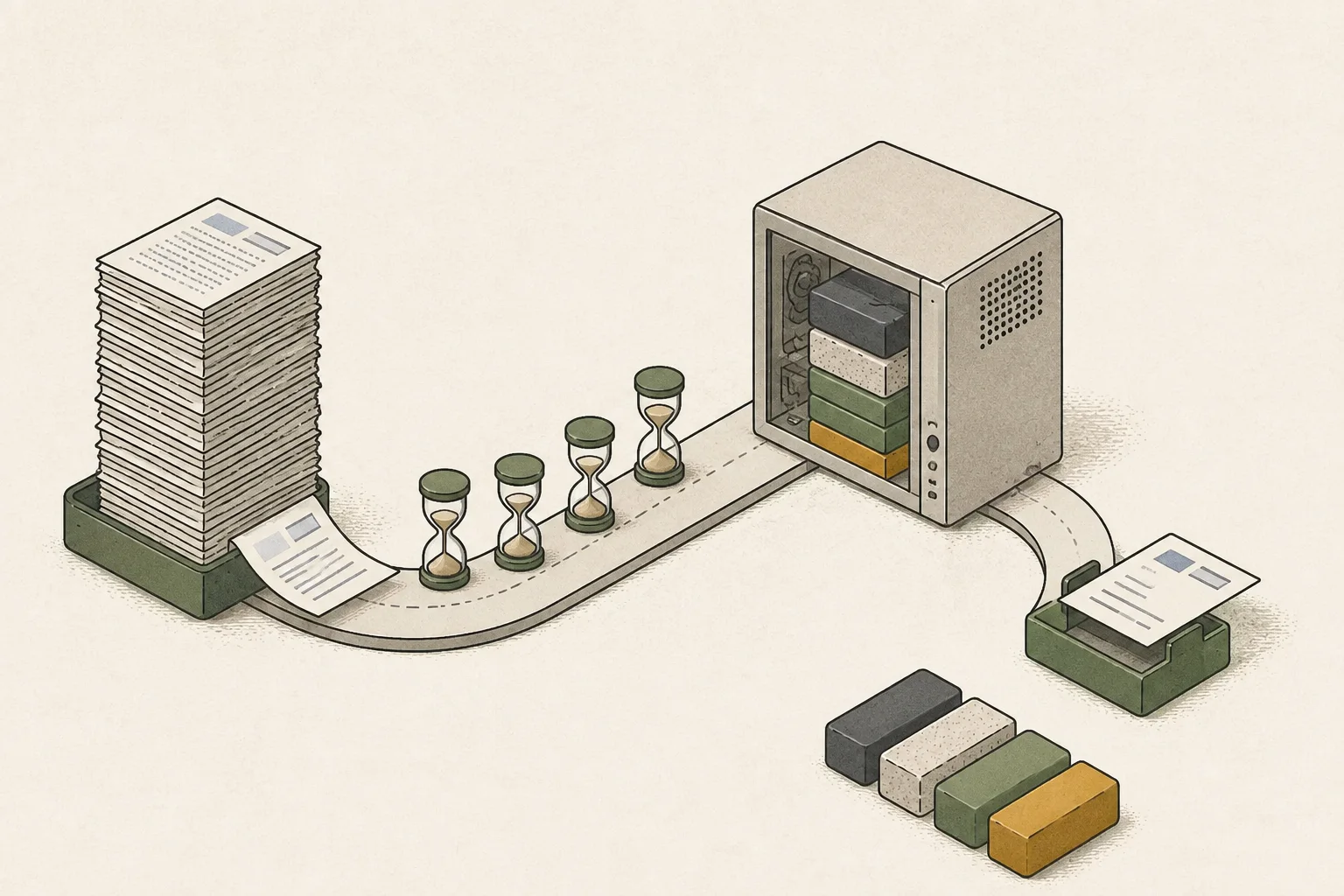
If the output directory or page files are missing, check that the server was ready before running the CLI and confirm the port-8010 address. For blank pages or request errors, render the source PDF to an image and confirm it is readable; rerun only the affected pages with --pages. If output is truncated, process a smaller page range instead of the whole PDF.
If a table is distorted, compare plain and grounding outputs first. --longest-edge controls the page image size and can be adjusted if small source text becomes unclear. The default server profile also chooses a page size by model, but check the accuracy and throughput6 tradeoff on a small batch whenever you change image size.
Terminology notes
CLI — Short for Command-Line Interface: operating a program by entering commands in a terminal.
Back to the textOCR — The process of recognizing characters in images or scanned documents and turning them into text. Table layout and reading order still need the original image to verify.
Back to the textGPU — A processor designed to handle many calculations in parallel. It performs model computations during AI inference.
Back to the textCUDA — A software platform for general-purpose computing on NVIDIA GPUs.
Back to the textPrompt — The input text sent to a model. For generative models it describes the desired result and strongly shapes the output.
Back to the textThroughput — The amount of work processed or generated over time. Comparisons need the unit, such as tokens per second or requests per second.
Back to the text
Frequently asked questions
- What should you check first in this article?
- LightOnOCR-3 offers plain and `grounding` modes. Plain mode transcribes the page to Markdown; grounding adds block labels and normalized 0–1000 coordinates. The CLI saves PDFs as page-level files under `out/<name>/page-NNN.md` and also creates structured `.json` in grounding mode. Review the OCR output against the source table before connecting it to search.