
Executable programs and extensions
Last updated
Parse documents, audio, and video into JSON with Youtu-Parsing-Omni
Youtu-Parsing-Omni processes one file and a selected task at a time, structuring document elements or time-based segments. Check coordinates and reading order against the source before storing the JSON.
Youtu-Parsing-Omni is a 5B BF161 model that returns document, image, chart, audio, and video tasks in a unified JSON family. The official vLLM path uses a dedicated plugin and pinned dependencies, so isolate the environment and pin the plugin commit. Its license is the custom youtu-parsing license; review the source terms before distribution or commercial use.
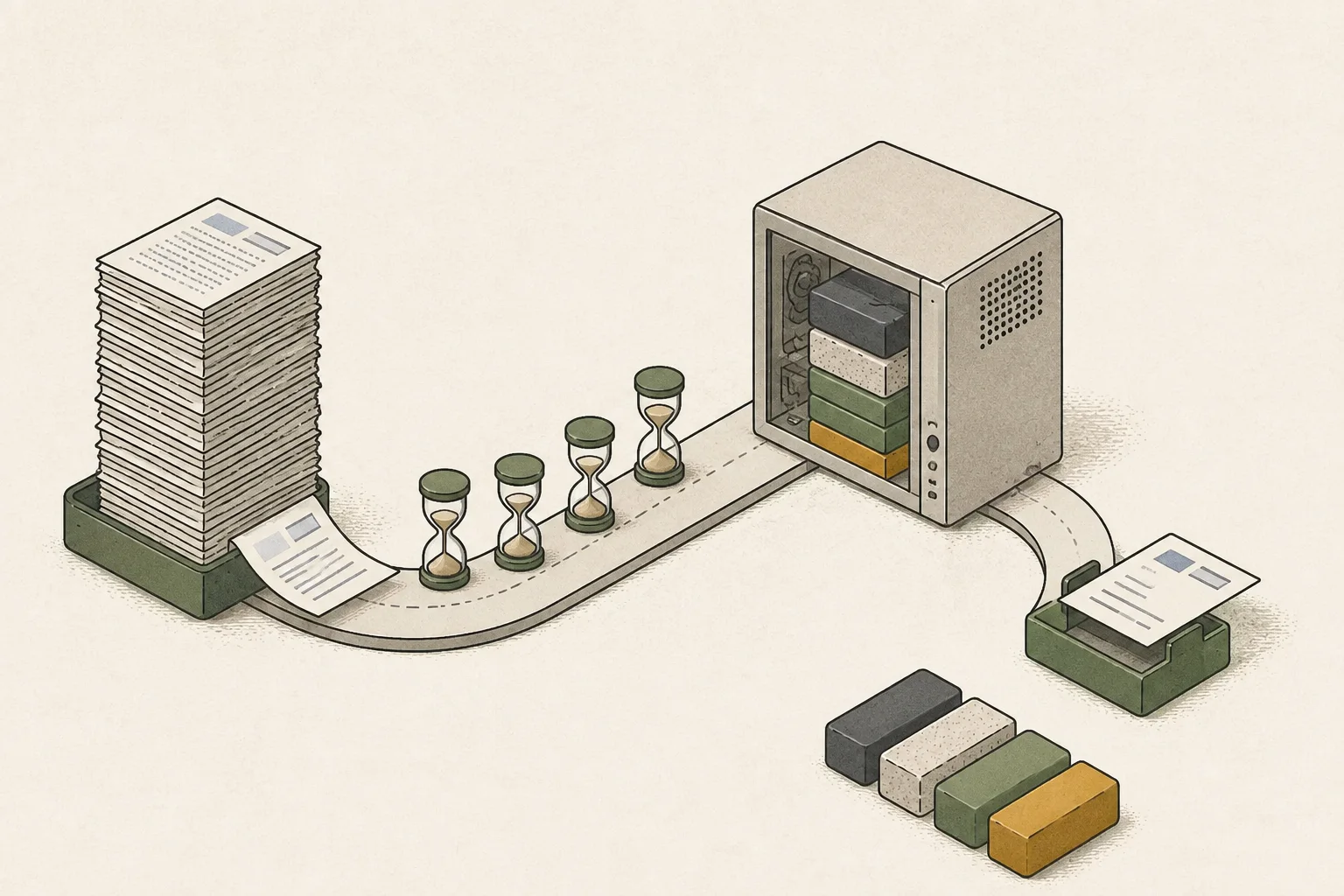
Youtu-Parsing-Omni turns document, audio, and video files into task-specific structured results. Provide local media and a task, then inspect JSON containing document elements, coordinates, reading order, or audio/video time segments in the terminal.
Run a document image, a short audio clip, and a short video as separate tasks. Compare document tables and reading order, audio speakers and timestamps, and video OCR/ASR segments with the originals before passing results downstream.
Select a task for each input and receive JSON
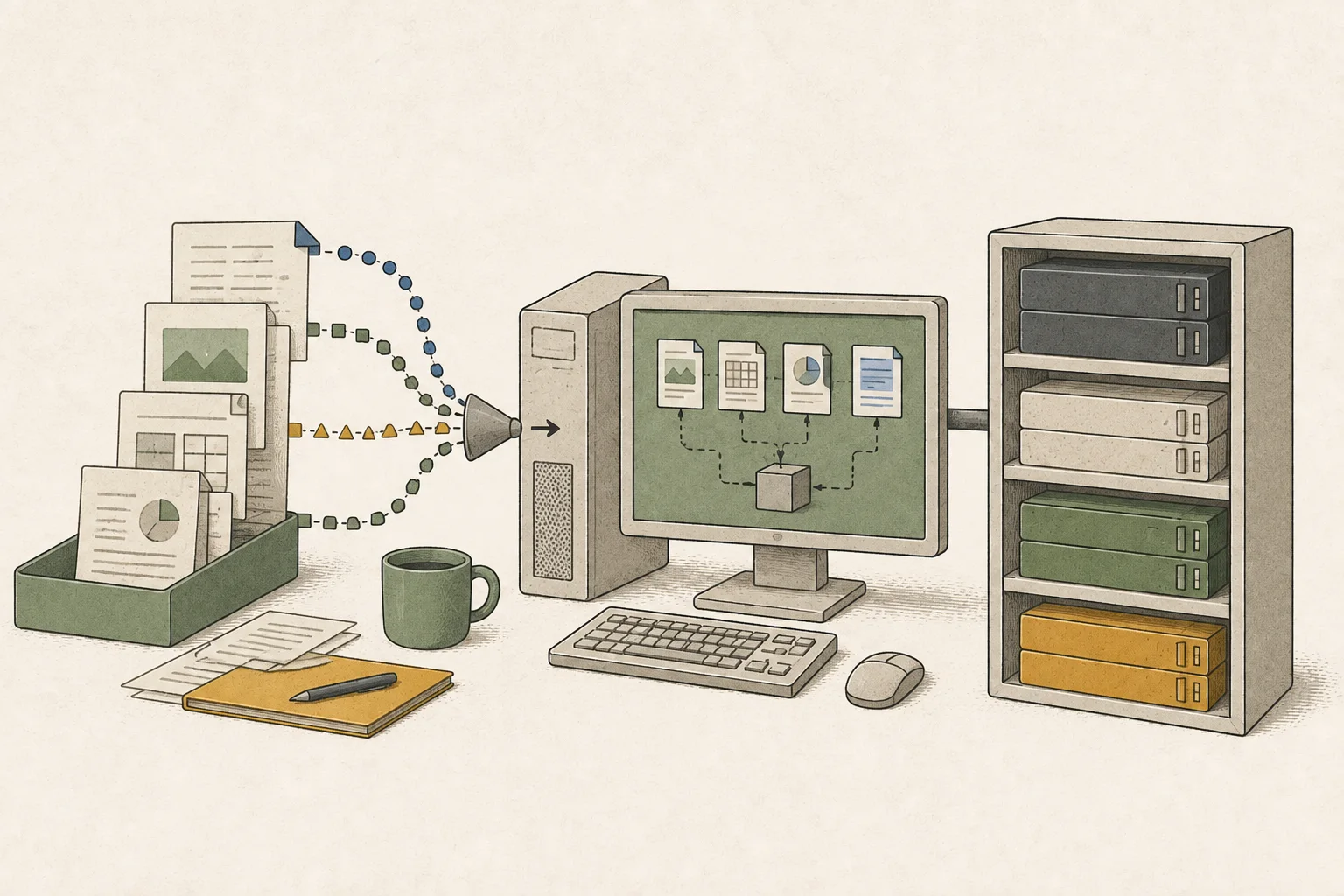
The model card lists separate tasks such as document for document pages, graphics_chart for charts, audio for speech, natural_video for video, and textrich_video for text-heavy video. Document JSON may contain element text or LaTeX, tables, coordinates, and reading order; audio and video return timestamped segments.
Do not treat every input as the same OCR2 task. Charts return table-like content, notes, and captions; audio includes speech and non-speech segments and ASR3; text-heavy video combines OCR, ASR, and an overall report. Choosing a task that does not match the input can omit the structure you need.

Isolate the vLLM environment and pin custom code
The official quick start assumes Python 3.10 or later and a CUDA4 GPU5. The vLLM server setup uses vllm==0.19.0, transformers==5.2.0, and the vllm-plugin-vita-omni path. Direct Transformers inference6 uses transformers==5.10.2, so keep the two setups in separate environments.
The plugin contains model implementation code, so pin a reviewed commit rather than relying on a moving default branch. The official repository's main branch resolved to 421cfad7acf8f0f80f5bd6dfa03b5ce3916224eb on October 13, 2026. Read Hugging Face's custom youtu-parsing license before installation and restrict which directory the server can read for media.
mkdir -p "$HOME/projects"
cd "$HOME/projects"
git clone https://github.com/TencentCloudADP/youtu-parsing.git
cd youtu-parsing
git checkout 421cfad7acf8f0f80f5bd6dfa03b5ce3916224eb
cd youtu_parsing_omniParse a first document page from a local media directory
Create a separate Python virtual environment7 for the model server and run the setup script there. The server script's MODEL can be a Hugging Face model ID, which it downloads, or a local checkpoint8 path; the default model cache is under HF_HOME. DATA_ROOT is not the model location: it limits which media files the server can read.
python3 -m venv .venv
source .venv/bin/activate
bash scripts/setup_env.sh
Open a new terminal and change to $HOME/projects/youtu-parsing/youtu_parsing_omni. Put media/page.png, media/speech.wav, and media/clip.mp4 in that folder. Place the example inputs under youtu_parsing_omni/media/ and run infer_vllm.py.
infer_vllm.py prints fenced JSON in the terminal instead of saving it to a file. Copy the output into a text editor, remove the code fences at the beginning and end, and save it as a .json file if needed. Compare the document's title, body, table elements, and reading order; the audio segments, speakers, and ASR text; and the video's timestamped OCR and ASR content with the source files.
mkdir -p media
MODEL=tencent/Youtu-Parsing-Omni DATA_ROOT="$PWD/media" GPU=0 bash scripts/vllm.shcd "$HOME/projects/youtu-parsing/youtu_parsing_omni"
source .venv/bin/activate
python examples/infer_vllm.py --task document --media media/page.png
python examples/infer_vllm.py --task audio --media media/speech.wav
python examples/infer_vllm.py --task natural_video --media media/clip.mp4{
"modality": "image",
"subtype": "document",
"elements": [],
"reading_order": [],
"global_description": {}
}
Validate the JSON before passing it downstream
Compare document JSON against source-table rows, columns, small text, and reading order. For audio, check the playback segment for each speaker label and timestamp; for video, align OCR and ASR with the same time range.
If the server cannot find a file, first check that the media is below DATA_ROOT. If audio or video reports missing ffmpeg, confirm it is executable in the environment. Also check that the package versions match the vLLM setup. If the output structure does not match the request, recheck the task and prompt9 selection.
Terminology notes
BF16 — A 16-bit floating-point format for model values. Its exponent has the same width as FP32, giving it a similarly wide value range.
Back to the textOCR — The process of recognizing characters in images or scanned documents and turning them into text. Table layout and reading order still need the original image to verify.
Back to the textAutomatic Speech Recognition — Technology that recognizes spoken language in audio and converts it to text.
Back to the textCUDA — A software platform for general-purpose computing on NVIDIA GPUs.
Back to the textGPU — A processor designed to handle many calculations in parallel. It performs model computations during AI inference.
Back to the textInference — The process of using a trained model to compute an output for an input. Here, local inference means running the model on the user’s device.
Back to the textPython virtual environment — An isolated space for installing Python packages per project, helping reduce package-version conflicts.
Back to the textCheckpoint — A file containing saved model weights and related state. Versions or tasks in one model family may use different checkpoints.
Back to the textPrompt — The input text sent to a model. For generative models it describes the desired result and strongly shapes the output.
Back to the text
Frequently asked questions
- What should you check first in this article?
- Youtu-Parsing-Omni is a 5B BF16 model that returns document, image, chart, audio, and video tasks in a unified JSON family. The official vLLM path uses a dedicated plugin and pinned dependencies, so isolate the environment and pin the plugin commit. Its license is the custom `youtu-parsing` license; review the source terms before distribution or commercial use.
- When is it better not to choose this?
- Do not treat every input as the same OCR task. Charts return table-like content, notes, and captions; audio includes speech and non-speech segments and ASR; text-heavy video combines OCR, ASR, and an overall report. Choosing a task that does not match the input can omit the structure you need.
- Where can you check the conditions and sources?
- The plugin contains model implementation code, so pin a reviewed commit rather than relying on a moving default branch. The official repository's main branch resolved to `421cfad7acf8f0f80f5bd6dfa03b5ce3916224eb` on October 13, 2026. Read Hugging Face's custom `youtu-parsing` license before installation and restrict which directory the server can read for media.