
read first
Last updated
llmfit: find the models your Mac can actually run
A tool that reads your specs and ranks what fits
llmfit is a free tool that reads your hardware and shortlists the models that fit. It scores four dimensions: memory fit, estimated speed, quality and context, and info reveals the inputs behind each estimate. Sharing your own bench numbers makes the estimates better for everyone on the same hardware.
Give it your specs and it returns a ranking
llmfit reads the CPU1 cores, memory, GPU2 and VRAM3 of the machine it runs on, then ranks the models and quantizations that fit that configuration. The input is your hardware; the output is a sorted list.
The value is that you do not need to know model names. Before settling on a machine you can ask what it would run.
The verdict splits into four axes: whether it fits in memory, how fast it should be, the model's own quality, and how much context it holds. All four appear on one screen.
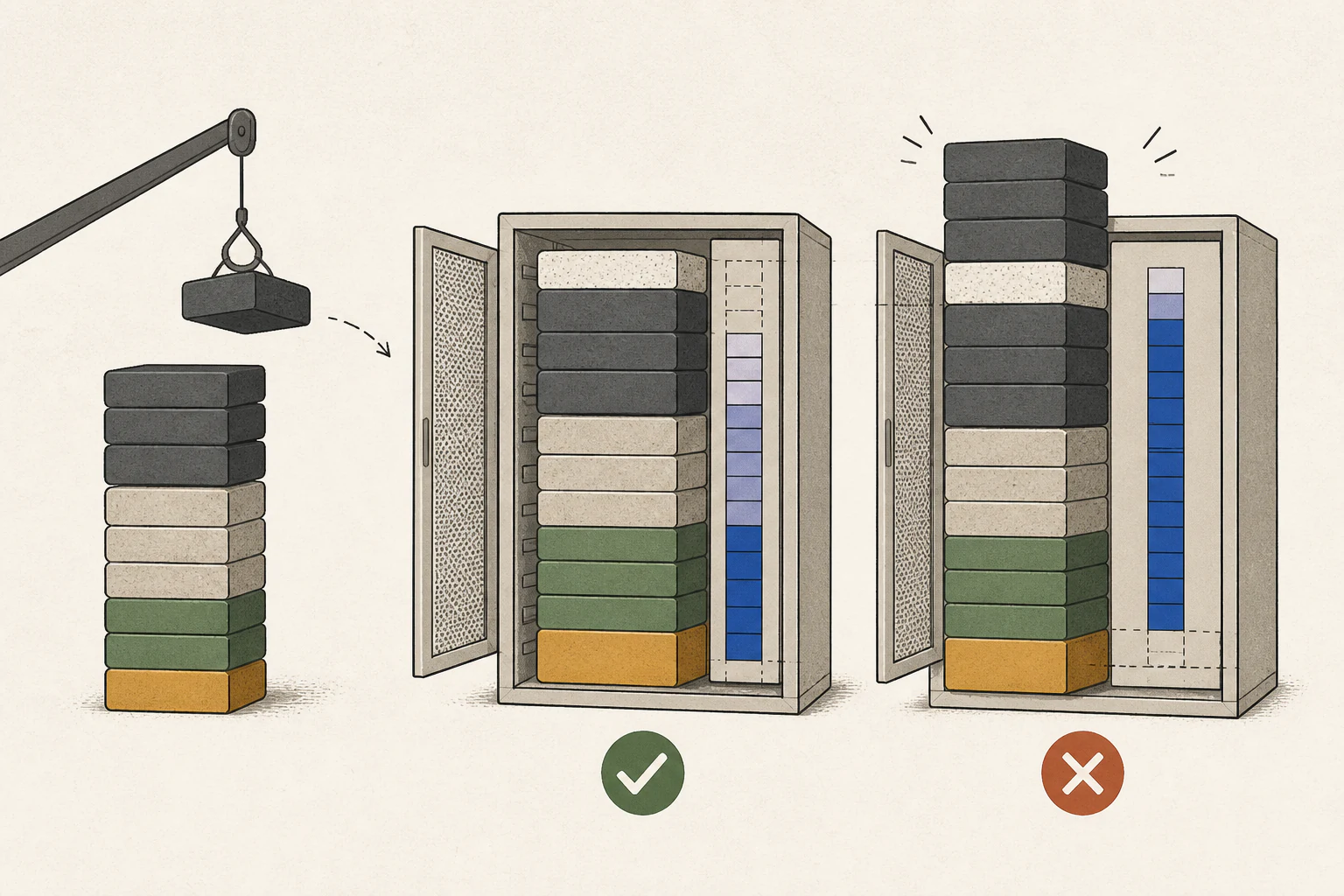
Install it and let it read your hardware
On a Mac, install it with Homebrew. Ubuntu and Windows use the same tool, which helps when comparing a Mac against a desktop.
Run it with no arguments. Your detected hardware sits at the top and the scored models below, and Enter opens the detail view for the selected model.
If detection looks wrong, run doctor. It prints exactly what it read, which makes a misread memory size easy to trace.
| Platform | Command | Note |
|---|---|---|
| Mac and Linux | brew install AlexsJones/llmfit/llmfit | Prebuilt binary |
| Python tooling | uv tool install -U llmfit | Or run with uvx llmfit |
| Windows | winget install --exact --id AlexsJones.llmfit | Scoop also works |
| Container | docker run --rm -it ghcr.io/alexsjones/llmfit --tui | Web UI and API mode |
Read the four scores separately
The fit score reads how much of your available memory the model uses. It rewards the 50 to 80 percent band and marks down both tight and wasteful loads, and because a wrong fit invalidates the rest, read it first.
The speed score is estimated from memory bandwidth4. The same model shifts with bandwidth, which is why this axis matters when comparing machines.
Quality and context belong to the model, so they barely move between machines. Read those two when deciding which model to pick.
| Axis | What it measures | When reading |
|---|---|---|
| Fit score | Share of available memory, 50–80 percent is optimal | Check this first |
| Speed score | Estimate from memory bandwidth | An estimate, so it drifts |
| Quality score | The model's own capability | Independent of hardware |
| Context length | Context window against the use-case target | Costs more memory |
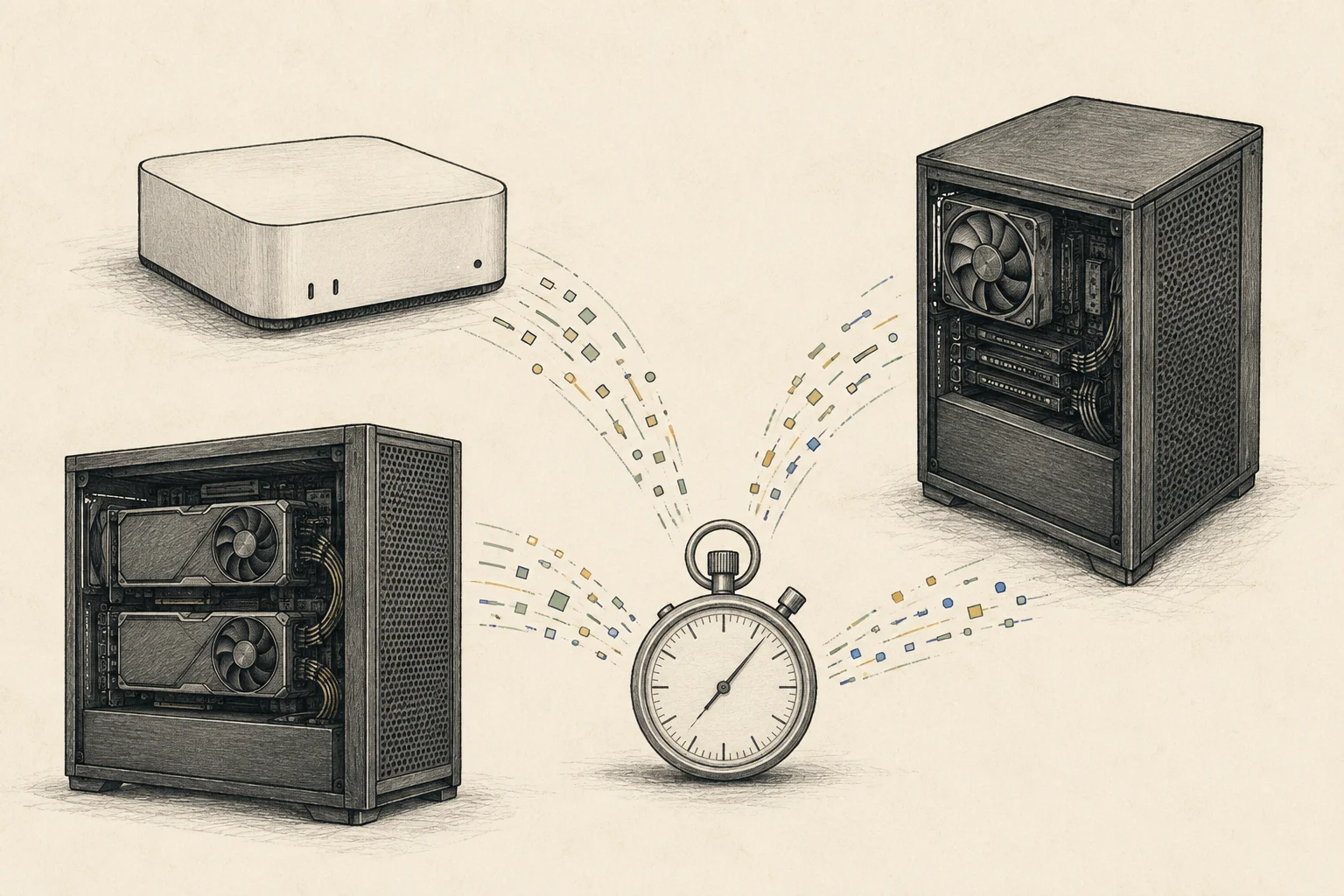
Put the estimate next to the measurement
The speed in the list is an estimate. llmfit exposes the inputs behind it through info, and if those inputs differ from your machine the number moves with them.
Measurement is bench. It attaches to a runtime5 you already have running and records generation speed and time to first token6, so you measure the setup you actually use.
Seeing both exposes where the estimate drifts. That gap is the point of the tool: buying on the estimate alone can invert the ranking once measured.
| Command | Returns | When to use |
|---|---|---|
| llmfit | Hardware and the ranked list | First look |
| llmfit info | Estimate basis and verify commands | When a number looks off |
| llmfit bench | Generation speed and TTFT | Measuring the real value |
| llmfit doctor | Raw detected specs | Detection looks wrong |
It accounts for quantization and expert models
It handles GGUF7, AWQ, GPTQ and EXL2, and it does not assume a fixed width: it walks from Q8_0 down to Q2_K and picks the highest quality that still fits. If full context does not fit, it retries at half context.
For mixture-of-experts models it calculates with active parameters. Using total parameters makes the model look heavier than it is and hides ones that would run.
The difference shows up on large models: even past 100 GB total, a small active slice can still run on a laptop.
Use it from scripts and servers
Adding --json to recommend returns output a script can consume, useful for pre-deploy checks or building a table.
brew install AlexsJones/llmfit/llmfit
llmfit doctor
llmfit recommend --json
serve opens an HTTP API8 that exposes the system profile and the model list, so a dashboard or pipeline9 can read it.
llmfit serve --host 0.0.0.0 --port 8787
curl -s localhost:8787/api/v1/system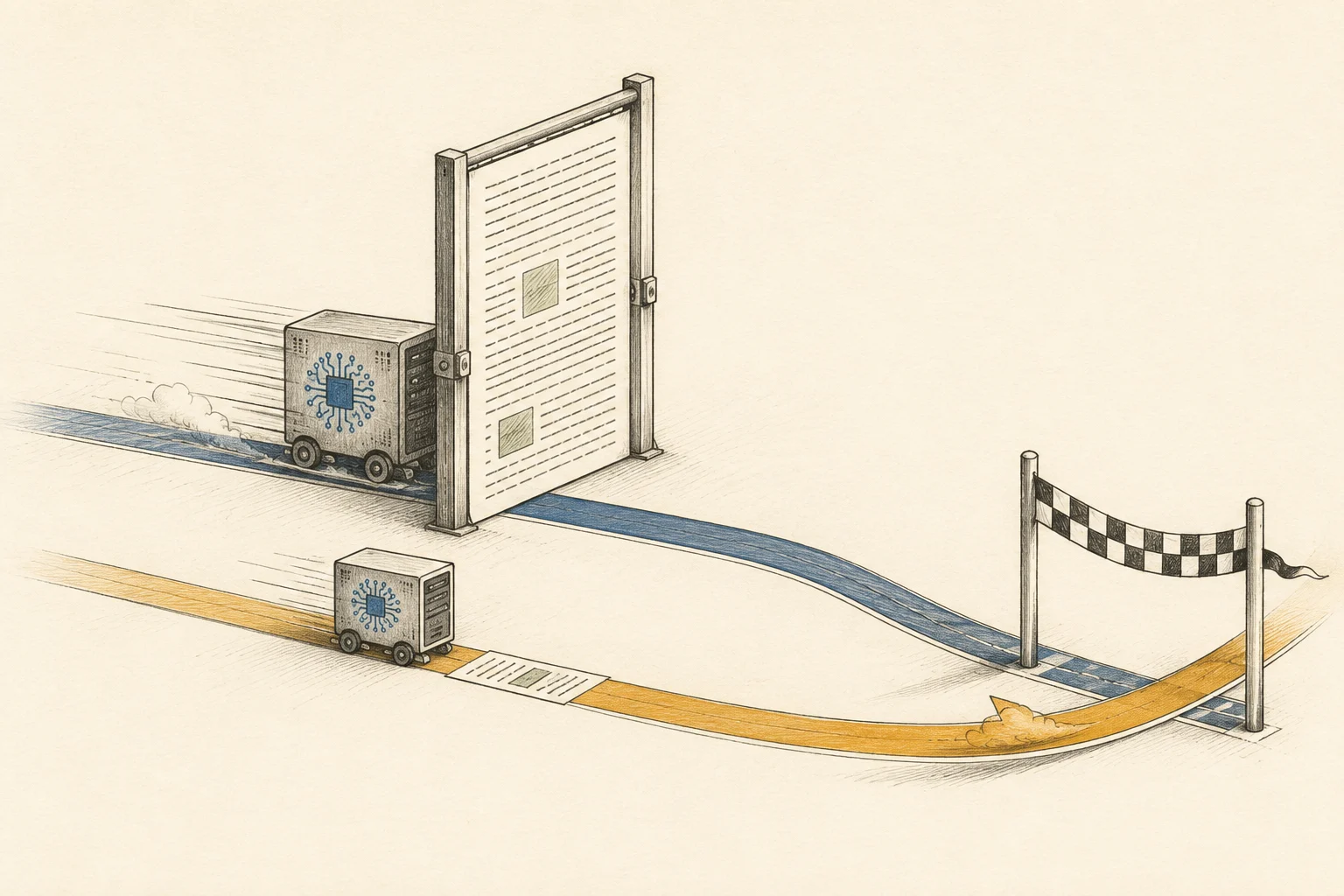
Collected measurements improve the estimates
bench --share contributes a measurement to the repository. The run is saved on your machine first and only leaves when you send it.
People on identical hardware see it in the next release, where an estimate becomes a check-marked measured number.
The catalog can grow while the estimates improve, because every measurement fills a gap.
What the tool does not answer
llmfit does not run models. Downloading and serving stay with a runtime such as Ollama, llama.cpp or MLX10, and bench attaches to one already running.
It does not guarantee speed either. Other apps using memory or a different driver change the number, so identical hardware has to mean identical conditions.
Other tools measure by running: they pull models through Ollama and benchmark them, but treat expert models as dense and overstate memory. Which one fits depends on what you are checking.
Use the list as a starting point for a buying decision and confirm with bench before committing.
The last piece llmfit leaves open is how fast the machine actually runs. Its speed comes from a bandwidth calculation, so a different quantization11 file or context length12 moves the real number away from the estimate.
This site collects prefill13, token14 generation and time to first token per machine with the conditions attached, so one model can be compared across machines under the same conditions. Narrow the candidates with llmfit, then check only those against measured values.
Power is not modelled at all. This site records each machine's peak and idle draw separately, on the maker's figures with the source attached, and the electricity calculator turns hours per day plus your existing household usage into a monthly bill across progressive tiers and seasonal rates.
Terminology notes
CPU — The central processor that runs the operating system and general-purpose instructions; in AI workloads it also handles tasks such as preprocessing and data movement.
Back to the textGPU — A processor designed to handle many calculations in parallel. It performs model computations during AI inference.
Back to the textVRAM — Memory used by a graphics card’s GPU to store model weights and intermediate values.
Back to the textMemory bandwidth — The amount of data transferable between memory and a processor per unit time, usually expressed in bytes per second (B/s).
Back to the textRuntime — The software environment that provides facilities needed while a program runs. In local AI, it can also refer to a model execution engine.
Back to the textTime to First Token — The time from sending a request until its first output token arrives.
Back to the textGGUF — A file format for model data, widely used by llama.cpp-based tools.
Back to the textAPI — A defined interface that lets other code call a program’s functions.
Back to the textPipeline — A sequence of processing stages from input to output. Different models or tools may be used at each stage.
Back to the textMLX — Apple’s machine-learning framework, which runs models using memory shared by the CPU and GPU on Apple Silicon.
Back to the textQuantization — A way to represent model weights or values with fewer bits, reducing storage and memory use. The coarser representation can also affect accuracy.
Back to the textContext window — The token span of input and generated content a model can handle in one request. The supported limit and memory use depend on the model and runtime settings.
Back to the textPrefill — The stage where an LLM reads the input prompt and computes representations for its tokens. Longer prompts contain more tokens to process.
Back to the textToken — A unit into which a model divides input or output for processing.
Back to the text
Frequently asked questions
- What should you check first in this article?
- llmfit is a free tool that reads your hardware and shortlists the models that fit. It scores four dimensions: memory fit, estimated speed, quality and context, and info reveals the inputs behind each estimate. Sharing your own bench numbers makes the estimates better for everyone on the same hardware.