
Executable programs and extensions
Last updated
Local LLM slow on its first run? Five checks before blaming the hardware
When the first answer is slow, check each stage from download to generation
A local LLM1 reads questions and produces answers using a model stored on your computer. When you select a new model for the first time, the app first downloads its files and loads them into memory. It can process your question and generate a reply once that preparation is complete.
A long wait for the first question can be followed by a much quicker start on the next one. The downloaded files are already available, and keeping the model in memory also avoids loading it again. Start by identifying whether the wait comes from preparing the model, reading the document, or generating the answer.
Use the progress display to distinguish download from loading
A download percentage or transferred-byte count means the app is still receiving the model files. If the count keeps rising, wait for it to finish. If transfer stops, check the connection and error message, then use the app's retry control. Context length2 and output settings do not resolve a download problem.
After download, the app loads the model from disk into memory. If “loading model” stays visible for a long time, examine file loading and memory use. Progress displays vary by app; if detailed logs are unavailable, start with the visible stage and any error. The next section covers the wait after the model is ready and a question has been sent.
- Local LLM basics, installation, and model selection
- Prefill vs decode: should you look at TTFT or tok/s?
- How much VRAM or unified memory does a local LLM need?
- Run local AI on a Mac with oMLX: what is new in 0.7.1rc1?
- Set up Qwen3.8-27B prefill and caching with Splash 1.3.0
- When local RAG answer is wrong: Search, chunk, model diagnosis order
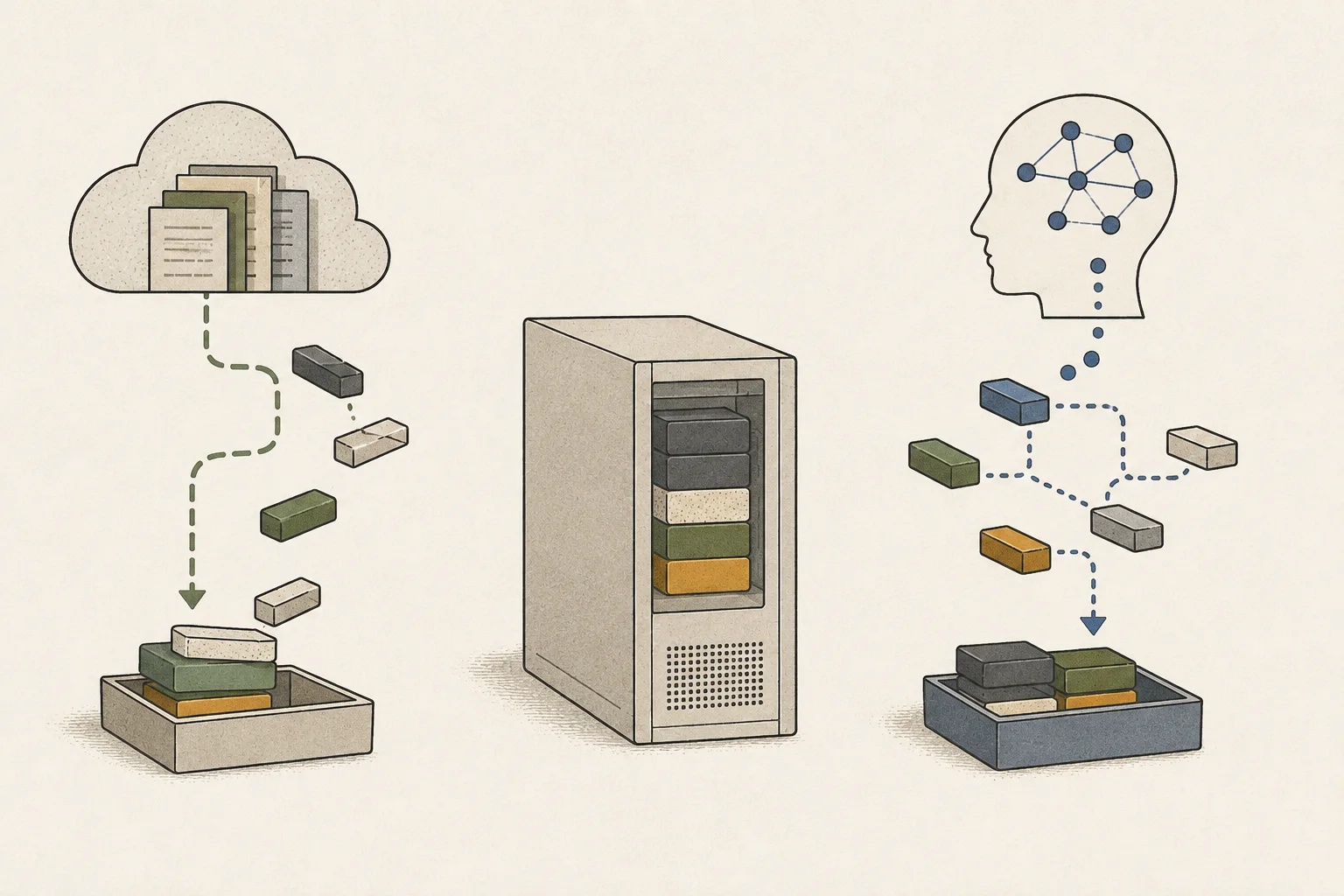
Long documents can increase the wait for the first response
Before writing an answer, the model processes the question and any document sent with it. This input-processing stage is prefill3. Ask “Tell me the application deadline and exceptions” about the same policy document. First supply an excerpt containing both details, then the full document, and compare the wait until the first response.
Keep the model and settings unchanged, and use a new conversation for each test. Adding documents to one conversation also carries earlier questions and answers into later inputs. Starting a new chat reduces that history; input-cache state is something to check separately in the app. Keep all evidence needed for the answer in the excerpt so the results remain comparable.
If the first response starts at a similar time but a longer answer finishes much later, examine output length. Compare the wait before the first response to understand the input burden, and the interval from that response to completion to understand answer generation.
Check memory availability and where the model runs
On a PC with a discrete GPU4, use the runtime5's memory display or logs to check how much of the model is on the GPU. A configuration that processes part of the model on the CPU6 can have a different speed from GPU-only execution. On a Mac, the model, operating system, and browser share unified memory7, so other open apps reduce the space available to the model.
First keep the model unchanged, close other apps, and try both a short question and one with the document. Then switch to a smaller model and ask the same question. Changing one condition at a time helps separate the effects of available memory and model size. A smaller model also changes computation and execution, so check that it still answers the policy exceptions correctly as well as running faster.
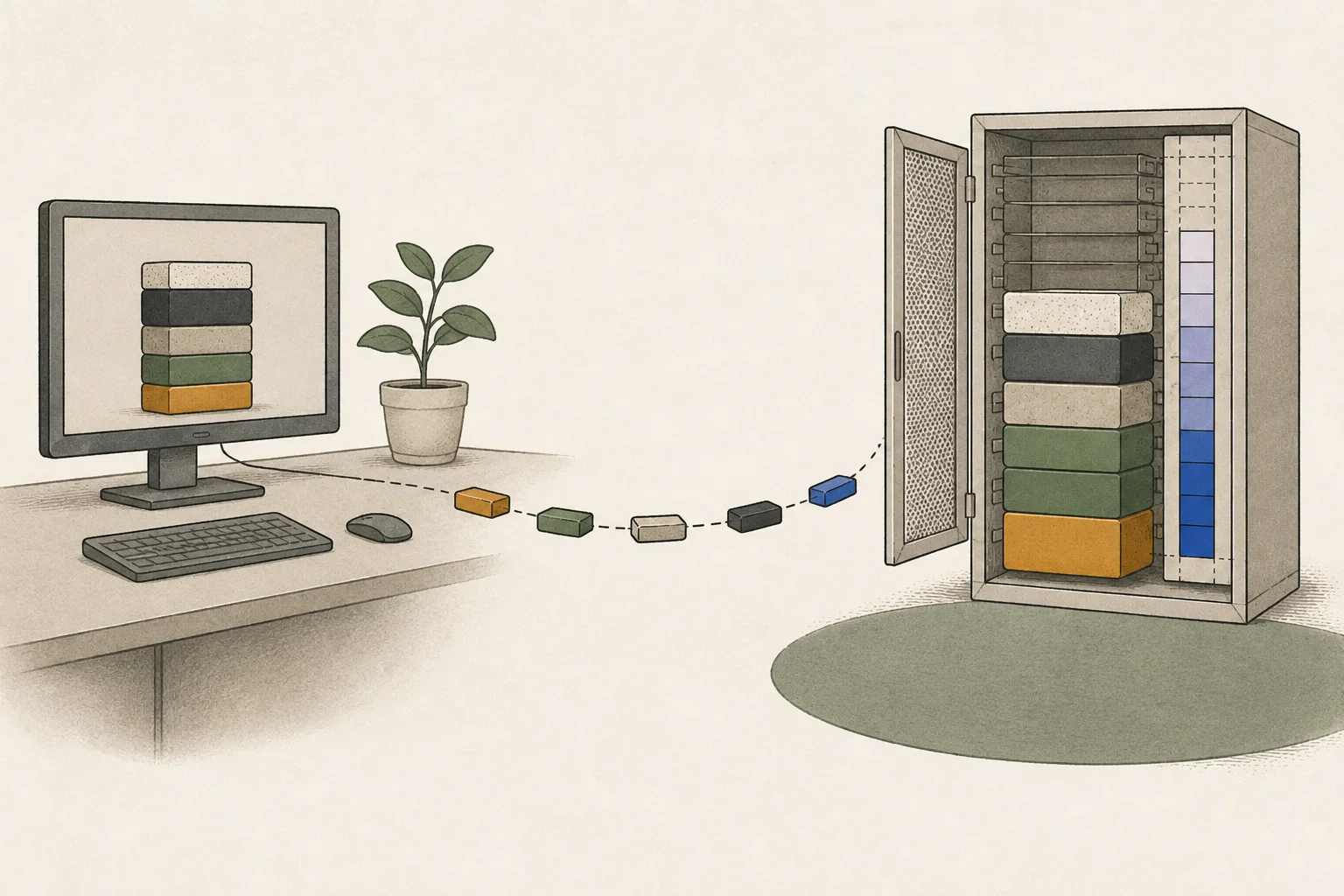
Keeping the model loaded can reduce preparation time
There are several reasons a second question may be faster. Files already on disk do not need another download. If the app keeps the model in memory, it can avoid loading again. Reusing a cached prefix of the same input also reduces repeated prefill computation.
If you normally leave the app open, compare requests with the model already loaded; if you open it only when needed, compare after restarting. Operating-system file caches can remain after closing an app, and input-cache clearing differs between programs. Note the starting conditions and repeat with the same app, model, and version to understand your normal wait.
To compare the wait you experience on screen, time from sending the question until the answer appears. Server logs may record only computation, so also keep the user-side interval that includes queueing, loading, and display.
If an answer stops early, check its stop reason
If an answer ends in the middle of a sentence, check the stop reason shown by the app or server logs. If it reached the output limit, raise only that limit and rerun the same question. The limit sets how long an answer the model may generate in one request. Increasing it allows longer answers but can also change completion time and memory needs.
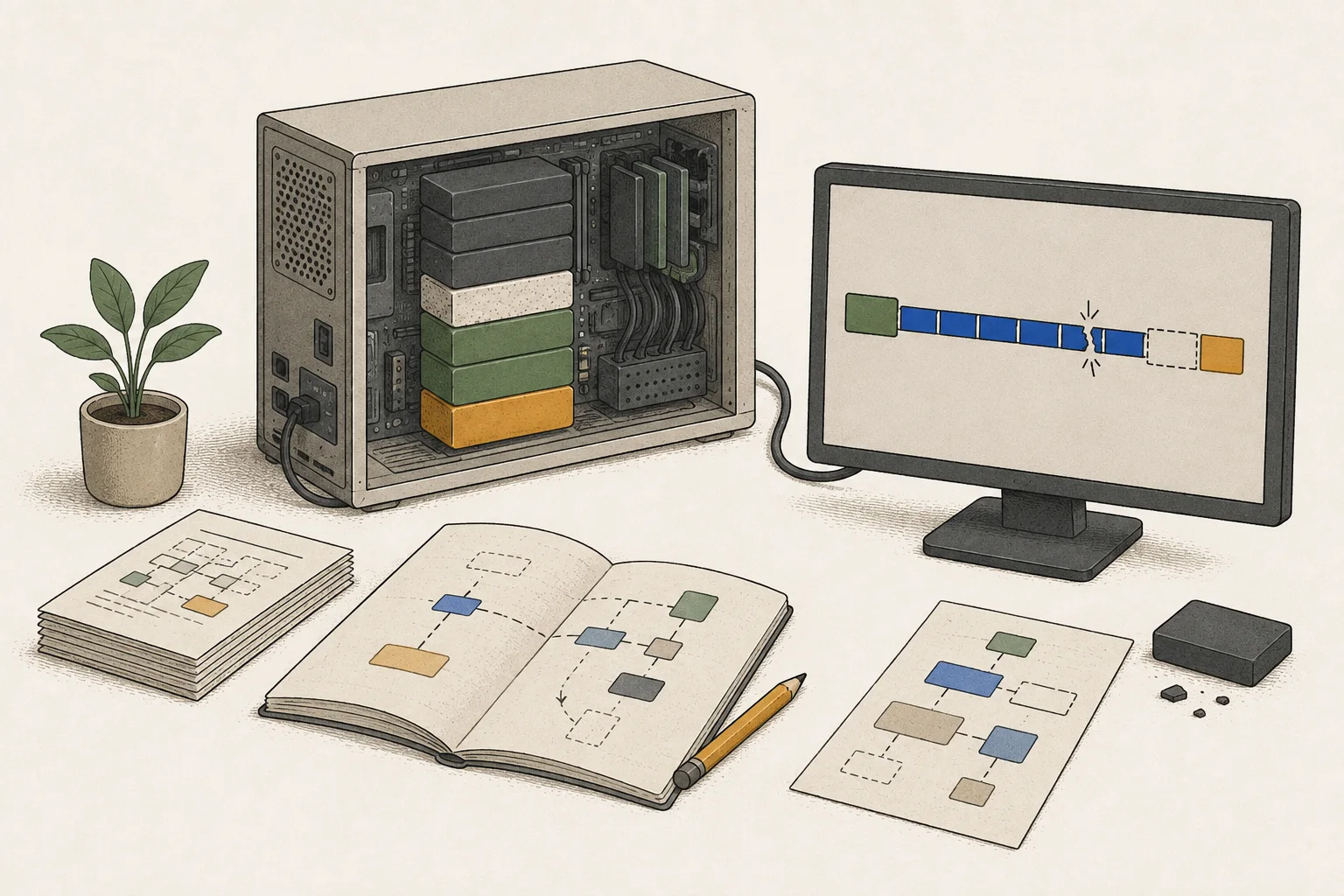
Finally, check that the answer includes both the application deadline and exceptions. With the required content preserved, record request, first-token, and completion times along with the stop reason. If the first response remains slow after preparation, compare input processing and memory; if it starts quickly but finishes late, examine answer length and decode8 speed. Knowing which interval needs improvement gives you a concrete basis for choosing hardware.
Terminology notes
Large language model — A model trained on large text datasets to learn language patterns and process or generate text in context.
Back to the textContext window — The token span of input and generated content a model can handle in one request. The supported limit and memory use depend on the model and runtime settings.
Back to the textPrefill — The stage where an LLM reads the input prompt and computes representations for its tokens. Longer prompts contain more tokens to process.
Back to the textGPU — A processor designed to handle many calculations in parallel. It performs model computations during AI inference.
Back to the textRuntime — The software environment that provides facilities needed while a program runs. In local AI, it can also refer to a model execution engine.
Back to the textCPU — The central processor that runs the operating system and general-purpose instructions; in AI workloads it also handles tasks such as preprocessing and data movement.
Back to the textUnified memory — An architecture where the CPU and GPU share one physical memory pool.
Back to the textToken decoding — The stage that generates successive output tokens using the input and the response produced so far.
Back to the text
Frequently asked questions
- What should you check first in this article?
- A local LLM reads questions and produces answers using a model stored on your computer. When you select a new model for the first time, the app first downloads its files and loads them into memory. It can process your question and generate a reply once that preparation is complete.
- How much memory does it need?
- After download, the app loads the model from disk into memory. If “loading model” stays visible for a long time, examine file loading and memory use. Progress displays vary by app; if detailed logs are unavailable, start with the visible stage and any error. The next section covers the wait after the model is ready and a question has been sent.