
Executable programs and extensions
Last updated
Can you run Muse Spark Open on one Mac?
Separate the single-Mac oQ3e path from distributed NVFP4.
Muse Spark Open is a multimodal model with 816B total and 42B active parameters. Meta and Apple's NVFP41 MLX2 path uses two M5 Ultra Mac Studios; oMLX 0.7.1rc1 reports a 370 GB oQ3e run on one 512 GB M3 Ultra Mac.
What does this model take in and return?
Muse Spark Open is a multimodal language model that accepts text, images, video, and audio and returns text. It has 816B total parameters, 42B active per token3, and supports up to a 1M-token context at inference4. It targets coding and agent work, but local deployment starts with checking whether you have enough memory for the weights and runtime5 headroom. Meta model card
Checkpoint6 size varies by precision and quantization7. Meta's model card lists at least 700 GB VRAM8 for NVFP4 GPU9 deployment and 2 TB for BF1610, with additional memory for KV cache11 and activations. These figures describe large server deployment requirements, not consumer-GPU compatibility.
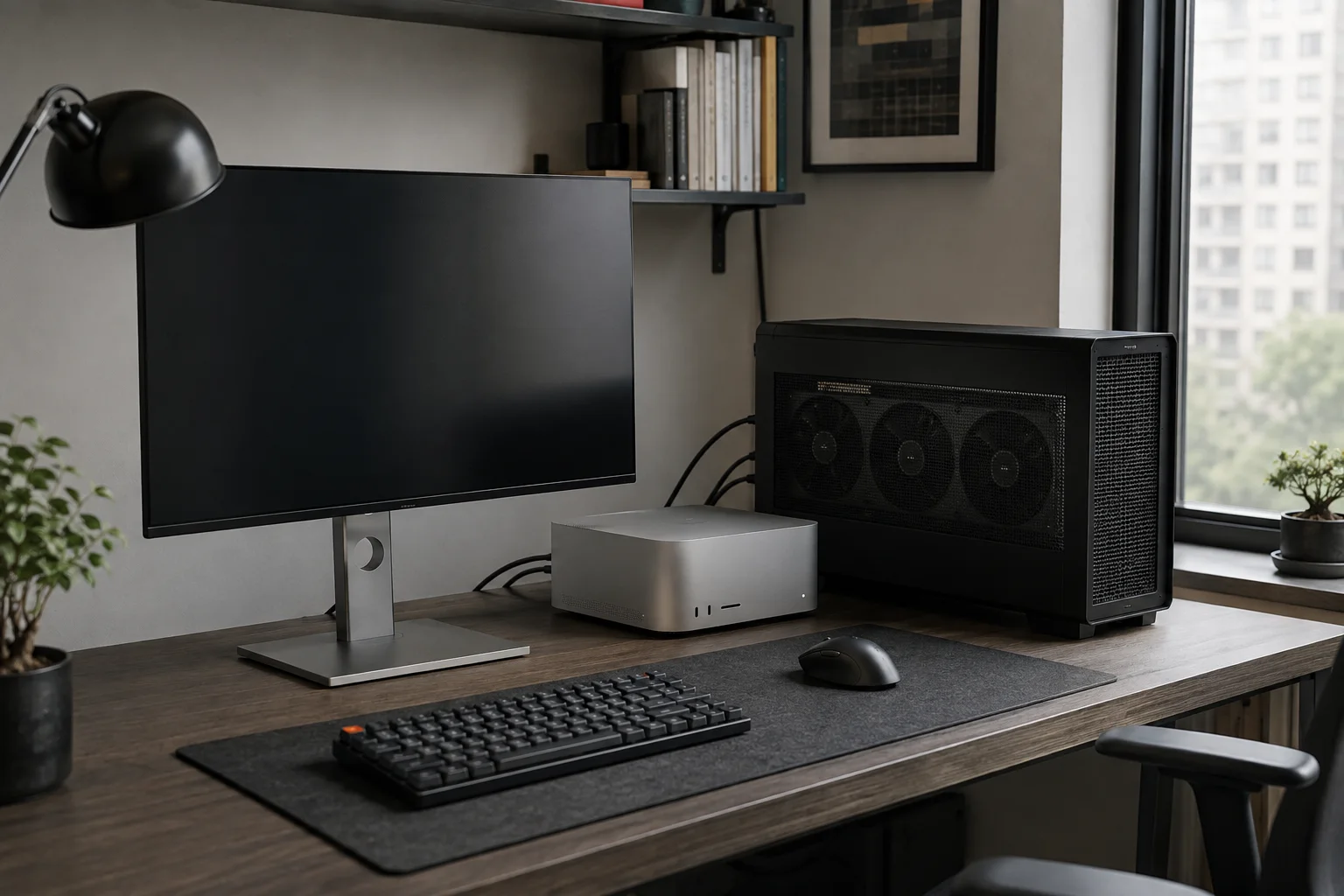
Choose between one 512 GB Mac and multiple M5 Ultra systems
The MLX distributed run described by Meta and Apple uses two M5 Ultra Mac Studios, each with 512 GB of unified memory12. Separately, oMLX 0.7.1rc1 reports running a 370 GB oQ3e checkpoint on a single M3 Ultra Mac with 512 GB of unified memory.
The quantization and inference engines differ, so do not compare the performance figures directly. Apple's MLX setup · oMLX 0.7.1rc1
Distributed inference requires macOS 26.2 or later and direct Thunderbolt 5 RDMA links between the Macs. First list each Mac, its Thunderbolt IP, and RDMA device in the hostfile. Meta's mlx.distributed_config instructions explain how to create hostfile.json; the existing JACCL guide also covers connection setup and validation. Run the server command below on the primary Mac where that file is saved.
mlx.launch --hostfile hostfile.json --backend jaccl \
  --env MLX_METAL_FAST_SYNCH=1 -- \
  mlx_lm.server \
    --model meta-models/Muse-Spark-Open-816B-A42B-NVFP4 \
    --port 8080
The table shows Apple's distributed NVFP4 MLX results on M5 Ultra systems at an 8,192-token context. The single-Mac oQ3e path uses a different model format and runtime, so do not compare the figures directly; test each path with your own inputs.
| Mac setup | Time to first token | Decode speed |
|---|---|---|
| 2-machine pipeline | 8.4 seconds | 15.74 tok/s |
| 2-machine tensor parallelism | 8.2 seconds | 24.99 tok/s |
| 4-machine tensor parallelism | 4.8 seconds | 36.73 tok/s |
Start with oMLX on one 512 GB Mac
For one Mac, use the mlx-community/Muse-Spark-Open-816B-A42B-oQ3e variant in oMLX 0.7.1rc1, separate from Meta’s distributed NVFP4 path. The model files total 370 GB, and the release notes report loading this checkpoint on an M3 Ultra Mac with 512 GB. oMLX is a release candidate, not the stable release. oMLX release notes
In the oMLX app, open Models > Downloader and select Muse Spark Open oQ3e from the Recommended tab. Check that the disk has room for the 370 GB files before downloading, then load the model from the list. Start with a short text prompt13 and modest context; confirm it answers without a memory warning before adding images or longer context. Model recommendations
For this M3 Ultra 512 GB oQ3e run, oMLX 0.7.1rc1 reports 225 tok/s prefill14 and 21.3 tok/s decode15. The release notes do not include the full prompt and output conditions, so do not compare these directly with Apple’s 8,192-token M5 Ultra table. Repeat your own documents and record model loading, prefill, and decode separately to evaluate your workload.
If the model is missing or fails to load, confirm that you selected the oQ3e variant and that its download completed. If the files are present but a memory warning appears, unload other models and retry with a shorter context. Check the first load error in oMLX logs and verify that your version lists support for this model.

Check modality support and license terms
Meta’s model card lists text, image, video, and audio inputs with text output. Image, video, and audio request formats vary by MLX adapter or runtime, so follow the examples in the documentation for your chosen setup.
The weights are released under the Muse Model License. Before using them in a service or redistributing the model, check the applicable terms in the full license.

Terminology notes
NVFP4 — A 4-bit floating-point data format defined by NVIDIA. Support depends on GPU generation, model, and software implementation.
Back to the textMLX — Apple’s machine-learning framework, which runs models using memory shared by the CPU and GPU on Apple Silicon.
Back to the textToken — A unit into which a model divides input or output for processing.
Back to the textInference — The process of using a trained model to compute an output for an input. Here, local inference means running the model on the user’s device.
Back to the textRuntime — The software environment that provides facilities needed while a program runs. In local AI, it can also refer to a model execution engine.
Back to the textCheckpoint — A file containing saved model weights and related state. Versions or tasks in one model family may use different checkpoints.
Back to the textQuantization — A way to represent model weights or values with fewer bits, reducing storage and memory use. The coarser representation can also affect accuracy.
Back to the textVRAM — Memory used by a graphics card’s GPU to store model weights and intermediate values.
Back to the textGPU — A processor designed to handle many calculations in parallel. It performs model computations during AI inference.
Back to the textBF16 — A 16-bit floating-point format for model values. Its exponent has the same width as FP32, giving it a similarly wide value range.
Back to the textKV cache — Memory that stores attention keys and values from earlier tokens for reuse during later token generation. Its size depends on context length and batch size.
Back to the textUnified memory — An architecture where the CPU and GPU share one physical memory pool.
Back to the textPrompt — The input text sent to a model. For generative models it describes the desired result and strongly shapes the output.
Back to the textPrefill — The stage where an LLM reads the input prompt and computes representations for its tokens. Longer prompts contain more tokens to process.
Back to the textToken decoding — The stage that generates successive output tokens using the input and the response produced so far.
Back to the text
Frequently asked questions
- What should you check first in this article?
- Muse Spark Open is a multimodal model with 816B total and 42B active parameters. Meta and Apple's NVFP4 MLX path uses two M5 Ultra Mac Studios; oMLX 0.7.1rc1 reports a 370 GB oQ3e run on one 512 GB M3 Ultra Mac.
- How much memory does it need?
- Checkpoint size varies by precision and quantization. Meta's model card lists at least 700 GB VRAM for NVFP4 GPU deployment and 2 TB for BF16, with additional memory for KV cache and activations. These figures describe large server deployment requirements, not consumer-GPU compatibility.
- When is it better not to choose this?
- The quantization and inference engines differ, so do not compare the performance figures directly. [Apple's MLX setup](https://machinelearning.apple.com/research/mlx-distributed-inference) · [oMLX 0.7.1rc1](https://github.com/jundot/omlx/releases/tag/v0.7.1rc1)
- Where can you check the conditions and sources?
- Muse Spark Open is a multimodal language model that accepts text, images, video, and audio and returns text. It has 816B total parameters, 42B active per token, and supports up to a 1M-token context at inference. It targets coding and agent work, but local deployment starts with checking whether you have enough memory for the weights and runtime headroom. [Meta model card](https://huggingface.co/meta-models/Muse-Spark-Open-816B-A42B)