
Executable programs and extensions
Last updated
Build a local AI chat interface with Open WebUI
Connect Open WebUI to a model server such as Ollama to chat in a browser and ask questions about attached files.
Open WebUI is a chat interface that sends requests to a local model server; it is not a model itself. Run its Docker container on a loopback-only port, create the first admin account, and add an Ollama connection. Chats and uploaded files are stored in the configured data volume, so manage and back up that storage.
Open WebUI is a chat interface that connects to a model
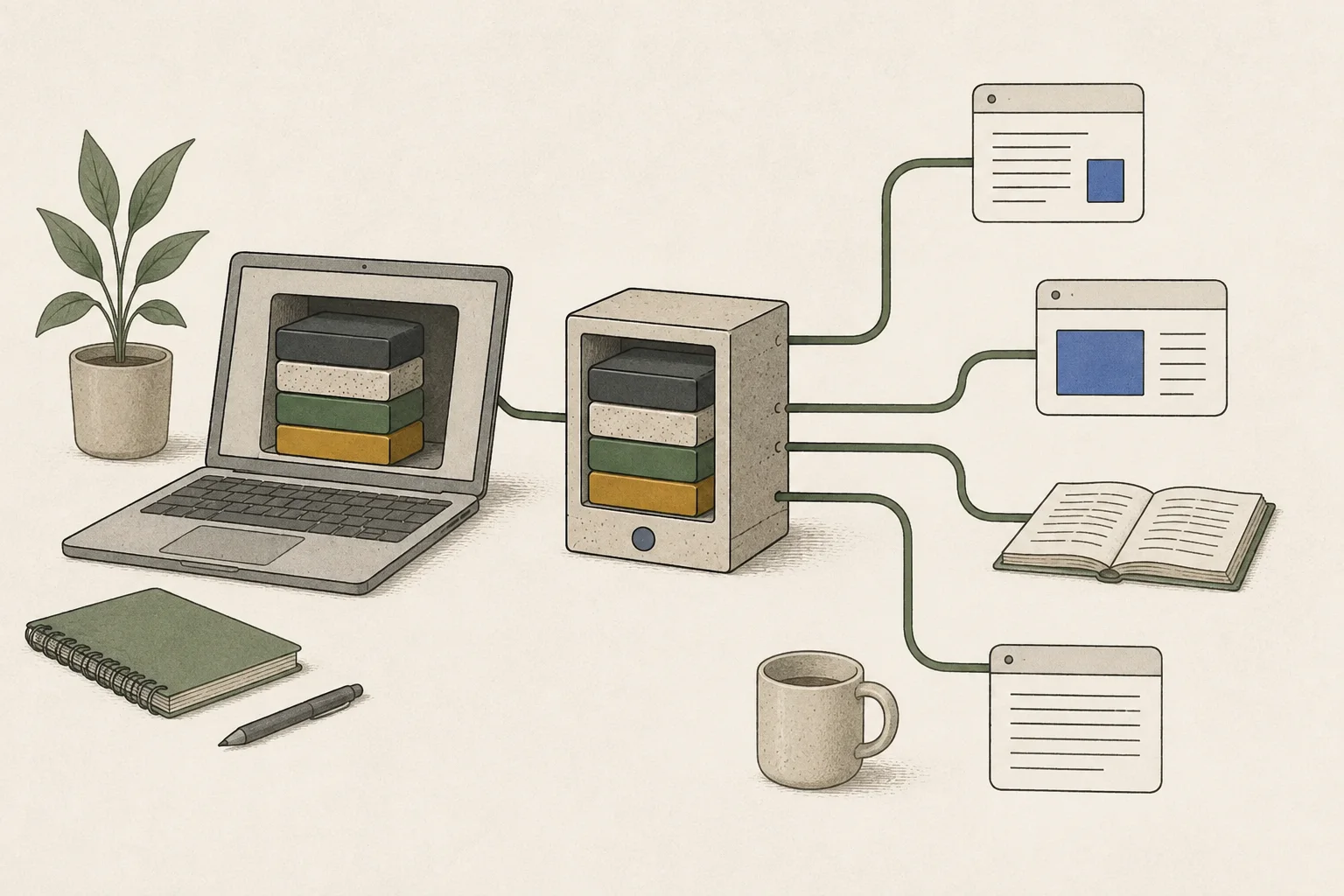
Open WebUI is a browser interface for chatting with a local language model and asking questions about attached files. It sends prompts1 to Ollama or an OpenAI-compatible API2 server and displays the responses. It does not provide a model itself, so a model server must be running first.
This guide connects Ollama as a Mac app to Open WebUI in Docker Desktop. Start the container, create the first admin account, and register the Ollama address. Once a model appears in the picker, test a text prompt, then attach a short PDF.
Install Docker and expose the container on a local port
Install and start Docker Desktop, then launch the Open WebUI container from a terminal. 127.0.0.1:3000:8080 maps port 3000 on this computer to port 8080 in the container, while the open-webui volume stores accounts, settings, chats, and uploads.
docker run -d --name open-webui --restart unless-stopped -p 127.0.0.1:3000:8080 --add-host=host.docker.internal:host-gateway -v open-webui:/app/backend/data ghcr.io/open-webui/open-webui:mainWhen the container starts, open http://127.0.0.1:3000 in a browser. If the first screen shows Create Admin Account, choose a username and password. This first account is the admin; public sign-up is disabled by default afterward. Keep the password and Docker volume safe so you can regain access to settings and chats. After signing in, connect Ollama in the next section to load its model list.
Connect Ollama from Open WebUI inside Docker
Use these settings when Ollama runs as a Mac app and Open WebUI runs in Docker Desktop. Inside the container, localhost refers to the Open WebUI container, not Ollama. Use http://host.docker.internal:11434 to reach the Ollama API on the host Mac from Docker Desktop.
By default, Ollama accepts connections only on the Mac's 127.0.0.1. To accept requests from Docker, set OLLAMA_HOST to 0.0.0.0:11434 before starting the macOS app, then restart it. This setting accepts connections on every network interface and does not provide API authentication by default.
Do not use this setting on an untrusted network. Restrict inbound connections to port 11434 in the firewall and do not expose the port through a router.
launchctl setenv OLLAMA_HOST 0.0.0.0:11434Open Settings → Admin → Connections from the avatar menu, edit the Ollama API connection, and save http://host.docker.internal:11434. When an Ollama model appears in the picker, send a short text prompt and confirm the response. If the list is empty or the connection fails, first confirm Ollama is running and that ollama list shows a downloaded model.
ollama list
Test saved chats and PDF questions with a real file
Send a short, non-sensitive prompt to the connected model and confirm a response. Start a new chat and send the same sentence to create a separate conversation, then reopen the first chat from the sidebar to confirm it was saved. Deleting the data volume can remove saved chats, so back up needed data before removing volumes.
Next, attach a short PDF and ask for a specific heading or date from it. Compare the response with the actual page to check that the file was processed and the result is useful. Scanned pages may need text extraction, and before uploading confidential or personal information, confirm where the file is stored and included in backups.
Trace the first failure when the page or model does not respond
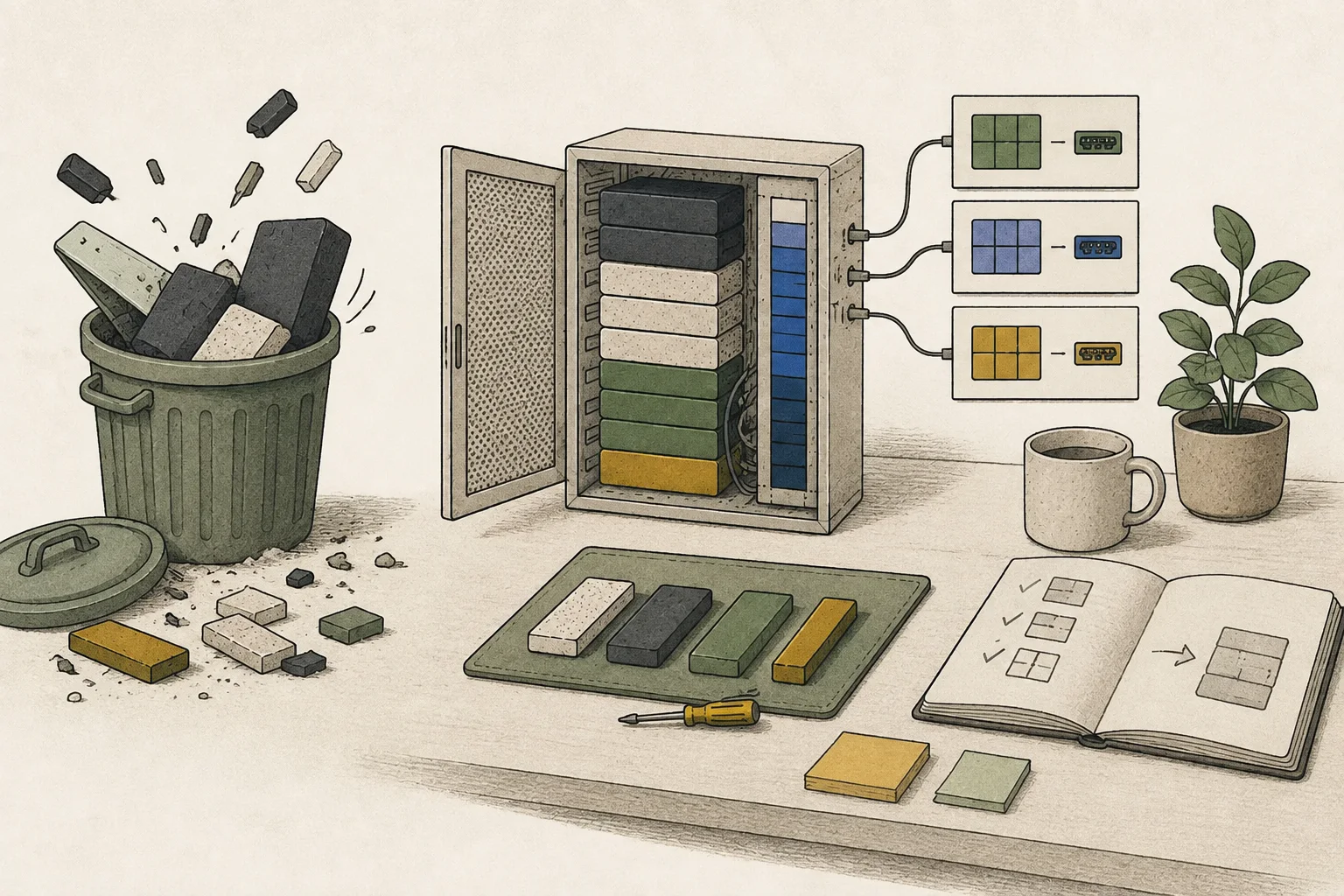
If the page does not open, use docker ps to see whether the container is running and read the first error with docker logs open-webui if it stopped. If the container is absent or reports a port conflict, check whether another program uses port 3000 and remap Open WebUI to a different local port.
If the page opens but no models appear, check in Settings → Admin → Connections that the Ollama URL is http://host.docker.internal:11434. This address is used with Docker Desktop on Mac. If ollama list shows a model and Ollama is running but the connection fails, check that Ollama on the Mac accepts Docker requests.
If Ollama is installed on a Linux host, host.docker.internal may not be available automatically. Configure a Docker host-gateway mapping or host networking, then use the Ollama address that matches that setup.
Terminology notes
Prompt — The input text sent to a model. For generative models it describes the desired result and strongly shapes the output.
Back to the textAPI — A defined interface that lets other code call a program’s functions.
Back to the text
Frequently asked questions
- What should you check first in this article?
- Open WebUI is a chat interface that sends requests to a local model server; it is not a model itself. Run its Docker container on a loopback-only port, create the first admin account, and add an Ollama connection. Chats and uploaded files are stored in the configured data volume, so manage and back up that storage.
- When is it better not to choose this?
- Do not use this setting on an untrusted network. Restrict inbound connections to port 11434 in the firewall and do not expose the port through a router.