
Purchases and Costs
Last updated
I Have an RTX 3090—Should I Upgrade My Graphics Card for Local AI?
If you already have an RTX 3090, first summarize a typical document with a Q4 model and measure how long the answer takes. Keep using it if the model fits on the GPU1 and handles your work. Compare adding a GPU with replacing it with a 5090 only when you need a larger model or the wait disrupts your work.
You can wait to consider an upgrade until something is genuinely inconvenient. If the full document will not fit, adding a GPU can increase capacity. If waiting for answers keeps interrupting your work, a faster card may be worth it. If you can process the documents you need and the wait is acceptable, you do not need to spend money now.
When summarizing documents with Qwen3.8-27B, should you keep, add to, or replace your GPU? Let's compare the time to finish a 500-token answer with the prices currently listed for sale.
Start with Q4 on an RTX 3090
When downloading Qwen3.8-27B, start with the smaller Q4 file, which uses quantization2 to reduce its size. It is about 3.3GB smaller than Q5, leaving more room to process documents and continue the conversation.
| Model file | File size | When to choose it on an RTX 3090 |
|---|---|---|
| UD-Q4_K_M | About 16.5GB | Choose for the first run |
| UD-Q5_K_M | About 19.8GB | When comparing answer quality with Q4 |
| Q8_0 | About 29GB | When adding GPU capacity or splitting the model across GPUs |
Qwen3.8-27B file list · Unsloth
Within the 24GB, the runtime3 and KV cache4 use the space not occupied by the model file. The KV cache grows as documents get longer and conversation history accumulates. If Q4 summarizes short documents well but stops on long ones, check whether the runtime and KV cache have enough room.
Before switching to Q5, ask the same question about the same document. Compare whether the summary omits important points, whether dates and numbers are correct, and whether follow-up answers are grounded in the source. If Q4 already gives you what you need, there is no need to switch to a larger file.
The Q8 file alone is about 29GB, which exceeds the VRAM5 on a single RTX 3090. To run Q8 fully loaded on the GPU, you would need to add another GPU or replace the card with one that has more VRAM.
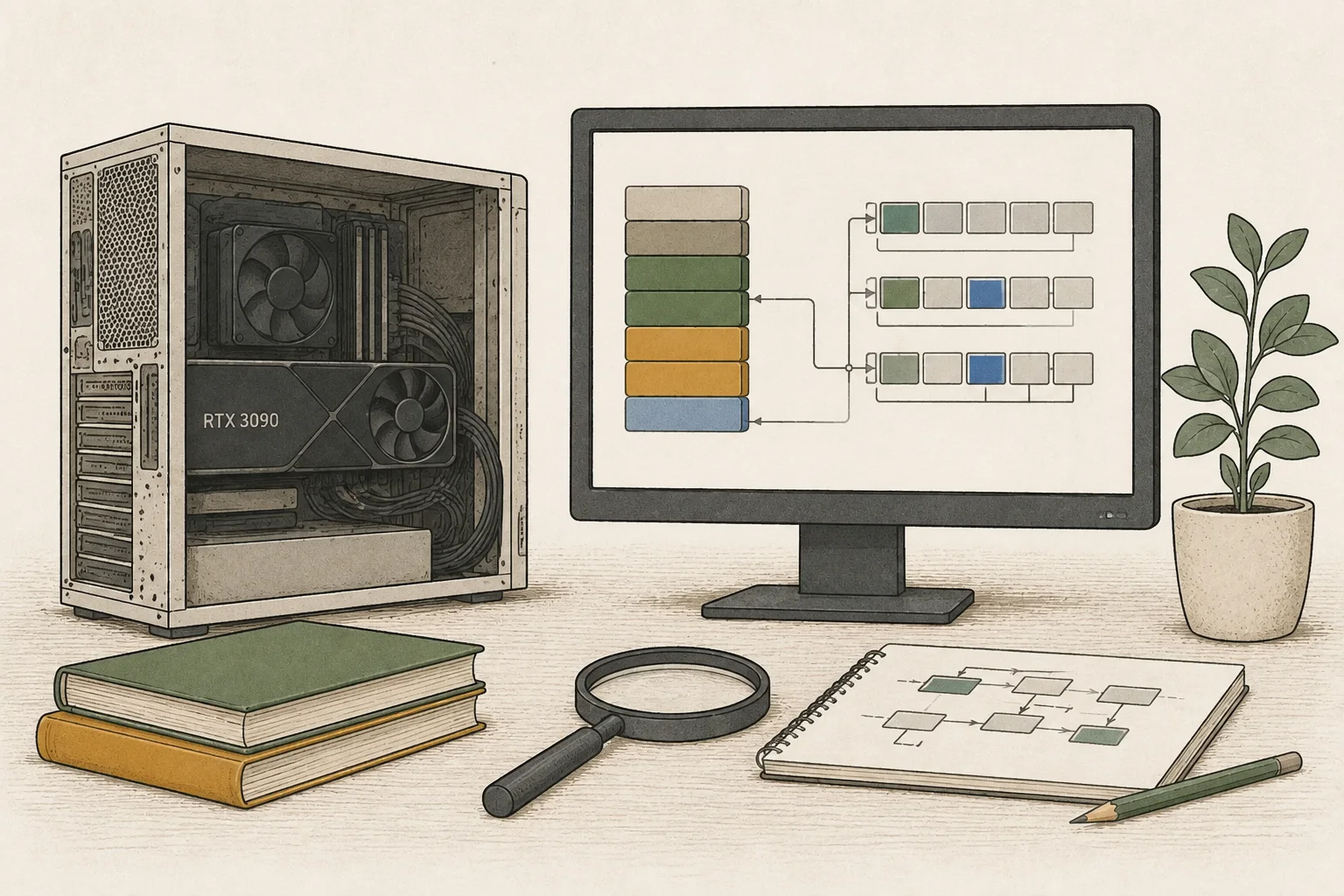
If it feels slow, first check whether the model is loaded on the GPU
After sending a prompt6 in Ollama, open another terminal and enter the command below.
| PROCESSOR indicator | Runtime state | What to do first |
|---|---|---|
| 100% GPU | The entire model is loaded on the GPU | Record the time to the first response and to completion |
| CPU/GPU split | Execution is split between the CPU and GPU | Close unused models and apps, then run it again |
| 100% CPU | Running on the CPU | Check GPU detection and available VRAM |
If part of the model is in system RAM7, the CPU8 also performs computation and exchanges data with the GPU. Close models or apps you are not using; if more of the model then fits on the GPU and answers get faster, you have reduced the wait without buying a new card.
If it stops only on long documents, check the context-length setting too. If it is set far above the length needed for the document, try reducing it. Keep enough room for the document and follow-up questions. Consider adding or replacing a GPU only if the required document still will not fit after adjusting the setting.
ollama psHow long will you wait for the same 500-token answer?
For Qwen3.8-27B Q4_K_M on an RTX 3090, the site's calculator estimates a generation rate of 42.3~46.9 tok/s. Generating 500 tokens9 takes about 11~12 seconds, with document processing time on top.
Matching input and output lengths makes it easier to compare how much waiting an upgrade could save. The example below processes a 4,096-token input and then generates a 500-token answer. The model is already loaded, requests are sent one at a time, and cached prompt computation is not reused.
| Hardware and runtime configuration | Time to first response | Time to answer completion |
|---|---|---|
| RTX 3090 · llama.cpp CUDA · Q4_K_M | About 4.3~7.5 seconds | About 15.0~19.3 seconds |
| RTX 5090 · vLLM 0.28.0 · NVFP4 · MTP-2 | About 0.26~0.38 seconds | About 2.6~3.8 seconds |
Calculator estimate · 4,096 input tokens / 500 output tokens · completion time = input-processing time + generation time for the remaining 499 tokens. RTX 3090 settings · RTX 5090 settings
Using representative speeds, the estimates are about 17 seconds and 3 seconds. If you wait for an answer to finish before sending the next question 30 times a day, that is about 14 seconds saved each time—or roughly 7 minutes per day. It may feel minor if you leave a summary running while doing other work, but noticeable if you edit a document as soon as each answer arrives.
If the first character appears slowly after a long document is submitted, compare prompt-processing (prefill10) speed. If the answer starts quickly but the text streams slowly, compare decode11 speed, which produces the answer tokens. To finish document summaries and follow-up questions faster, compare both the wait to the first response and the time until the full answer is complete. Prefill and decode
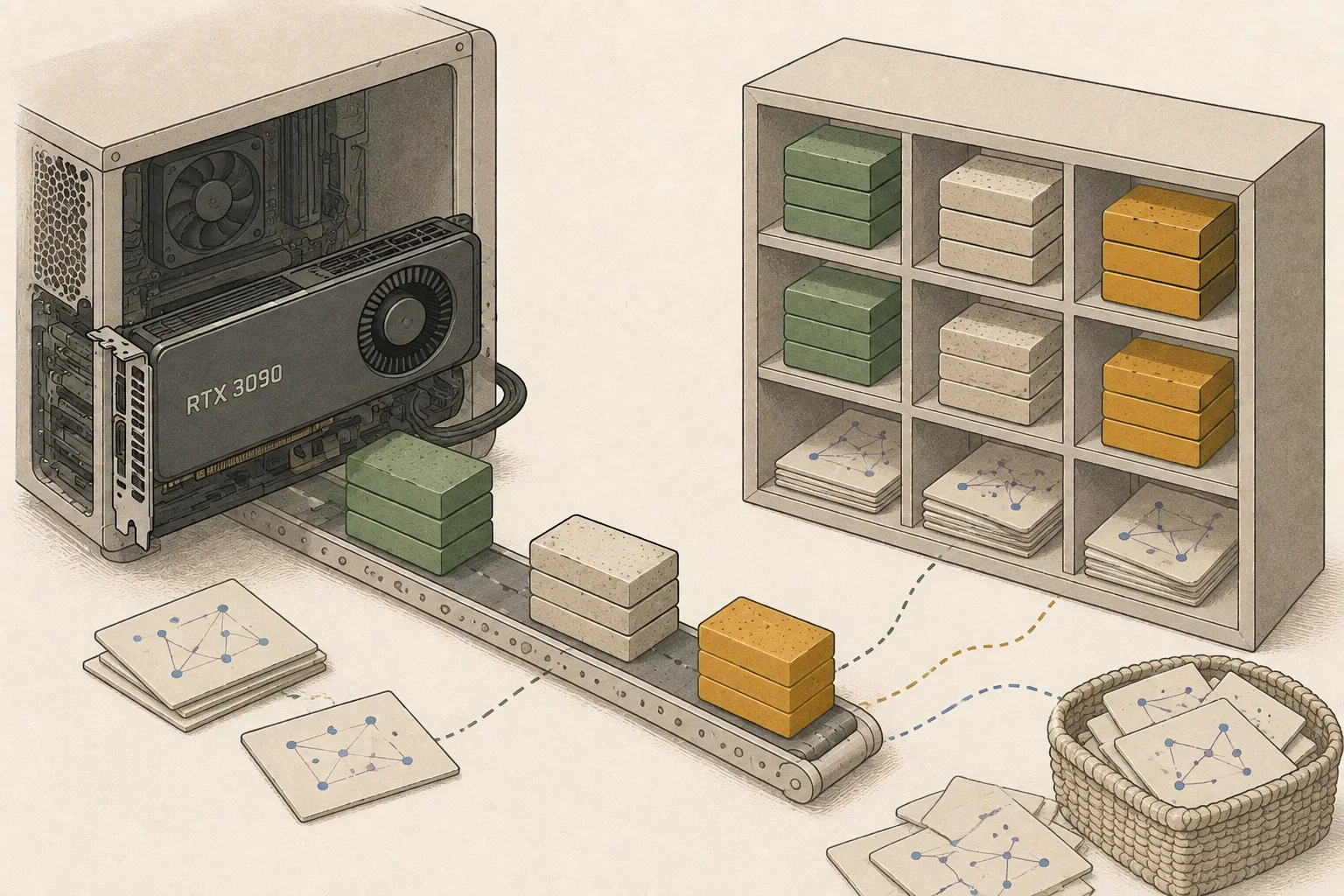
The fast RTX 5090 setup also requires changing the runtime
When upgrading to an RTX 5090, consider the work of moving to a different runtime along with the card price. The fast configuration used above runs an NVFP412 model with MTP-2 in vLLM. You will need model files compatible with vLLM's NVFP4 and MTP13 setup instead of the GGUF14 file you currently use with Ollama.
Published RTX 5090 run
| Input tokens | Time to first response | Time to answer completion |
|---|---|---|
| 8,255 tokens | 0.63 seconds | 2.02 seconds |
| 32,831 tokens | 3.63 seconds | 5.09 seconds |
Published measurements · 2026-09-05 · 256-token output budget · vLLM 0.28.0 / NVFP4 / FP815 KV cache / MTP-2 / driver 610.43.02 · GPU-only execution · 1 concurrent request · prompt cache disabled · median of 3 runs per condition. Benchmark and runtime configuration
With roughly 8,000 tokens, the answer finished in about 2 seconds; with roughly 30,000 tokens, it took about 3.6 seconds just to begin the first response. If you often process long documents, check whether the wait also decreases at the lengths you use.
The RTX 5090 has 32GB of VRAM, 8GB more than the 3090. Rather than choosing Q8 based only on file size, check whether enough room remains for documents and conversation after loading the model. If you want the fast NVFP4·MTP configuration, first read the published installation steps and list what you need to prepare for your operating system. RTX 5090 specifications · Compare both GPUs with different input lengths
If capacity is the only limitation, you could add another GPU
If you keep the existing 3090 and add another NVIDIA GPU, llama.cpp can distribute the model across both cards. Adding a 16GB GPU gives you 40GB of physical VRAM in total; adding a 24GB GPU gives you 48GB. That creates an option for splitting the roughly 29GB Q8 file across the cards.
When splitting a model, leave room on each card for the runtime and KV cache. Use llama.cpp's --split-mode layer and --tensor-split to distribute the model according to each card's available memory. The connection and split ratio also affect answer speed. llama.cpp GPU-splitting settings
Before adding a GPU, check the slots, cooling, and power supply.
1. Check that the motherboard has an available PCIe slot and how many lanes the second slot uses.
2. Check that both cards fit in the case without blocking each other's fans.
3. Check that the power supply has enough capacity and the connectors needed to power both cards and the CPU.
Adding a GPU can help when the model file is too large to run. By contrast, if Q4 already fits entirely on the GPU and you want faster answers, compare a faster single GPU first. Before buying an additional GPU, also check whether your app can be configured to use both cards together.
Adding a GPU and replacing the card with a 5090 have very different costs
Let's compare scenarios that reuse the existing RTX 3090 PC and assume $0 for additional parts and installation. GPU purchase costs use the lowest listed price among verified new products; shipping and personal discounts are excluded. Prices for both options were checked on 2026-10-12.
| Option | Total physical VRAM | GPU purchase cost |
|---|---|---|
| Keep current setup | 24GB | KRW 0 |
| Add a GPU | 24GB + 16GB = 40GB | ₩994,240 |
| Replace the GPU | 32GB | ₩8,989,320 |
“Add” means adding one 16GB RTX 5060 Ti; “replace” means switching to a 32GB RTX 5090.
Looking only at the card purchase prices, the difference between the two options is ₩7,995,080. If your goal is to run a model split across 40GB, adding a GPU is worth considering. If you want faster answers from your current model, look at the wait-time difference discussed earlier rather than VRAM capacity.
For the final estimate, add the new GPU price plus the cost of parts and installation you actually need to change. If you sell the 3090 as part of a replacement, subtract the amount you actually receive after the sale is complete. For an added GPU, include any parts needed for slots and cooling; for a replacement, include only parts that must change to fit the new card and meet its power requirements.
Check the power supply too. Rated GPU power is 350W for the RTX 3090, 180W for the 5060 Ti, and 575W for the 5090 Founders Edition. The rated total for a 3090 plus a 5060 Ti is 530W; two 3090s total 700W. When choosing a PSU, account for the CPU and other components as well, and check the power requirements of the specific card you plan to buy. RTX 3090 specifications · RTX 5060 Ti specifications · RTX 5090 specifications
If electricity use and fan noise are a concern, you can also try a power limit. This setting lowers the maximum power the GPU can draw. In a published comparison running Qwen3.8 27B on an RTX 3090, lowering the limit from 350W to 300W retained about 95% of generation speed while measured GPU power fell by about 14%. The power-by-power results, model, and runtime settings are in the power-limit guide.
A power limit can reduce heat and power draw while leaving the card's VRAM available. Compare how much slower answers become and choose a limit that works for you. Size the PSU and cables for the card's rated power requirements, since a reboot or cleared setting can restore the default power limit.
If you plan to run the system for long periods, estimate electricity and cooling costs as well as the purchase price. Enter the actual power draw after applying the limit and daily hours of use to compare the operating costs of keeping, adding, or replacing a GPU. How to apply and restore the setting
Before buying, run your own workload three times
First, use a document and prompt you normally work with. Load the model once, run the same task three times, and record the wait to the first response, time to completion, and actual output-token count. Sort the three results and compare the middle value.
Also judge whether the summary captures the document and whether the answer helps with your work. When comparing Q4 and Q5, use the same document and record input length, output length, and whether prompt caching is used. Record initial model-loading time separately from the wait for each prompt.
To save runtime measurements to a file, you can use the site's local measurement tool. It requires Node.js 20 or later and an OpenAI-compatible server running the model. If you use LM Studio or a similar app, start its local server and note the displayed address and model name.
1. Save the measurement tool and metadata file in the same folder.
2. Replace the null values in the metadata file with your hardware, model, and runtime details. Set outputTokens to 500 and enter the context length16 configured on the server.
3. Validate the metadata file with the first command, then run the measurement. Replace 1234 and SERVED_MODEL in the example with the port and model name shown by your server.
The tool runs a fixed sample once as a warm-up, then measures three runs. It saves runtime conditions, actual input/output token counts, and timings to measurement.json. Requests go only to the server on your computer; results are not automatically submitted to the site. Use it to record baseline response speed, separately from tests with your own documents.
node collect-serving-benchmark.mjs --metadata serving-benchmark-metadata.json --check-metadata
node collect-serving-benchmark.mjs --url http://127.0.0.1:1234/v1 --model SERVED_MODEL --metadata serving-benchmark-metadata.json --output measurement.json --consentWhat do you need more: capacity or less waiting?
If Q4 can summarize the documents you need and handle follow-up questions, keep the RTX 3090. If waiting for the next answer is not disruptive, you do not need to spend money on an upgrade.
If you must run Q8 or a larger model and VRAM is the limitation, start by pricing an additional GPU. First check the slots, power, and cooling in your existing PC, and confirm that your runtime can split execution across two GPUs.
If your desired model already runs well but waiting for answers repeatedly interrupts your work, a faster GPU may be worth considering. Compare the wait-time reduction for documents of your usual length with a real quote. Whether the new card solves the problem you have matters more than its product tier.
Terminology notes
GPU — A processor designed to handle many calculations in parallel. It performs model computations during AI inference.
Back to the textQuantization — A way to represent model weights or values with fewer bits, reducing storage and memory use. The coarser representation can also affect accuracy.
Back to the textRuntime — The software environment that provides facilities needed while a program runs. In local AI, it can also refer to a model execution engine.
Back to the textKV cache — Memory that stores attention keys and values from earlier tokens for reuse during later token generation. Its size depends on context length and batch size.
Back to the textVRAM — Memory used by a graphics card’s GPU to store model weights and intermediate values.
Back to the textPrompt — The input text sent to a model. For generative models it describes the desired result and strongly shapes the output.
Back to the textSystem RAM — System memory that temporarily holds data while programs run.
Back to the textCPU — The central processor that runs the operating system and general-purpose instructions; in AI workloads it also handles tasks such as preprocessing and data movement.
Back to the textToken — A unit into which a model divides input or output for processing.
Back to the textPrefill — The stage where an LLM reads the input prompt and computes representations for its tokens. Longer prompts contain more tokens to process.
Back to the textToken decoding — The stage that generates successive output tokens using the input and the response produced so far.
Back to the textNVFP4 — A 4-bit floating-point data format defined by NVIDIA. Support depends on GPU generation, model, and software implementation.
Back to the textMTP — A training objective or model component for predicting multiple future tokens at once. In speculative decoding, those predictions can be proposed as candidate tokens.
Back to the textGGUF — A file format for model data, widely used by llama.cpp-based tools.
Back to the textFP8 — A floating-point format that represents each value with 8 bits.
Back to the textContext window — The token span of input and generated content a model can handle in one request. The supported limit and memory use depend on the model and runtime settings.
Back to the text
Frequently asked questions
- What should you check first in this article?
- If you already have an RTX 3090, first summarize a typical document with a Q4 model and measure how long the answer takes. Keep using it if the model fits on the GPU and handles your work. Compare adding a GPU with replacing it with a 5090 only when you need a larger model or the wait disrupts your work.
- How much memory does it need?
- The Q8 file alone is about 29GB, which exceeds the VRAM on a single RTX 3090. To run Q8 fully loaded on the GPU, you would need to add another GPU or replace the card with one that has more VRAM.