
Model setup recipes
Last updated
Local CCTV person detection with Frigate: N100, Coral or a Mac?
With a detector attached, several 1080p cameras cost far less power than running detection on the CPU.
Frigate pulls streams from the cameras, detects people and vehicles on a low-resolution substream, and records the main stream. Where detection runs decides power draw and camera count, and Apple Silicon works from M1 up through a proxy.
Frigate pulls the video straight from the cameras
Frigate connects to each camera's RTSP URL and pulls the video itself. The stream splits two ways: a low-resolution substream feeds person and vehicle detection, and the main stream is recorded.
Detection results reach Home Assistant over MQTT1, which lets you turn on a porch light or send a notification when someone stands at the door.
What the cameras must support first
Cameras should output H.264 video and AAC audio. Different resolutions for detection, recording and streaming require multiple substreams; without them the main stream is re-encoded continuously and the CPU2 suffers.
WiFi cameras are not recommended: several streaming at once drop connections and lose footage. 4K Reolink models also draw many reports, so 5 MP or lower is safer.
Choosing the detector
Detection runs far faster on a dedicated device than on the CPU. Frigate supports several detectors, and each suits a different model size. Use hardware you already own first; otherwise pick from the lowest-power option up.
The table below lists what each detector supports and when it fits. CPU detection, not listed, is for testing only.
| Detector | Model support | When it fits |
|---|---|---|
| Google Coral EdgeTPU (USB·m.2) | ssdlite and mobilenet | A few cameras on a low-power mini PC |
| Hailo-8·8L | Many models, best with small ones | An m.2 slot or the Pi 5 HAT |
| Intel OpenVINO | Most models on integrated GPU, NPU or Arc | Several cameras on one Intel mini PC |
| Apple Silicon | M1 and newer, through a ZMQ proxy | A Mac you already own |
| NVIDIA GPU | ONNX and TensorRT, including large models | When a graphics card is already there |
The camera count decides the server
The Frigate docs say an N100 mini PC can handle several 1080p cameras at low to medium activity. Many busy cameras push you to a larger processor such as an Intel 1120p or 125H.
A Debian-based Linux is the easy path, and most Intel CPUs with AVX and AVX2 work. Mini PCs often ship with Windows, so plan to install Linux.
# Home Assistant MQTT broker
mqtt:
  host: 192.168.0.10

# Coral USB as the detector
detectors:
  coral:
    type: edgetpu
    device: usb

cameras:
  front:
    ffmpeg:
      inputs:
        # detect on the substream
        - path: rtsp://192.168.0.50:554/sub
          roles: [detect]
        # record the main stream
        - path: rtsp://192.168.0.50:554/main
          roles: [record]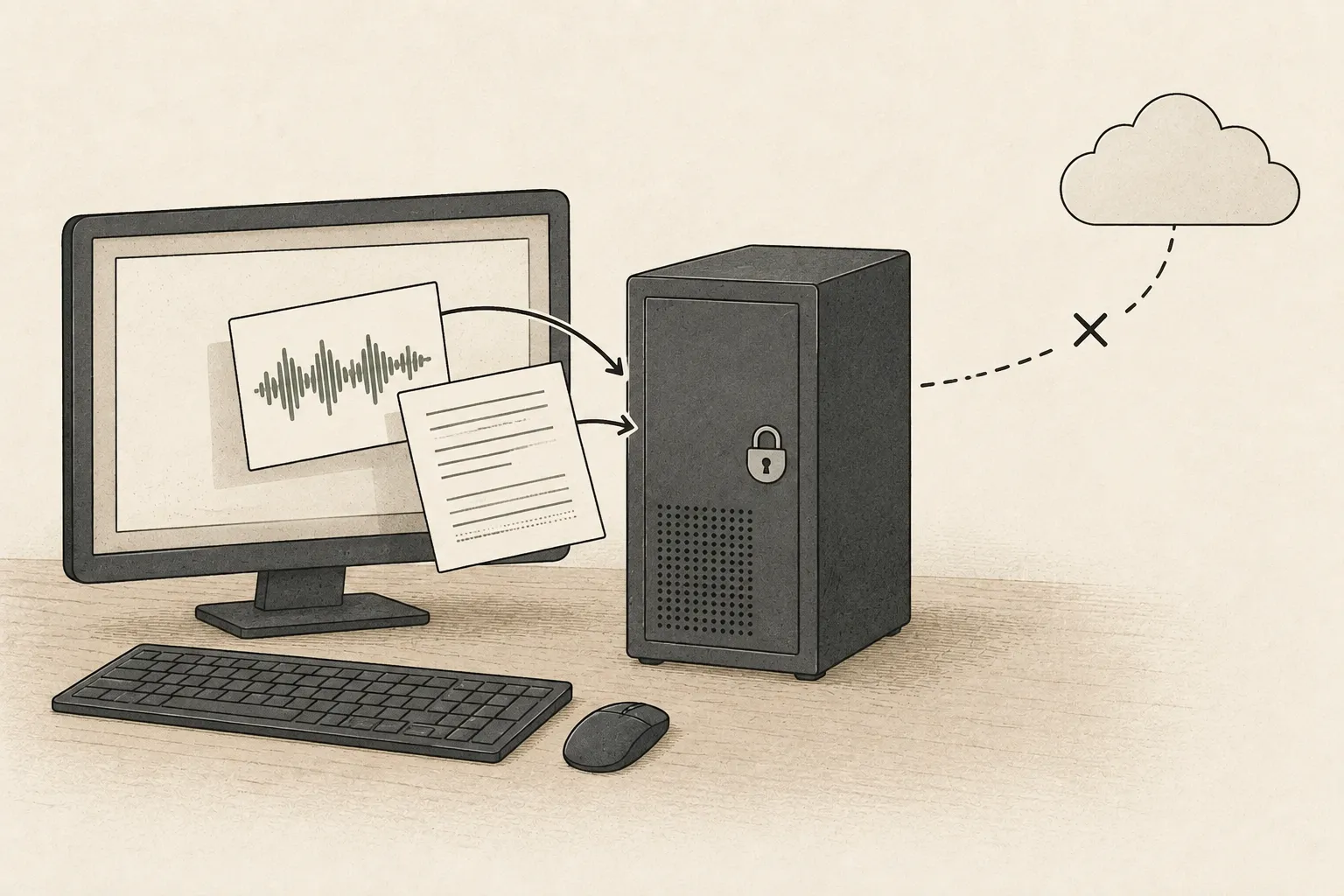
Running it on a Mac
Apple Silicon can run detection from M1 up. The work goes through a ZMQ proxy, which adds some latency, and the setup is meant for a local network.
If the Mac cannot stay on around the clock, leave detection to a mini PC and use the Mac for reviewing recordings and the Home Assistant dashboard. To run everything on one Mac, check sleep and power settings first.
Network and storage
To keep cameras off the internet, split the network. A mini PC with two NICs can dedicate one port to the cameras and block that port from reaching the internet.
Storage follows the bitrate. A 1080p camera at 4 Mbps writes 4 × 3,600 ÷ 8 = 1.8 GB per hour, about 43 GB a day. Keeping four cameras for 30 days needs a bit over 5 TB.
Terminology notes
MQTT — A lightweight messaging protocol in which devices and programs publish and subscribe through a broker. Only programs pointed at the same broker exchange values.
Back to the textCPU — The central processor that runs the operating system and general-purpose instructions; in AI workloads it also handles tasks such as preprocessing and data movement.
Back to the text
Frequently asked questions
- What should you check first in this article?
- Frigate pulls streams from the cameras, detects people and vehicles on a low-resolution substream, and records the main stream. Where detection runs decides power draw and camera count, and Apple Silicon works from M1 up through a proxy.
- When is it better not to choose this?
- WiFi cameras are not recommended: several streaming at once drop connections and lose footage. 4K Reolink models also draw many reports, so 5 MP or lower is safer.