
Agents and automation
Last updated
Running local AI for a smart home: splitting voice, conversation and video across your own machines
Home Assistant keeps state and automations, the voice services handle speech, and Frigate watches the cameras.
Home Assistant is the box that collects device state and runs automations. Attach local speech-to-text1 and text-to-speech2 over Wyoming3, a conversation model through Ollama, and camera detection with Frigate, and less data leaves the house. This guide walks through the split and the measured latency behind it.
Splitting the roles means no single box has to do everything
Home Assistant is the box that collects the state of lights, sensors and climate devices and runs automations. When you speak, Assist passes the work along: wake word, transcription, a decision on whether this is a device command or a question, then a spoken answer.
These four steps do not need one program. Transcription and synthesis belong to separate services connected over the Wyoming protocol, and questions that need reasoning go to a conversation model such as Ollama. Camera streams are handled separately by Frigate, which detects people and vehicles.

Which machine should run what
Putting all four roles on one machine raises power draw and heat, and when one part slows down everything slows with it. Separating the always-on work from the heavy computation is more stable.
The table below maps each role to a sensible host. The first two rows already give you working voice commands; the conversation model and cameras are added when you need them.
| Purpose | Good host | Why |
|---|---|---|
| Home Assistant core | Mini PC (N100), Raspberry Pi 4, Home Assistant Green | State and automations are light, but it runs around the clock |
| Transcription (Whisper) | Intel NUC, mini PC, Mac | The same sentence takes 8 s on a Pi 4 and under 1 s on a NUC |
| Transcription (Speech-to-Phrase) | Green, Pi 4 | It only knows commands, but finishes under a second |
| Speech synthesis (Piper) | Pi 4, mini PC | It generates 1.6 s of speech per second |
| Conversation model (Ollama) | Mac, mini PC, GPU server | It needs RAM or VRAM for the model file plus the context cache |
| Camera detection (Frigate) | Mini PC plus a detector | Decoding and detection on the CPU alone hits a ceiling quickly |
Where the time goes in one spoken round trip
Four stretches add up between the end of your speech and the answer: wake-word detection, transcription, reasoning and reply, and synthesis. The numbers in the Home Assistant documentation show how far the machines diverge.
Transcribing everything with Whisper takes about 8 s on a Raspberry Pi 4 and under a second on an Intel NUC. Add 1 s for the model reply and 1.2 s to synthesize a two-second answer, and the Pi 4 lands near 10 s while the NUC stays near 3 s.
If you only need commands such as turning lights on and off, Speech-to-Phrase is the better fit. It transcribes in under a second even on a Green or Pi 4, leaving only network and model time.
The conversation model attaches through Ollama
Home Assistant's Ollama integration uses an Ollama server running elsewhere as a conversation agent. Enter the server URL (for example http://192.168.0.20:11434), a model name and response instructions, and Assist forwards questions to that model.
Device control is experimental. The model can only touch entities exposed through the Assist API4, so leave locks and garage doors off the exposed list and start with lights and switches.
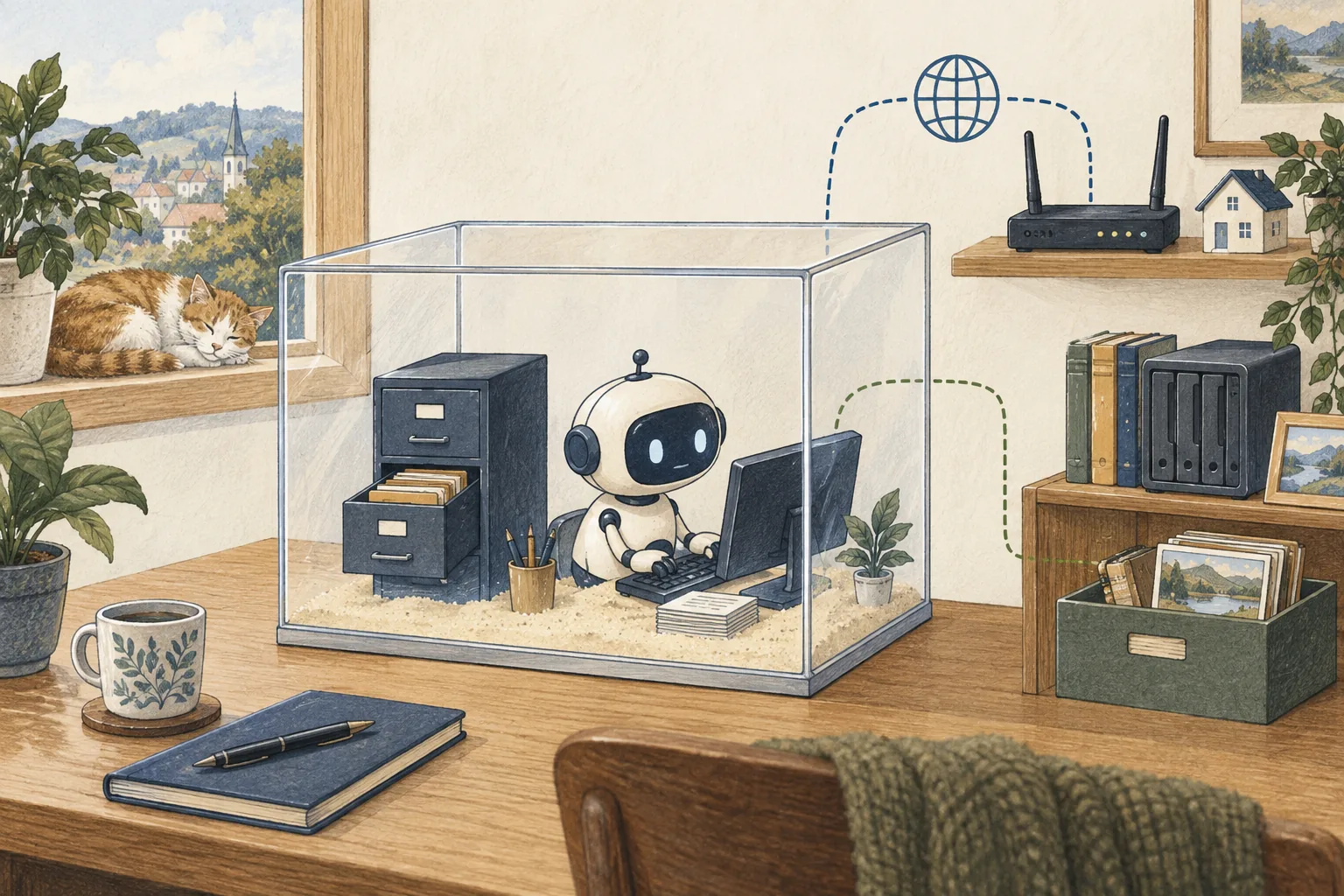
What leaves the house and what stays
Run transcription, synthesis, conversation and video detection at home and neither audio nor video leaves the house. Turn on Home Assistant Cloud or an external speech service and only that step leaves.
If the conversation model lives on an external server, your question text and device state go there. A local model removes that transfer and leaves the memory and power draw in the house instead.
The order to attach things
1) Put Home Assistant on a wired network and stabilize automations first. 2) Create an Assist pipeline5 and test one sentence from the phone app. 3) Install the speech-to-text and synthesis apps; the Wyoming integration finds them automatically. 4) Start the Ollama server and add its URL and model in the integration. 5) Narrow the exposed entities to lights and switches first.
Change one thing per step, and note the response time and any misheard sentence; that record shows where to adjust. The voice satellite and camera detection each get a deeper guide next.
The twelve parts in reading order
The series runs from the role split through voice, cameras, the conversation model, then summaries and announcements. All twelve parts work directly with a model or detector inside the house. Any part stands alone, but reading two at a time from the top builds up faster on a first pass.
Each part follows the Home Assistant 2026.10.4 and Frigate 0.18 documentation, and the configuration examples keep the real key names. Change the addresses and accounts to match your home.
Terminology notes
Speech-to-Text — The task or system that converts spoken audio into text. The term is often used interchangeably with Automatic Speech Recognition (ASR).
Back to the textText-to-Speech — Technology that converts text into spoken audio with pronunciation and prosody.
Back to the textWyoming — The protocol Home Assistant and voice services use to exchange audio and text. It has no authentication or encryption, so it is used on trusted networks only.
Back to the textAPI — A defined interface that lets other code call a program’s functions.
Back to the textPipeline — A sequence of processing stages from input to output. Different models or tools may be used at each stage.
Back to the text
Frequently asked questions
- What should you check first in this article?
- Home Assistant is the box that collects device state and runs automations. Attach local speech-to-text and text-to-speech over Wyoming, a conversation model through Ollama, and camera detection with Frigate, and less data leaves the house. This guide walks through the split and the measured latency behind it.