
Purchases and Costs
Last updated
Mac mini M6 vs M4: which 24GB or 32GB setup should you buy for local AI?
Choose the memory capacity you need before the chip generation
Mac mini M4 and M6 both offer 24 GB and 32 GB unified-memory configurations. First choose the capacity needed for your model, documents, and other apps, then compare chip generations and prices at that capacity. M6 officially launched on September 22, 2026.
If buying now, compare the actual checkout price of remaining M4 stock with an M6 configuration matching its memory and SSD1. If you already own an M4, identify the task that is limiting you: insufficient memory that forces you to split documents calls for a different upgrade from slow generation when the model already fits.
Set capacity first to make the generation comparison clear
For long proposals or reports, keep the browser and editor open while processing the document. Check whether the workflow completes without closing apps or shortening the input. This helps choose between 24 GB and 32 GB before comparing chip generations.
After choosing a capacity, match memory, such as M4 24GB against M6 24GB. Match SSD capacity too and record the actual purchase prices. Comparing M4 24GB directly with M6 32GB mixes the chip difference with the cost of more memory.
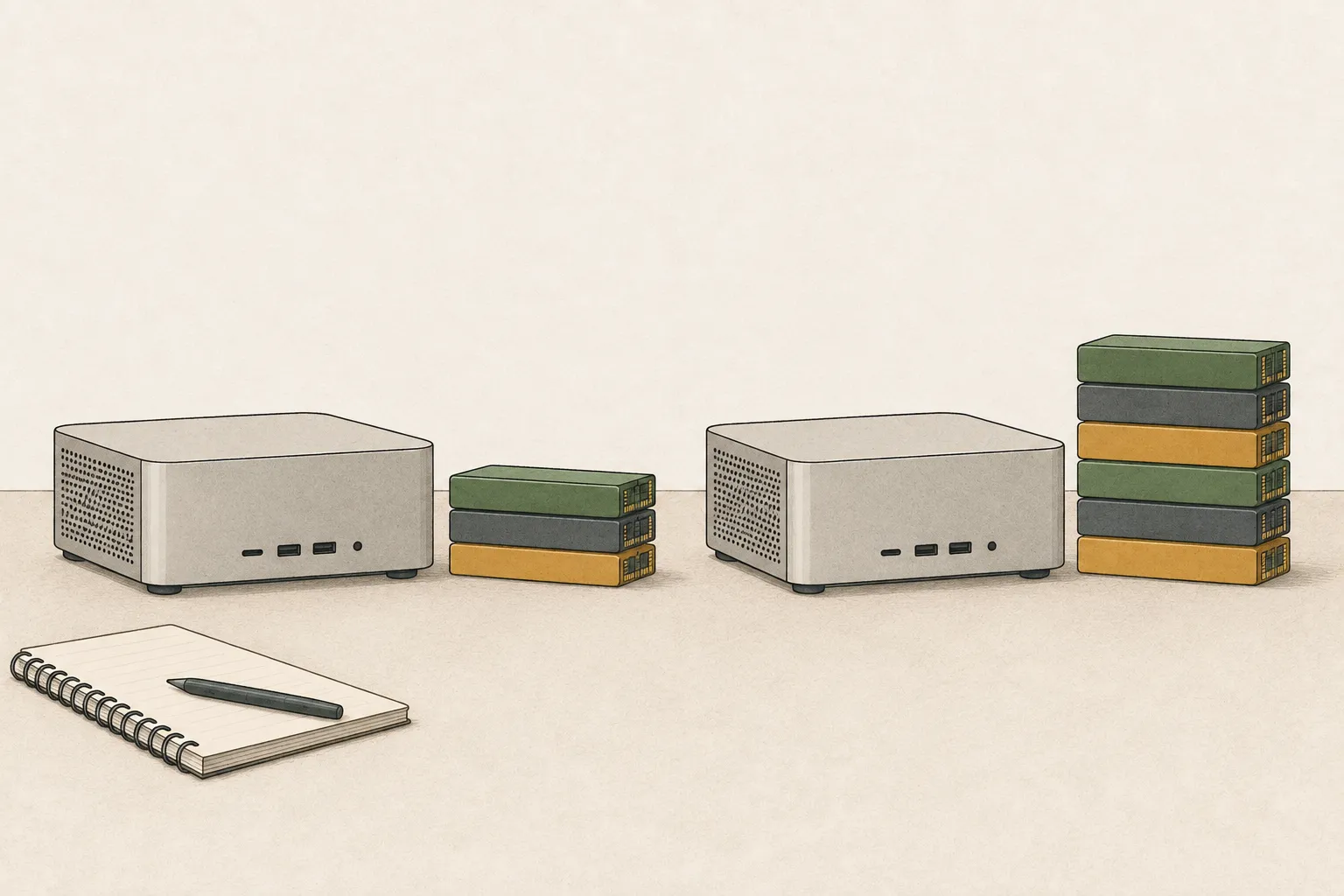
Work that can fit in 24 GB
For short questions and one or two small-to-medium models loaded as needed, 24 GB may be enough. Do not check only whether a model starts; see whether your normal flow of finding sources, submitting the report, and moving the answer into an editor continues without closing other apps. Initial model loading, time to the first answer after a long document, and generation speed are separate intervals.
If the selected quantized model loads with room, handles long documents, and lets you keep using a browser and editor, an M6 announcement alone is a weak reason to pay for 32 GB. If 24 GB forces you to close apps or shorten context each time, being able to start a model differs from using it comfortably every day. Extra capacity addresses recurring constraints, not an expectation of future speed.
When 32 GB gives work time back
If you submit the same long document repeatedly or close the browser and editor whenever you load a model, 32 GB may change the workflow. The difference is 8 GB (32−24), shared by apps and the runtime2 as well as the model. Long context, conversation history, and the operating system also need memory, so file size alone does not show the available runtime headroom.
Keep the document and model unchanged, then compare a run with other apps closed against one with your usual apps open. If the combined workload repeatedly stalls or forces you to unload an app, and 32 GB improves it, the value of extra capacity is concrete. If the model fits comfortably in 24 GB but generation alone is slow, look at chip generation, runtime, and settings instead.
If you often use a long report, browser, document editor, and photo editor together, do not decide from model-file size alone. Check whether that combination repeatedly forces you to split documents or close apps; if it does not, you need not pay for 32 GB expecting a speed boost.
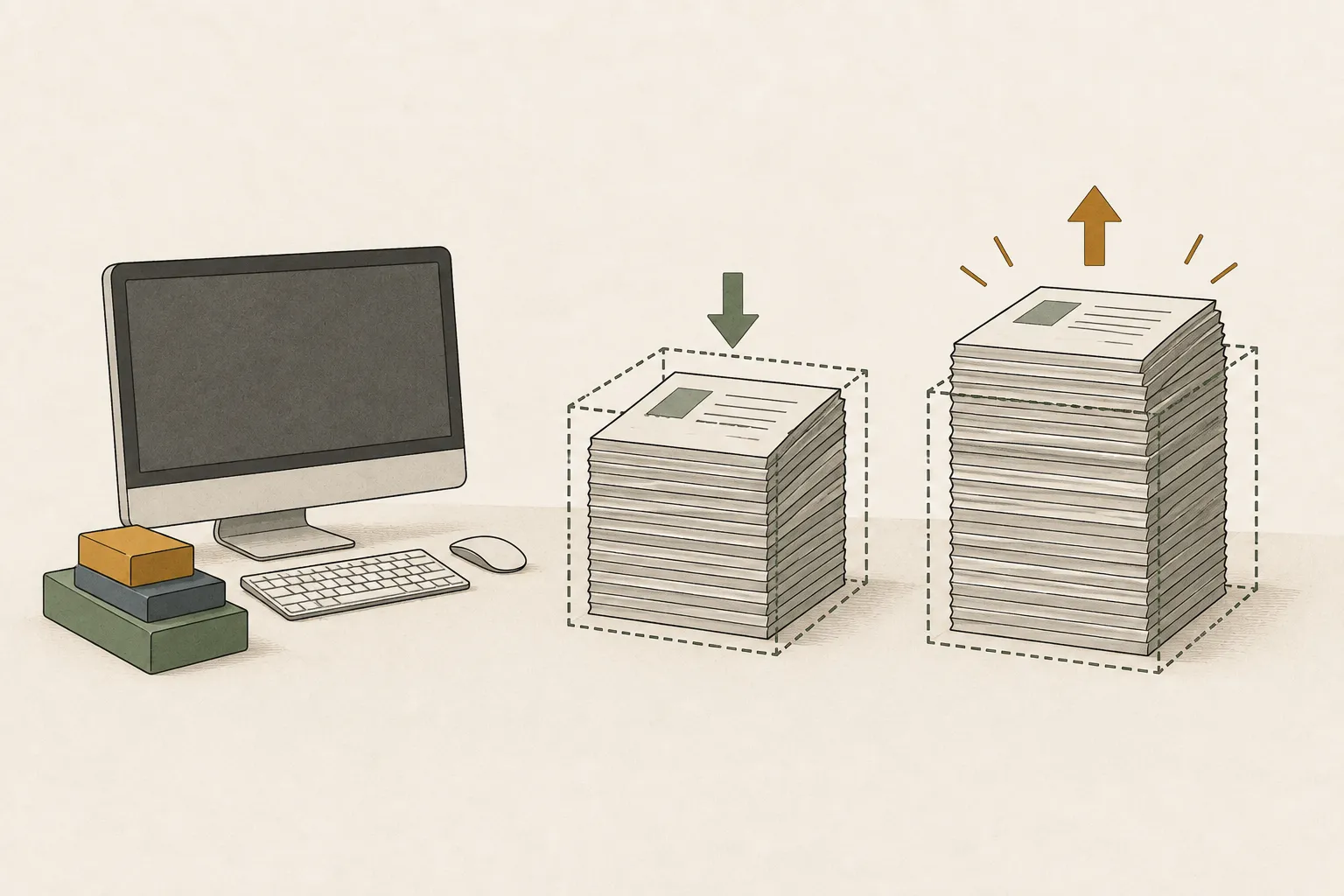
M6 also increases the rate of data transfer from memory
Memory bandwidth3 is 170GB/s on the M6 24GB and 32GB configurations, versus 120GB/s on the M4 Mac mini, about a 42% specification increase. This data supply matters when generation repeatedly reads model data. Compare the same model and runtime settings to see how much the actual wait changes.
Prefill4 for long inputs also depends on compute performance and runtime optimization. Compare time to first answer and decode5 rate separately using the same model file and input length. Apple's maximum improvement figures for specific AI tasks apply to those tests, while this site's local LLM6 comparison uses the selected model and settings.
M6 launched on September 22, 2026 and is now available. If memory shortages make you close apps often, choose sufficient capacity first. If your model already fits comfortably, compare prefill and decode improvements with the same input.
Compare M4 stock and M6 at matching configurations
Remaining M4 stock is an option if your reporting or coding model runs comfortably and the matching configuration is sufficiently cheaper. Match unified memory7 and SSD as well as the chip when comparing prices, and check delivery dates and return terms.
If you already use an M4, first check runtime and acceleration settings while keeping the model and document unchanged. When long-input processing or generation delays repeatedly interrupt work, compare how much the new machine reduces that interval to decide whether upgrading helps.
| Current situation | Compare first |
|---|---|
| Buying new; required memory unknown | Model, long input and concurrent apps → 24GB or 32GB |
| Long documents often stall on M4 | Input tokens and memory pressure → required capacity |
| Model fits on M4 but answers are slow | Current runtime and acceleration → same-memory M6 speed |

Match capacity and generation separately in the comparison
Select the same model and input length and compare M4 24 GB with M6 24 GB. Repeat with the 32 GB configurations to examine memory capacity and chip generation separately. Record the recommended quantization8 and acceleration settings shown on screen.
For a slow first answer after a long PDF, choose the comparison including input processing. For faster answer generation, compare decode rate. If both generations handle your task, weigh the actual price difference against the waiting time saved, then verify that the order's chip, memory, and SSD match the compared configuration.
Terminology notes
SSD — A data storage device that uses flash memory and retains data without power.
Back to the textRuntime — The software environment that provides facilities needed while a program runs. In local AI, it can also refer to a model execution engine.
Back to the textMemory bandwidth — The amount of data transferable between memory and a processor per unit time, usually expressed in bytes per second (B/s).
Back to the textPrefill — The stage where an LLM reads the input prompt and computes representations for its tokens. Longer prompts contain more tokens to process.
Back to the textToken decoding — The stage that generates successive output tokens using the input and the response produced so far.
Back to the textLarge language model — A model trained on large text datasets to learn language patterns and process or generate text in context.
Back to the textUnified memory — An architecture where the CPU and GPU share one physical memory pool.
Back to the textQuantization — A way to represent model weights or values with fewer bits, reducing storage and memory use. The coarser representation can also affect accuracy.
Back to the text
Frequently asked questions
- What should you check first in this article?
- Mac mini M4 and M6 both offer 24 GB and 32 GB unified-memory configurations. First choose the capacity needed for your model, documents, and other apps, then compare chip generations and prices at that capacity. M6 officially launched on September 22, 2026.
- How much memory does it need?
- After choosing a capacity, match memory, such as M4 24GB against M6 24GB. Match SSD capacity too and record the actual purchase prices. Comparing M4 24GB directly with M6 32GB mixes the chip difference with the cost of more memory.
- When is it better not to choose this?
- If you often use a long report, browser, document editor, and photo editor together, do not decide from model-file size alone. Check whether that combination repeatedly forces you to split documents or close apps; if it does not, you need not pay for 32 GB expecting a speed boost.