
Model setup recipes
Last updated
Parse PDFs into structured output with PaddleOCR-VL 1.6
Extract text and document structure from PDFs into Markdown and JSON.
PaddleOCR-VL 1.6 reads text and document elements from PDF pages and returns them as Markdown or JSON. You can compare the parsed output with the source before using it for search indexing or further review.
What document parsing produces
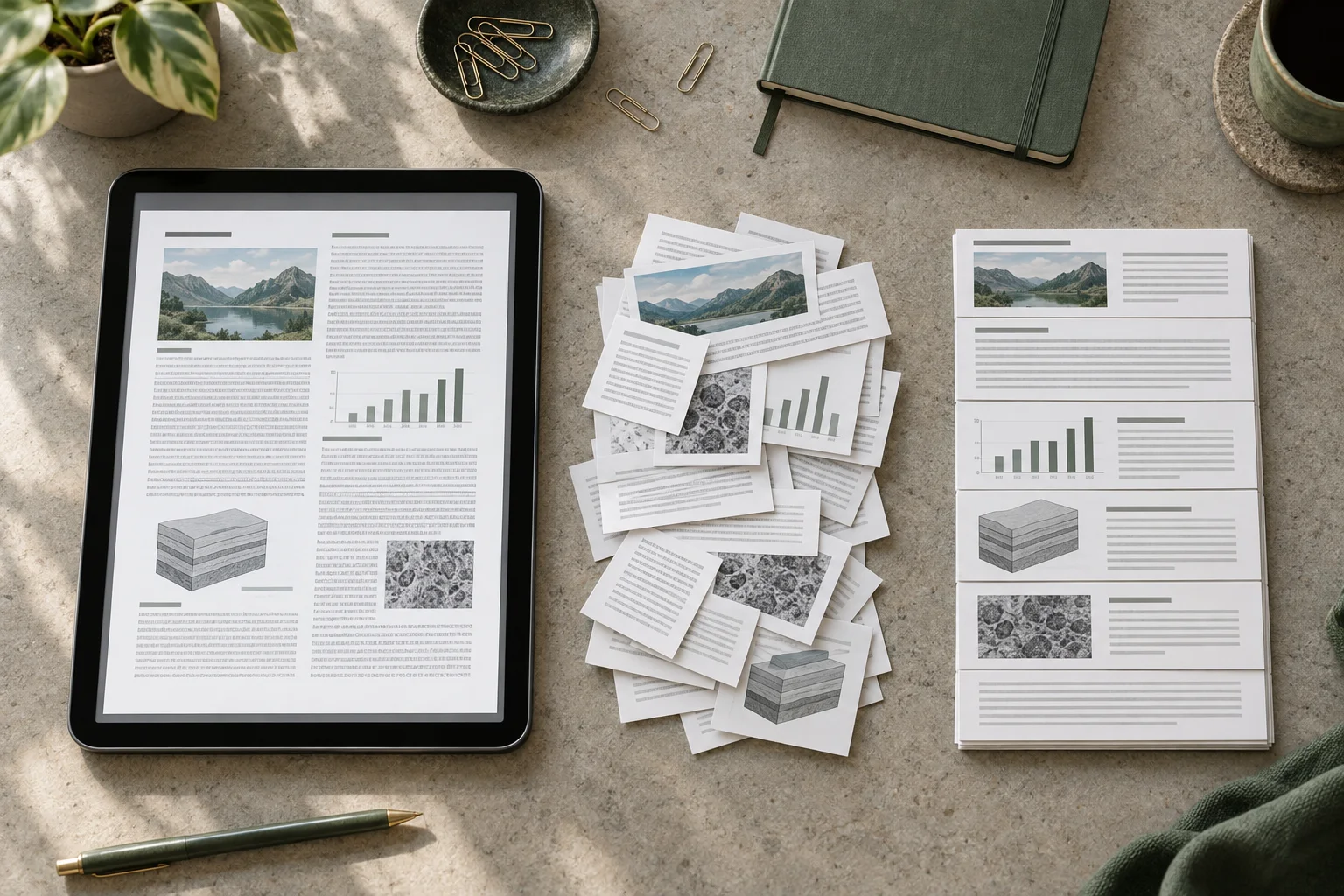
PaddleOCR-VL 1.6 is a parser that reads text and document elements from PDF pages and returns them as Markdown or JSON. Markdown can be reviewed by a person or added to a search index, while JSON can support page- and element-level processing.
For a scanned contract, parse one PDF and compare clause numbers, table rows, and pages with the source. This guide selects the v1.6 pipeline1 released in May 2026; do not mix v1.5 figures into a v1.6 result.
Install and run the first document
This example uses the Linux CPU2 or Apple Silicon CPU path. Put one PDF in the working directory as contract_scan.pdf; --save_path ./output prints structured JSON and saves result files in that output folder.
The official PaddleOCR docs show --device cpu for Apple Silicon. For a Linux CPU environment, install paddlepaddle>=3.2.1 and paddleocr[doc-parser]>=3.6.0. This recipe does not cover a GPU-only install.
python -m venv .venv
source .venv/bin/activate
python -m pip install -U "paddlepaddle>=3.2.1" "paddleocr[doc-parser]>=3.6.0"
# Put your PDF at ./contract_scan.pdf
paddleocr doc_parser -i ./contract_scan.pdf --pipeline_version v1.6 --device cpu --save_path ./output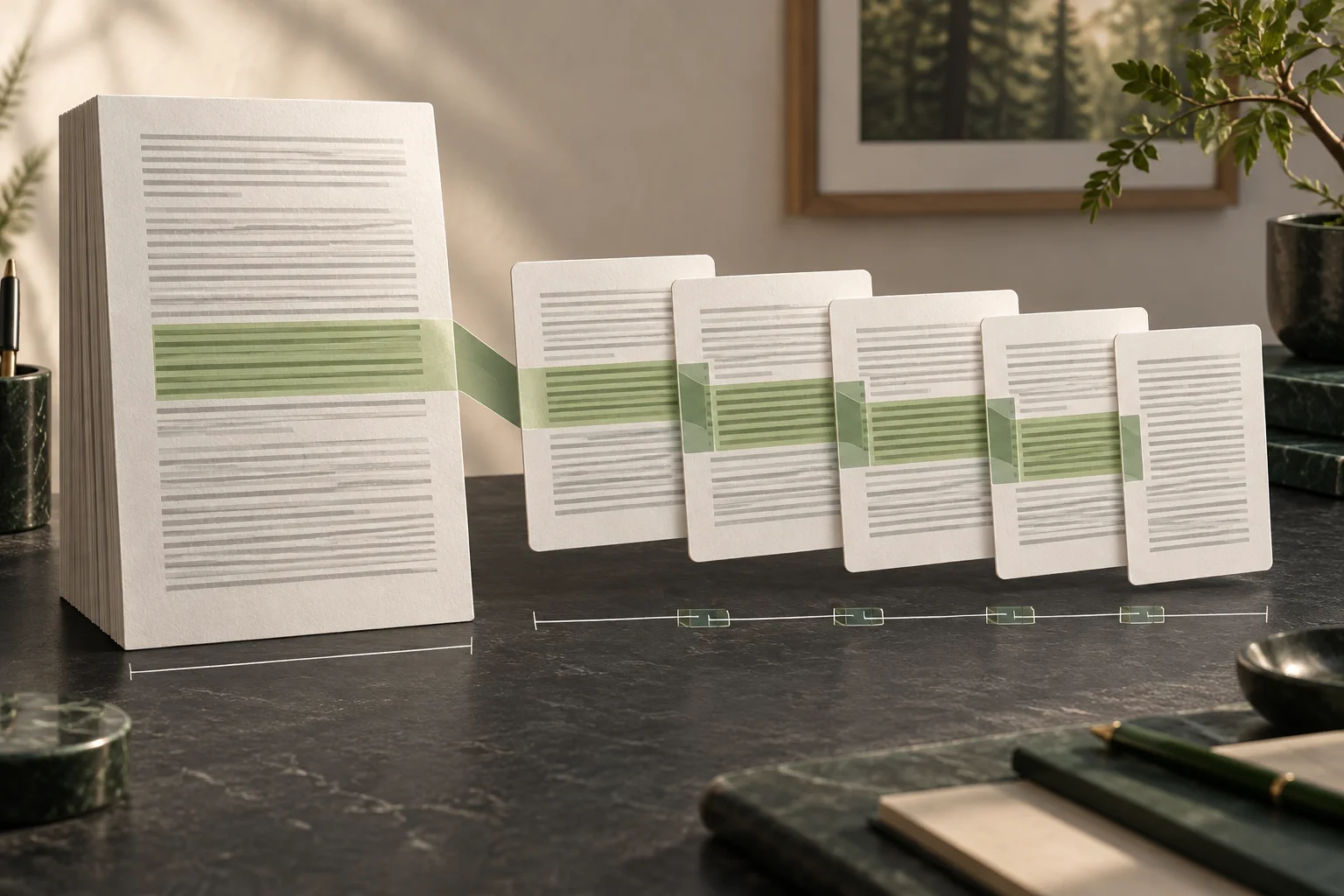
Separate extraction quality from retrieval quality
Sample 20 source pages and review body text, tables, and reading order; note missing characters or merged cells. Then index the extracted text with a fixed chunking rule so parser errors can be separated from embedding errors.
The model card's OmniDocBench v1.6 score belongs to that benchmark setup; it does not guarantee results on your contracts or scans. Compare parse success, human correction time, and JSON/Markdown size on your own sample.

Terminology notes
Pipeline — A sequence of processing stages from input to output. Different models or tools may be used at each stage.
Back to the textCPU — The central processor that runs the operating system and general-purpose instructions; in AI workloads it also handles tasks such as preprocessing and data movement.
Back to the text
Frequently asked questions
- What should you check first in this article?
- PaddleOCR-VL 1.6 reads text and document elements from PDF pages and returns them as Markdown or JSON. You can compare the parsed output with the source before using it for search indexing or further review.
- Where can you check the conditions and sources?
- The model card's OmniDocBench v1.6 score belongs to that benchmark setup; it does not guarantee results on your contracts or scans. Compare parse success, human correction time, and JSON/Markdown size on your own sample.