
Purchases and Costs
Last updated
New RTX 5060 Ti 16GB or used RTX 3090 24GB for local AI?
Check whether your documents and model fit in 16 GB first
A new RTX 5060 Ti 16 GB and a used RTX 3090 24 GB differ in VRAM1, power requirements, warranty, and total PC cost. First check whether your model and context fit in 16 GB, then compare expected waits for the same task alongside power, case, cooling, and used-card condition.
To search and summarize an internal product guide with a local model, the model file and document context must fit in the GPU2's VRAM. The RTX 5060 Ti is sold with 8 GB and 16 GB options; this guide covers the 16 GB version and compares it with the RTX 3090's official 24 GB VRAM specification.
VRAM capacity alone does not decide which card is better. When a workload exceeds 16 GB, some processing may move to system RAM3, and each used 3090 must be checked individually. Compare the workload and actual cost, including power, case, and cooling beyond the card price.
Check whether the model and context fit within 16 GB
Choose the model file and context length4 first, then check available VRAM with your browser and editor open. A 24 GB card is worth considering if longer documents push usage past 16 GB and move some processing to system RAM.
If the model and context fit comfortably within 16 GB, the 3090 is not faster just because it has more VRAM. It also needs memory headroom for other apps and the runtime5.
Starting the model is not enough. Check whether it can read the guide and finish the summary, and whether shortening context omits important clauses. If a smaller quantized file is needed to fit, also verify that answer quality remains adequate for the task.
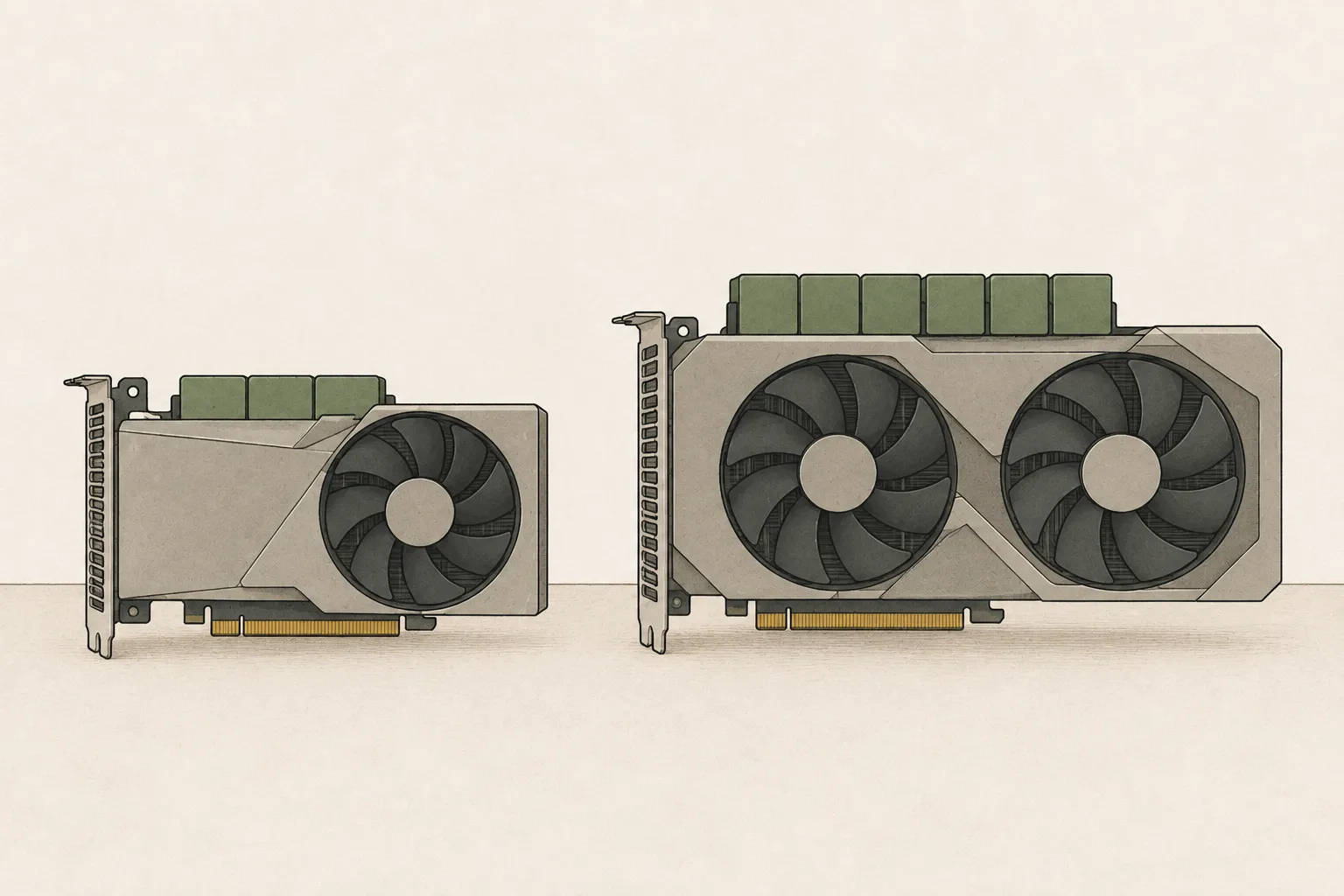
Fix the workload before comparing speed
First compare the same model and guide input when both cards have sufficient headroom. Then examine separately the case where the workload exceeds 16 GB and some processing moves to system RAM. That result can reflect VRAM capacity and execution path as well as GPU generation.
For a comparison, use the same model and input length, and record each card's recommended quantization6 and acceleration settings. Time to the first answer after a long guide also includes input processing.
Generation speed measures the stage that produces text after input processing. If the recommended settings differ by card, note that difference alongside the results.
The comparison shows expected waiting time with settings suited to each device and model. After narrowing down candidates, inspect the actual configuration and card condition. Used 3090 cards in particular vary in cooling condition, warranty, and return terms.
Add required PC component costs to the card price
NVIDIA reference specifications list 180W graphics power and a recommended 600W system supply for RTX 5060 Ti, versus 350W and 750W for RTX 3090. Check the vendor card’s dimensions and connectors against your PC’s supply and cables. Calculate electricity costs separately using whole-system measured power and operating time.
If the existing power supply and case work, add only shipping and installation to the card price. Add replacement parts only when needed. For heat or noise during long runs, try a power limit with the standard supply, cable and cooling requirements satisfied, and compare the slowdown on the same work.
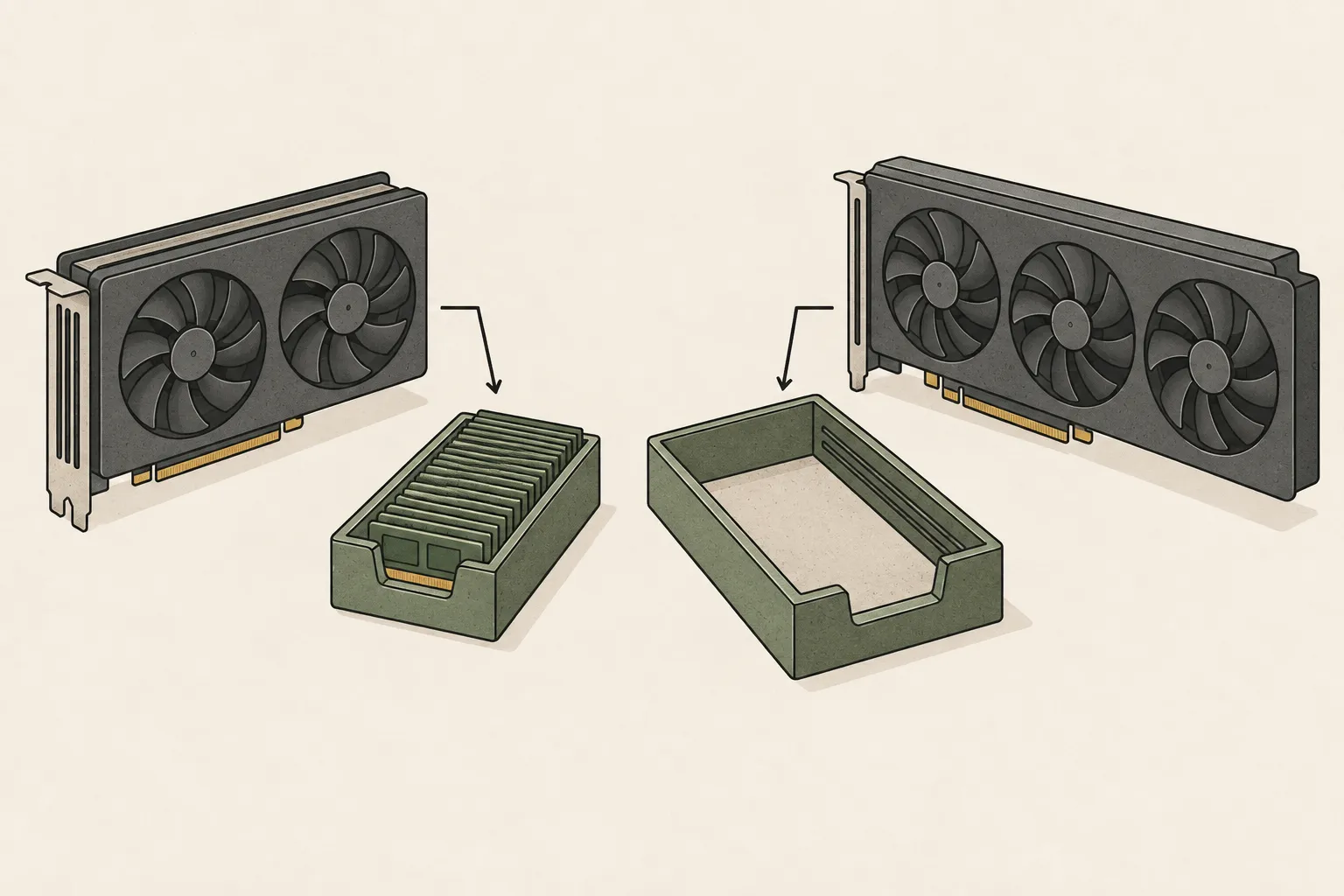
Check the individual used 3090 and its return terms
A seller's “working normally” statement does not confirm the card can sustain a long guide-processing workload. Check the manufacturer and exact model to verify length, thickness, and power connectors. Cards in the same 3090 family can differ in dimensions and connections and may not fit the case.
If possible, request a video or test opportunity to check temperature, fan noise, and output errors under load. Also check repair history, warranty transfer, and the seller's and platform's return periods.
For an in-person sale, arrange an installation test on site; for shipping, decide what to test on arrival and keep the return terms in writing. Factor limited testing or return options into the price decision.
A new 16 GB card and a used 24 GB card fit different needs
The 5060 Ti 16 GB can fit if the model and input leave headroom in 16 GB of VRAM and your image-generation work repeats at medium resolution. It is also an option if you want a new-card warranty and returns without changing your PC's power supply or case.
Check the product listing for the 16 GB model; an 8 GB version is also sold. Card dimensions, power connectors, and warranty terms vary by manufacturer.
Consider the 3090’s 24GB if your model exceeds 16GB and smaller quantization does not deliver useful answers. Choose the model file and context first, and measure full response completion when RAM offloading7 is involved. Large models such as 70B can involve long waits depending on format and placement, so compare speed with your usual questions.
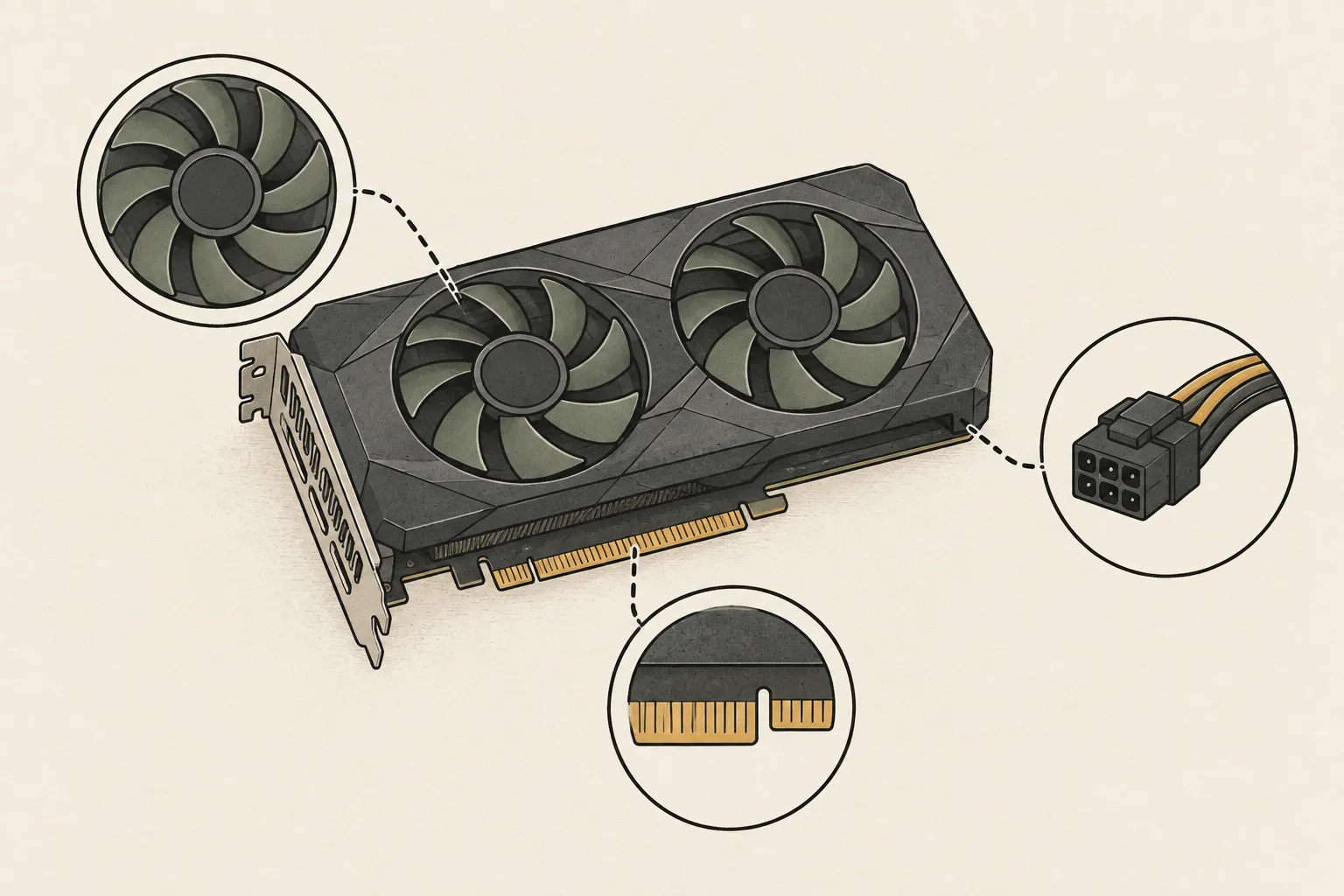
Decide using the same question and total cost
Test both cards with the same guide and prompts8, and record the model file, quantization, and context length. Compare time to the first answer, which includes input processing, separately from generation speed.
Compare the purchase price of a new 5060 Ti 16 GB with the used 3090's total cost, including parts, shipping, and installation. Results can also depend on the used card's condition.
If the guide completes within 16 GB and the new-card cost and warranty make sense, there is a case for the 5060 Ti. If the required model and context are blocked, smaller files do not meet quality needs, and you find a 3090 whose condition can be verified, consider its 24 GB. Before paying, check VRAM, manufacturer and model, case and PSU fit, and return terms.
| Aspect | RTX 5060 Ti 16GB | RTX 3090 24GB |
|---|---|---|
| Card condition | New-product warranty and returns | Listing-specific condition, warranty and returns |
| Extra cost for your PC | Add only parts actually replaced | Add only parts actually replaced |
| Workload test | Complete the document and follow-up in 16GB | Complete the same model and context in 24GB |
Terminology notes
VRAM — Memory used by a graphics card’s GPU to store model weights and intermediate values.
Back to the textGPU — A processor designed to handle many calculations in parallel. It performs model computations during AI inference.
Back to the textSystem RAM — System memory that temporarily holds data while programs run.
Back to the textContext window — The token span of input and generated content a model can handle in one request. The supported limit and memory use depend on the model and runtime settings.
Back to the textRuntime — The software environment that provides facilities needed while a program runs. In local AI, it can also refer to a model execution engine.
Back to the textQuantization — A way to represent model weights or values with fewer bits, reducing storage and memory use. The coarser representation can also affect accuracy.
Back to the textOffloading — Moving some model data from GPU memory to system RAM or storage when capacity is limited. This adds data transfer.
Back to the textPrompt — The input text sent to a model. For generative models it describes the desired result and strongly shapes the output.
Back to the text
Frequently asked questions
- What should you check first in this article?
- A new RTX 5060 Ti 16 GB and a used RTX 3090 24 GB differ in VRAM, power requirements, warranty, and total PC cost. First check whether your model and context fit in 16 GB, then compare expected waits for the same task alongside power, case, cooling, and used-card condition.
- How much memory does it need?
- Choose the model file and context length first, then check available VRAM with your browser and editor open. A 24 GB card is worth considering if longer documents push usage past 16 GB and move some processing to system RAM.